Online Exclusive: This product ships directly to your address. In-store pickup at our repair facilities is not available.
Product Specifications
General
SKU
A2779-KJG051
Part Number (s)
821-03188-A, 821-03188-04, 821-03188
Brand
Apple
Year
2023
Additional Details
Compatibility
MacBook Pro 14" A2779 2023
Whats in the box
Battery Board Flex Cable
Additional Features
EMC: 8102
Description
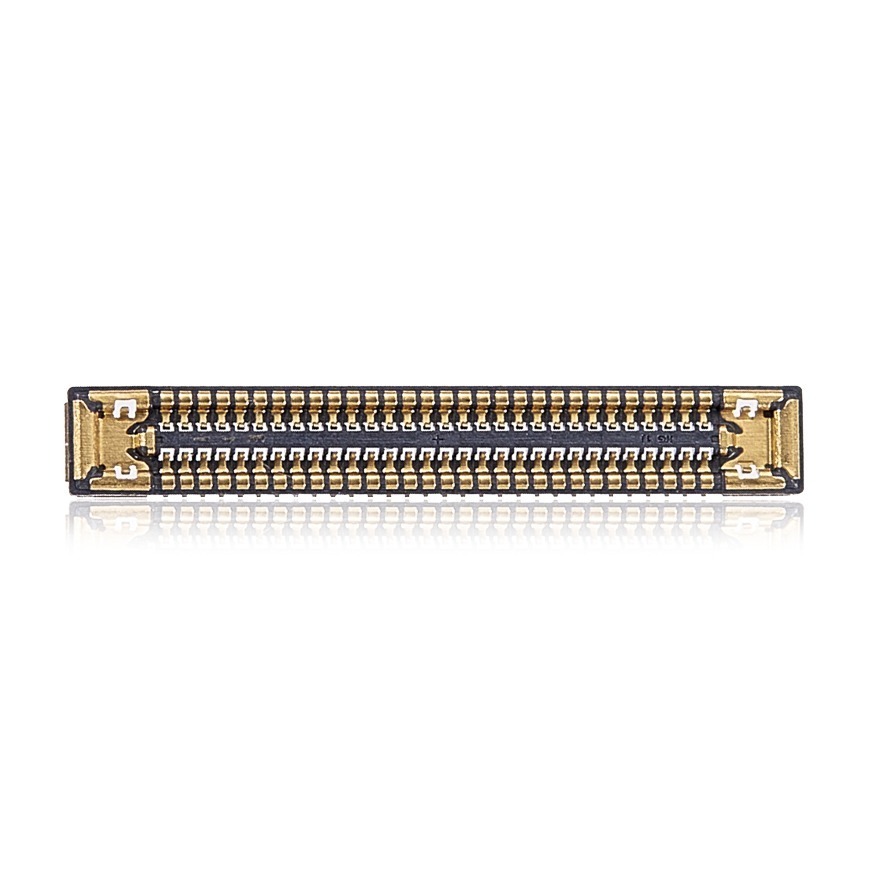
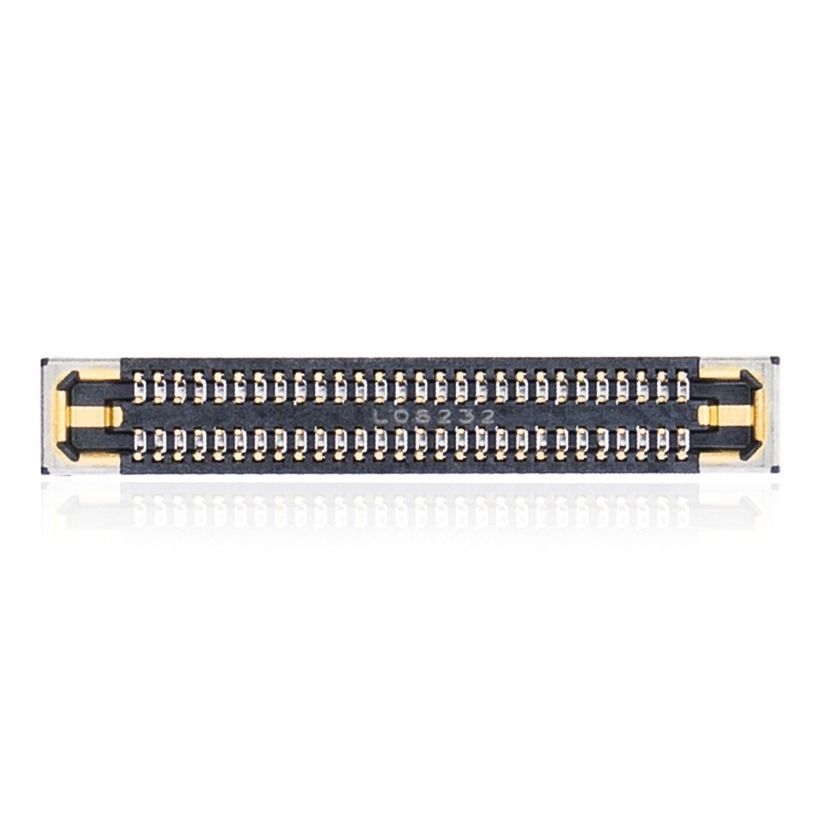
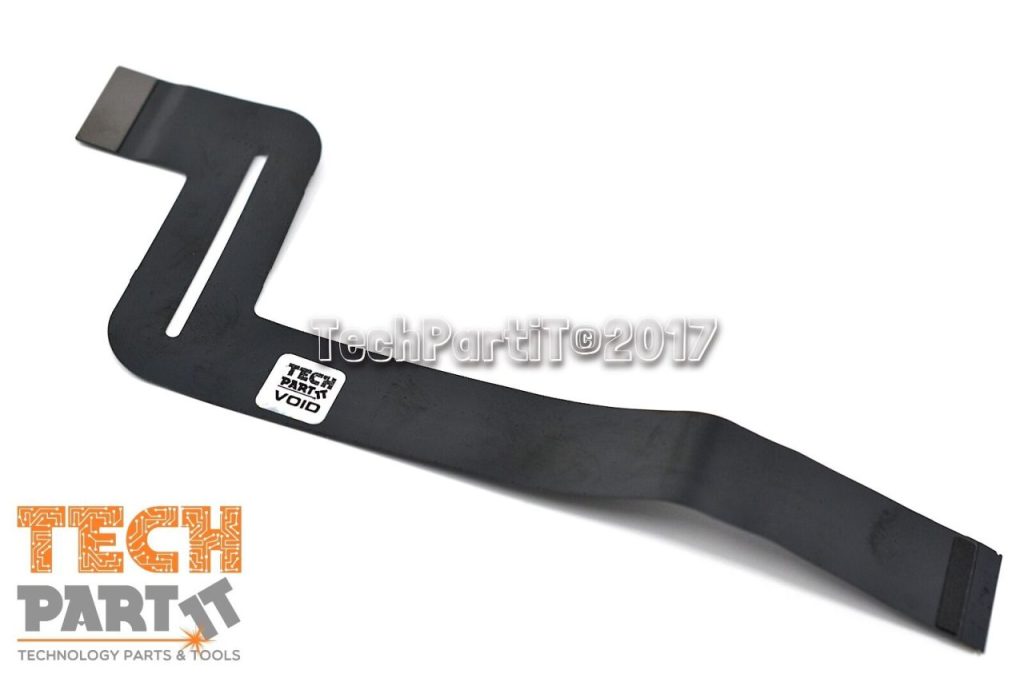
A2779 Battery Board to Logic Board Flex Cable for 2023 Apple MacBook Pro 14”
CONDITION:
Used OEM, 100% Fully Functional Original Apple Flex Cable.
Tested using the latest industry-standard hardware diagnostic methods.
Professionally Removed From an Actual MacBook Unit.
ABOUT:
The A2779 Battery Board to Logic Board Flex Cable links the battery board to the logic board. It’s essential for power transfer. This cable ensures efficient energy flow. It maintains the MacBook’s battery performance. Vital for device reliability and longevity. Specifically designed for the 2023 Apple MacBook Pro 14”.
TUTORIAL:
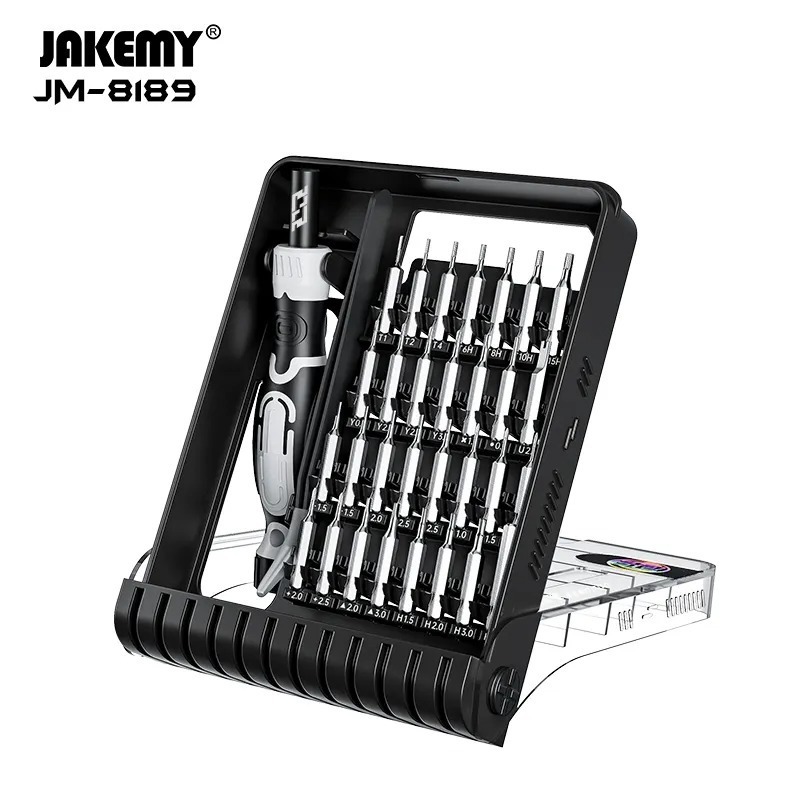
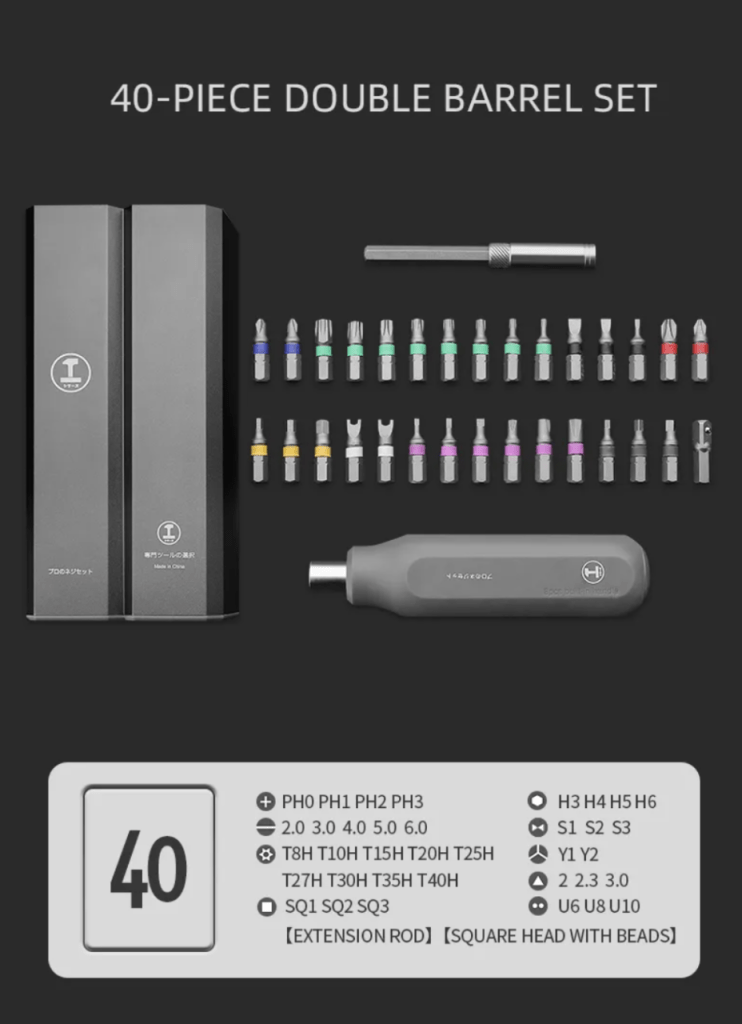
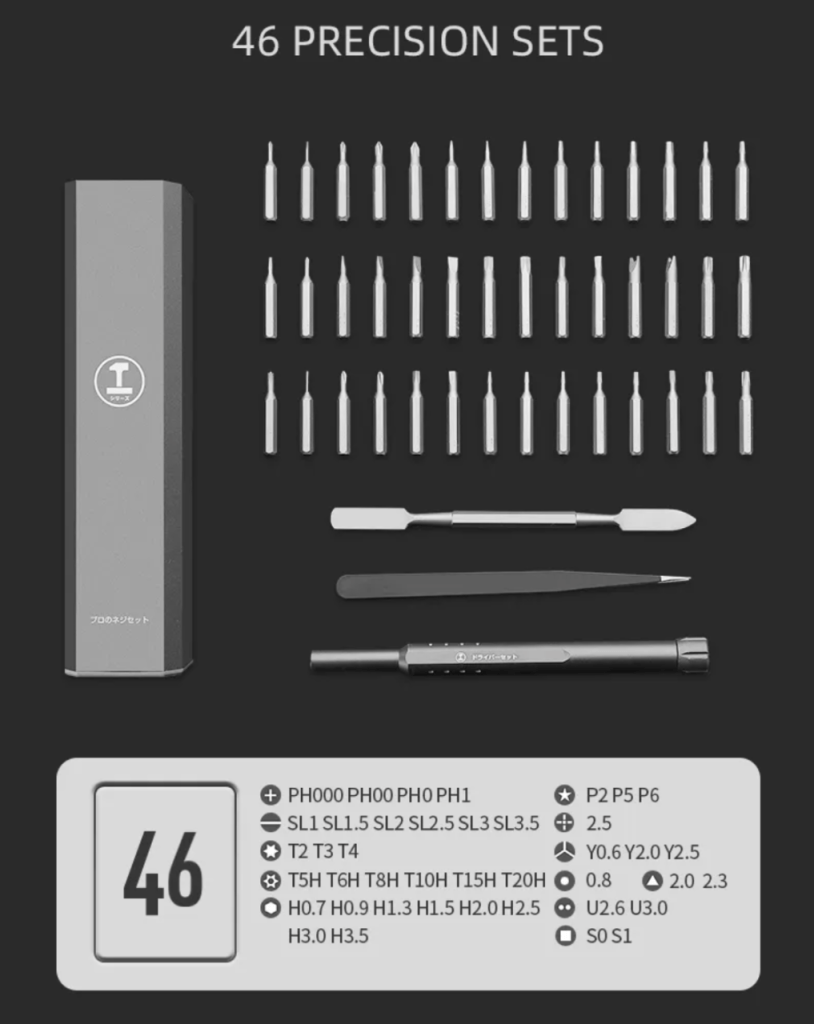
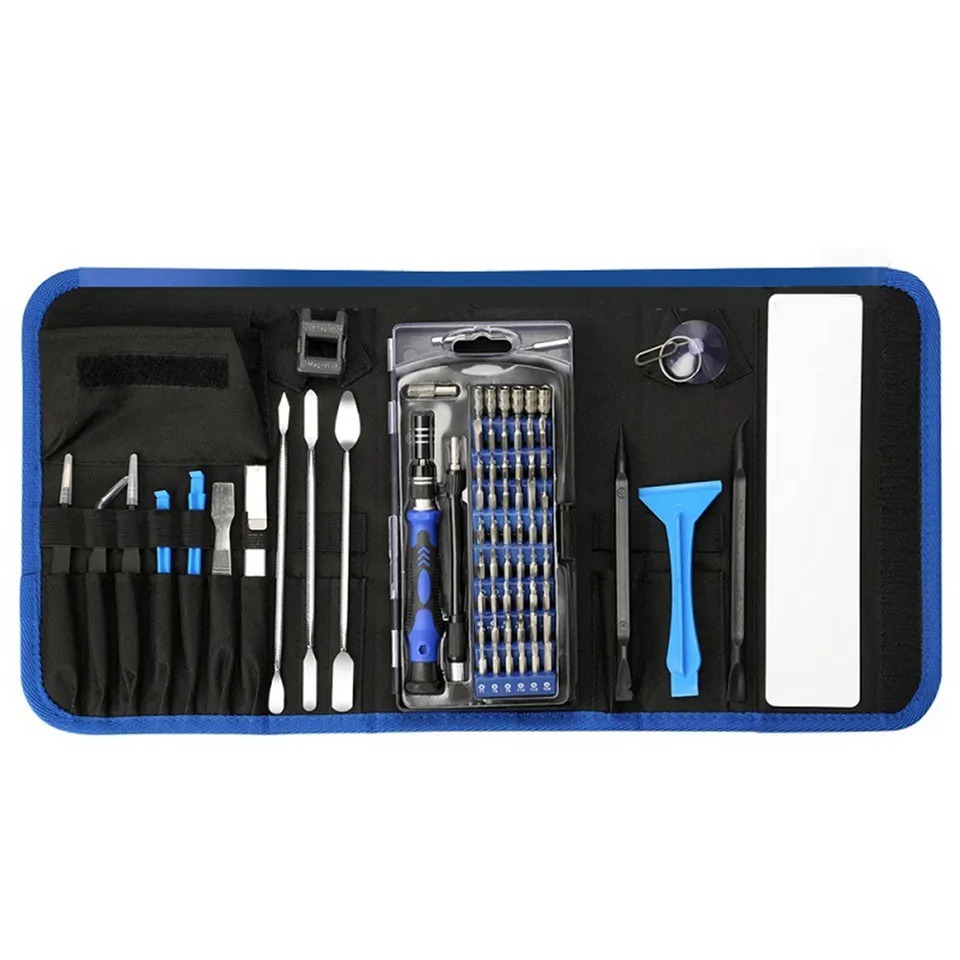
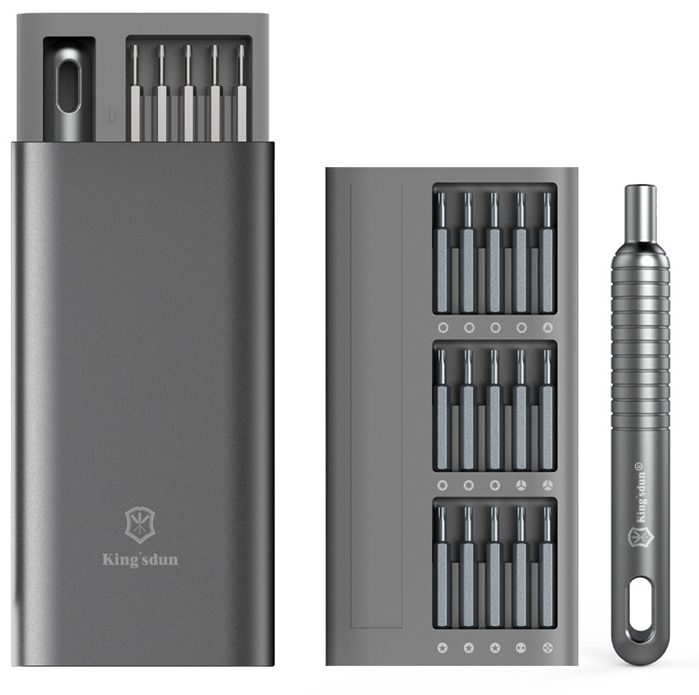
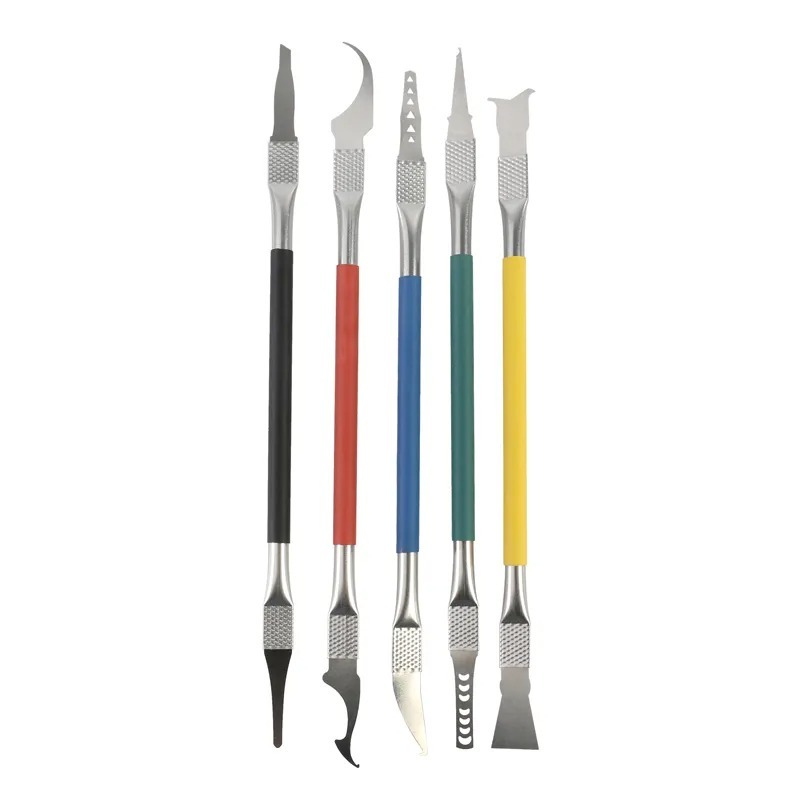
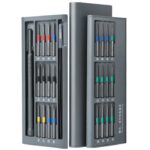
Required Tools For 2023 Apple M2 14″ MacBook Pro, A2779 Family Repairs:
Note: Before you begin, make sure to drain your laptop battery completely by keeping it on until it dies. Then, unplug your power adapter and disconnect the battery before performing any repair, and always wear safety glasses & anti-static nitrile gloves.
Pentalobe screwdriver (P5): The bottom case uses a proprietary type of screw called a Pentalobe screw. This type of speciality screwdriver is required to remove the bottom case and begin the repair.
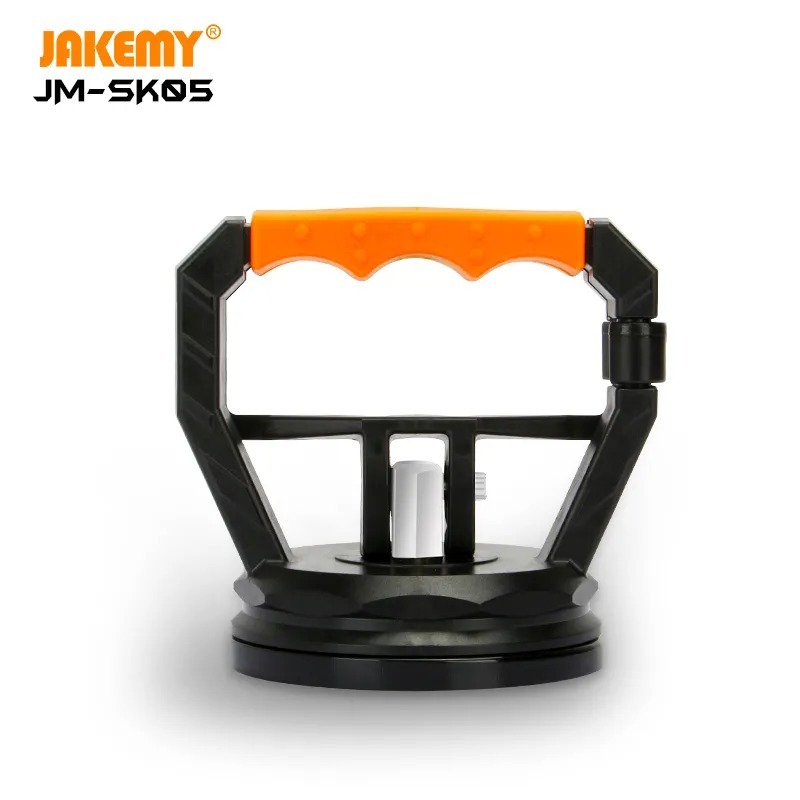
Suction cups: After removing all 8 of the P5 screws, to aid in the removal of the bottom case, use a suction cup to grip and pull the casing
Torx screwdriver (T8): A T8 Torx screwdriver is also needed to remove the screws that hold the LCD Hinges in place. This is needed to remove and replace the LCD assembly on the A2779.
Pentalobe screwdriver (1PL): A 1PL screwdriver to remove the very small screws that hold the Wi-Fi Module (Note: to remove and replace the screen, the Wi-Fi Module must be removed first).
Spudger: A spudger is a tool that helps you pry apart parts of the MacBook Pro without damaging them. You’ll need a spudger to disconnect the various cables and connectors inside the 14″ MacBook Pro A2779.
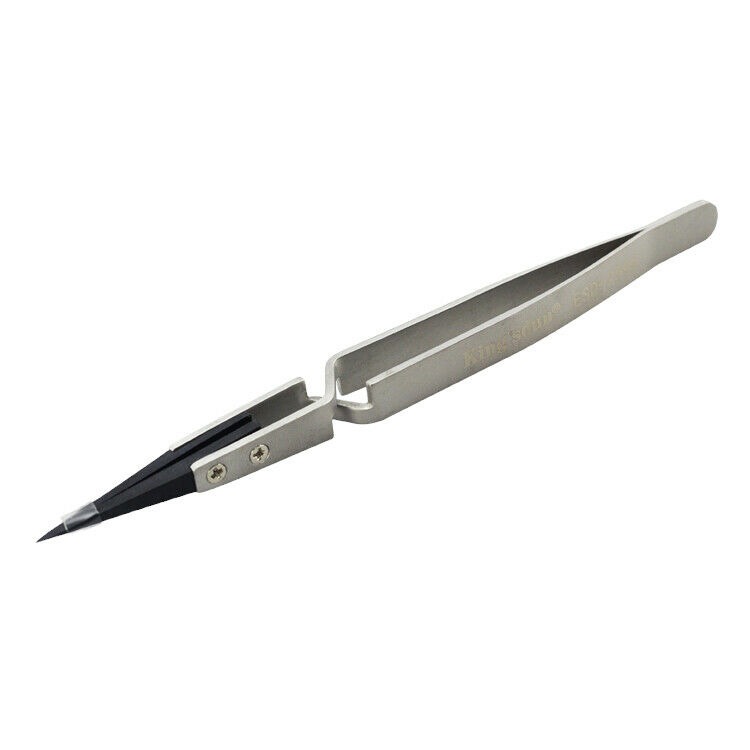
Tweezers: Some of the connectors inside the MacBook Pro are very small; you’ll need a pair of tweezers to disconnect and reconnect them.
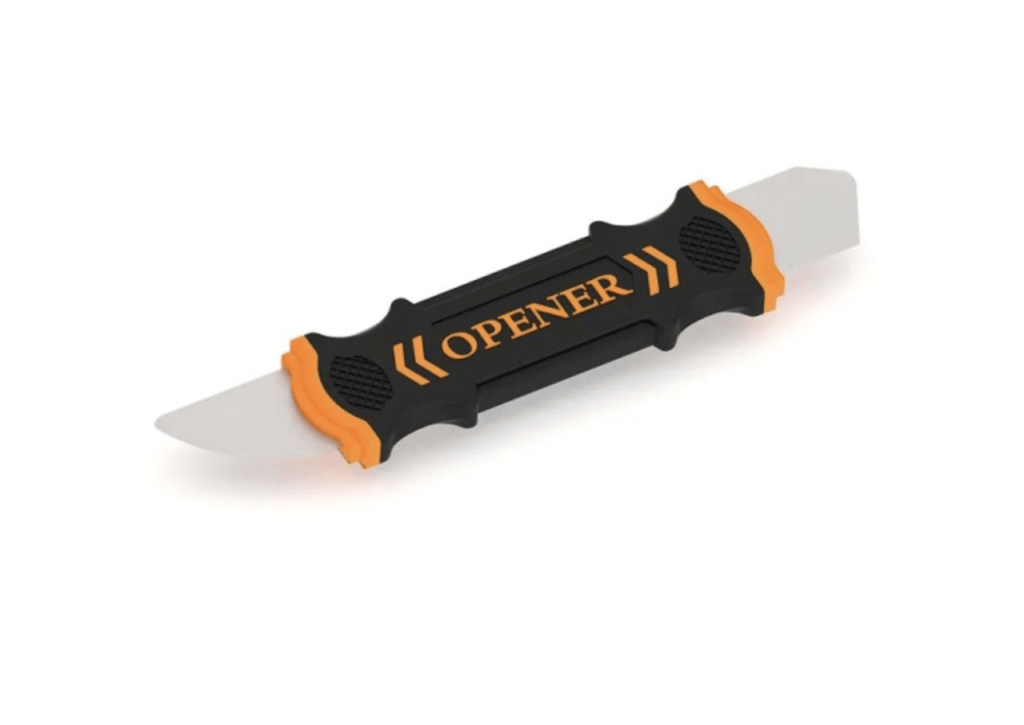
Flat Wide Pry Tool: A special wide flexible pry tool for the removal of the battery for replacement and separating the adhesive from the chassis.
TEKDEP offers top-notch data recovery to retrieve your valuable information. To Learn more about our comprehensive Data Recovery Solution.
Questions?
Contact us at Call Us (818) 456-4479, email [email protected], utilize our Live Chat feature.
Get Your repair by professional, Fast & Secure Without leaving home
Fill out the form to get started! 👉
Official TEKDEP Tutorials
Subscribe for expert tutorials, pro tech tips, and teardowns.