










🔥 Get our lowest price on the MacBook Pro 16-inch. | Shop Now

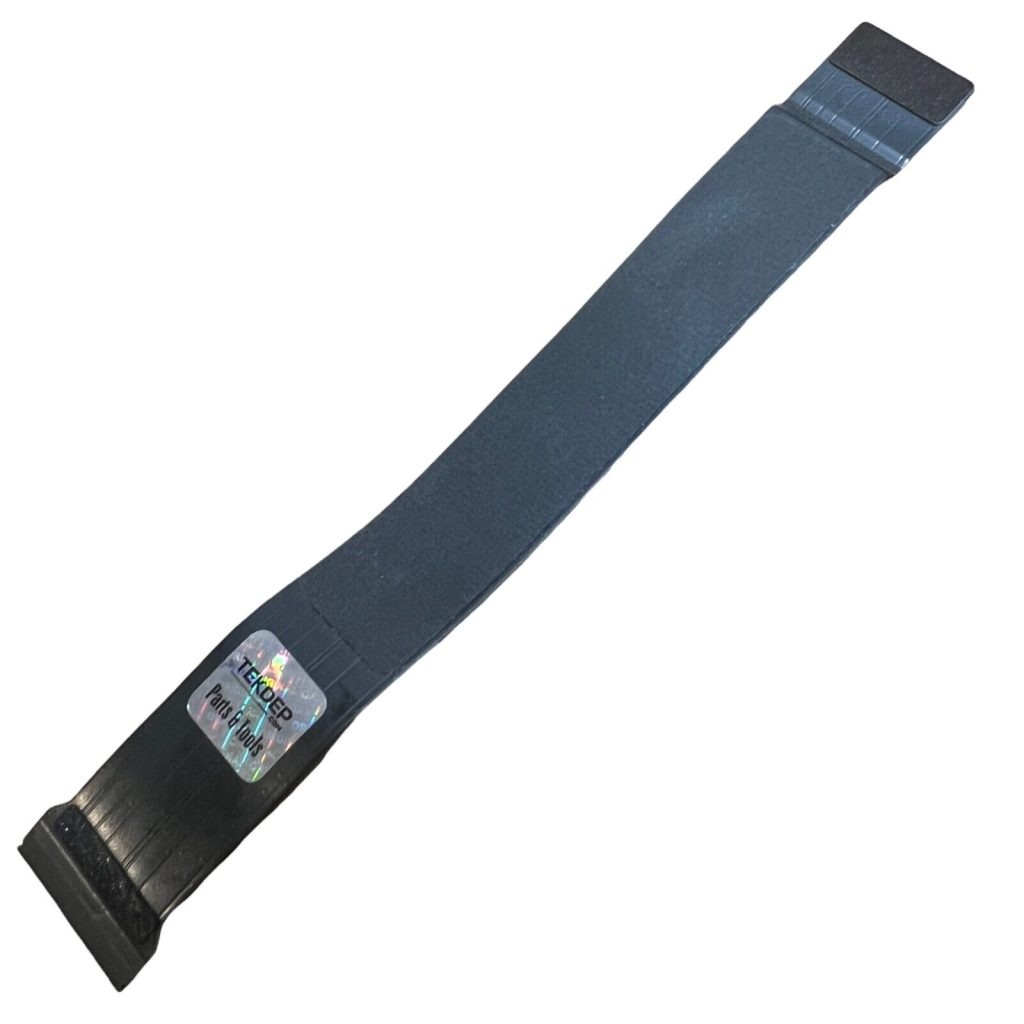
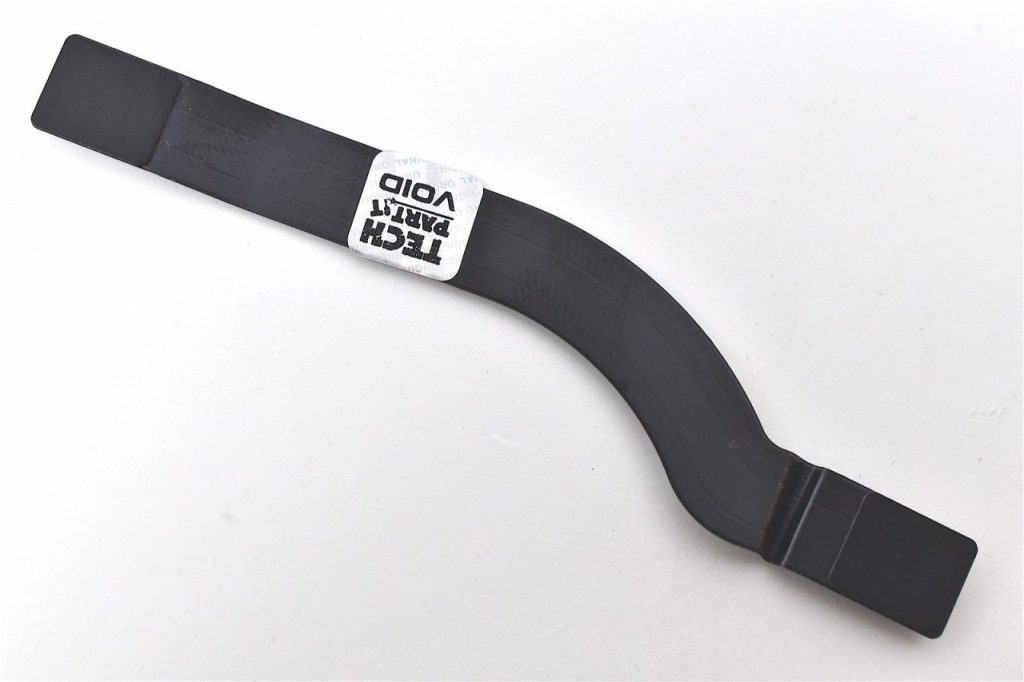
A2779 Trackpad Flex Cable 821-03214-A for 2023 Apple MacBook Pro 14” M2 Pro / Max

$35.00

This replacement Trackpad Flex Cable for the A2779 MacBook Pro model is perfect for restoring a damaged or broken Flex Cable to its original condition.
SKU: A2779-JGK950
Brand:
Primary Category: 2023 MacBook Pro A2779

Shipping: 5 - 9 days

TEKDEP Guaranteed Safe Checkout

Free USA Shipping & Worldwide Delivery

Online Exclusive: This product ships directly to your address. In-store pickup at our repair facilities is not available.

Product Specifications

General

SKU
A2779-JGK950
Part Number (s)
821-03214-A
Brand
Apple
Year
2023

Additional Details

Compatibility
MacBook Pro 14" 2023
Model: A2779
NOTE: Please verify your device's model number to ensure that this part is compatible.
Whats in the box
TrackPad Flex Cable
Additional Features
EMC: 8102
Description

A2779 Trackpad Flex Cable 821-03214-A for 2023 Apple MacBook Pro 14” M2 Pro / Max


CONDITION: 

  • Original Used- Previously used OEM parts verified for full functionality through quality control processes. Each Original Used part is carefully inspected to ensure it remains in very good physical and functional condition, providing authentic performance at an affordable option for practical repairs

ABOUT:

The A2779 Trackpad Flex Cable 821-03214-A is for the 2021 MacBook Pro 14″ M2 Pro/Max. It links the trackpad to the logic board. This ensures accurate input and cursor control. Essential for trackpad responsiveness, it supports efficient navigation.

TUTORIAL:


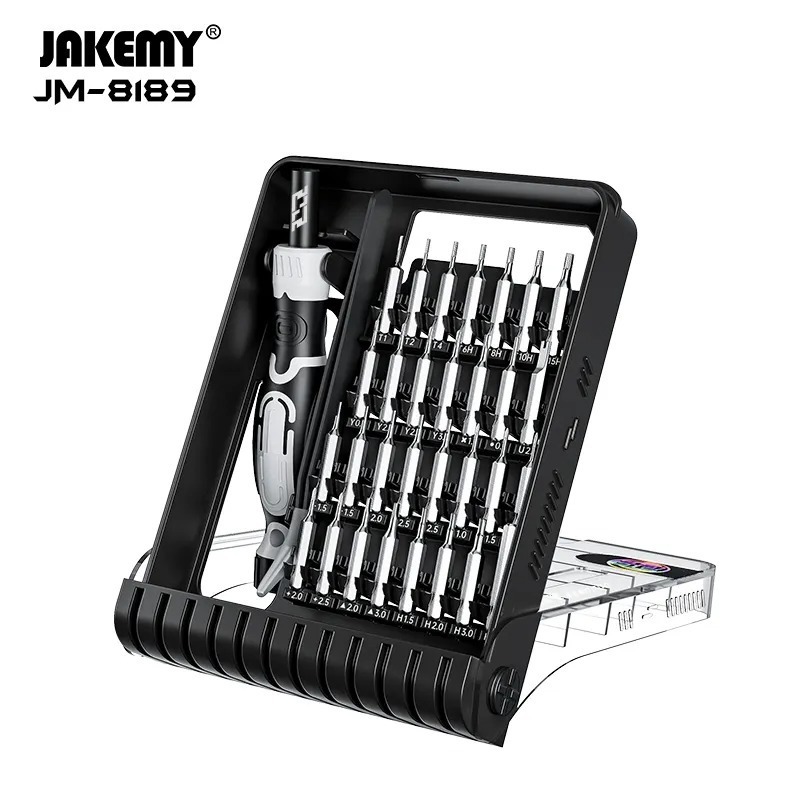
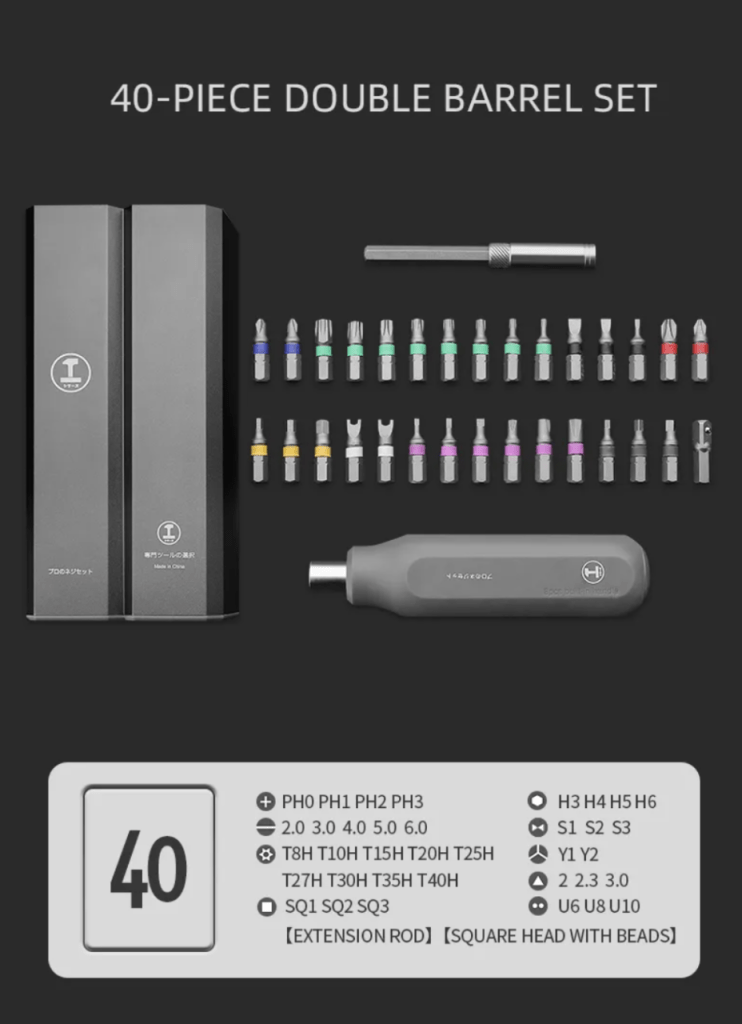
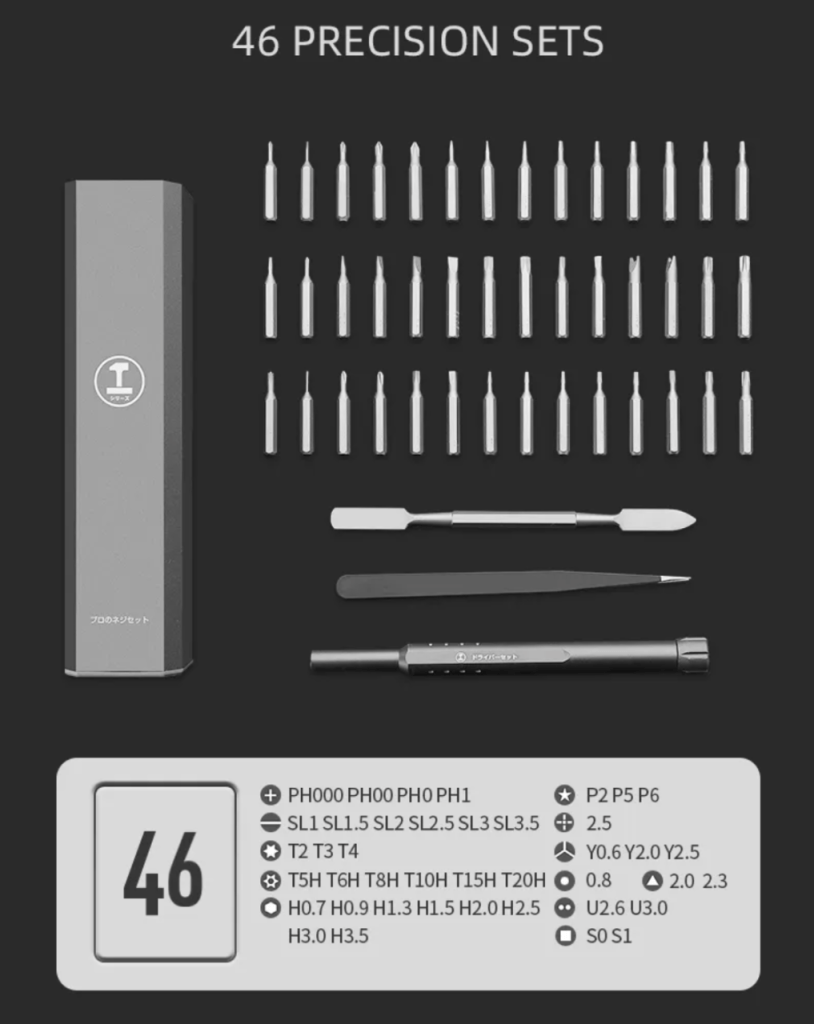
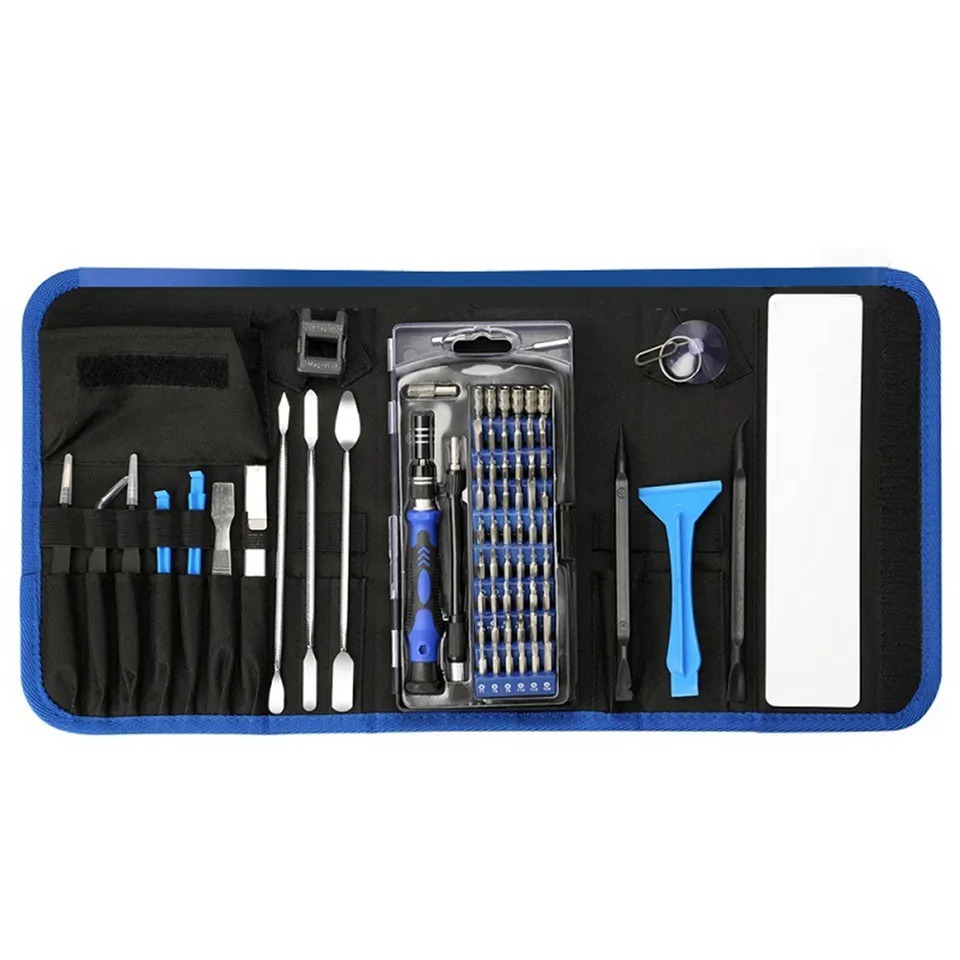
Required Tools For 2023 Apple M2 14″ MacBook Pro, A2779 Family Repairs:

Note: Before you begin, make sure to drain you laptop battery completely by keeping it on until it dies. Then, unplug your power adapter, and disconnect the battery before performing any repair and always wear safety glasses & anti-static nitrile gloves.

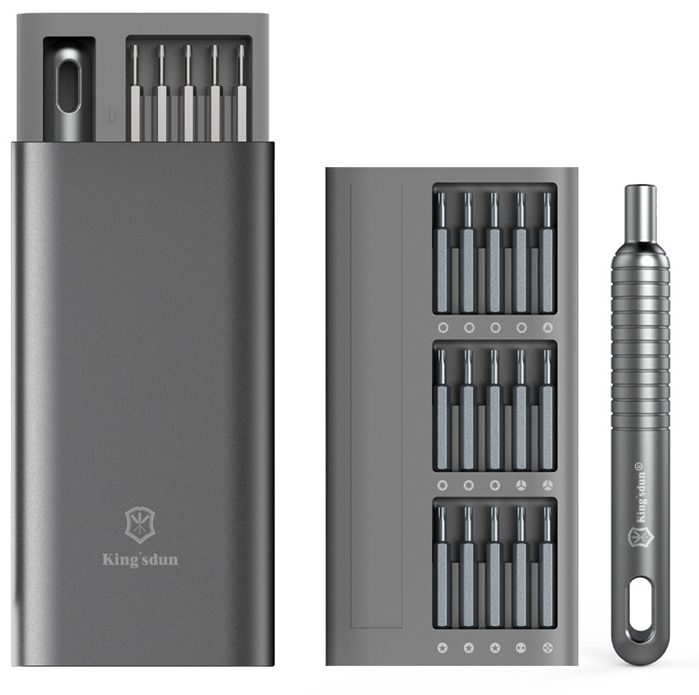
  1. Pentalobe screwdriver (P5): The bottom case uses a proprietary type of screw called a Pentalobe screw. This type of speciality screwdriver is required in removing the bottom case and begin the repair.
  2. Suction cups: After removing all 8 of P5 screws, to aide in the removal of the bottom case use a suction cup to grip and pull the casing
  3. Torx screwdriver (T3, T4, T5): Speciality Torx bits are needed to remove the screws that hold the MacBook components such as the USB-C board, fans, MagSafe board, LCD cable brackets, audio board, trackpad, Logic Board, and more.
  4. Torx screwdriver (T8):  A T8 Torx screwdriver is also needed to remove the screws that hold the LCD Hinges in place, this is needed to remove and replace the LCD assembly on the A2779.
  5. Pentalobe screwdriver (1PL):  1PL screwdriver to remove the very small screws that hold the Wi-Fi Module (Note: to remove and replace the screen the Wi-Fi Module must be removed first).
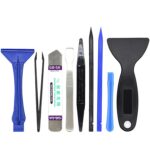
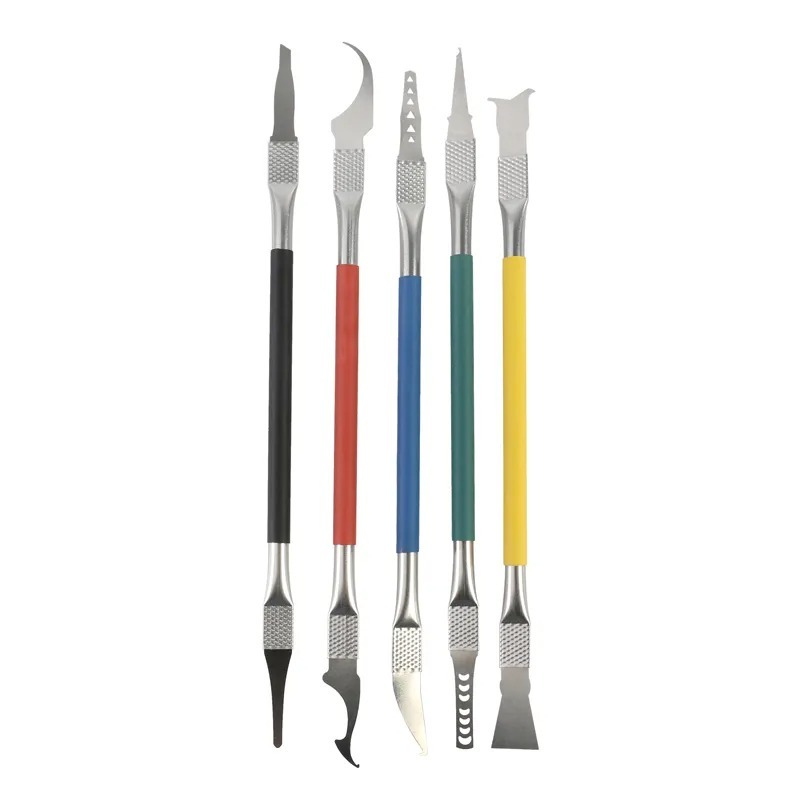
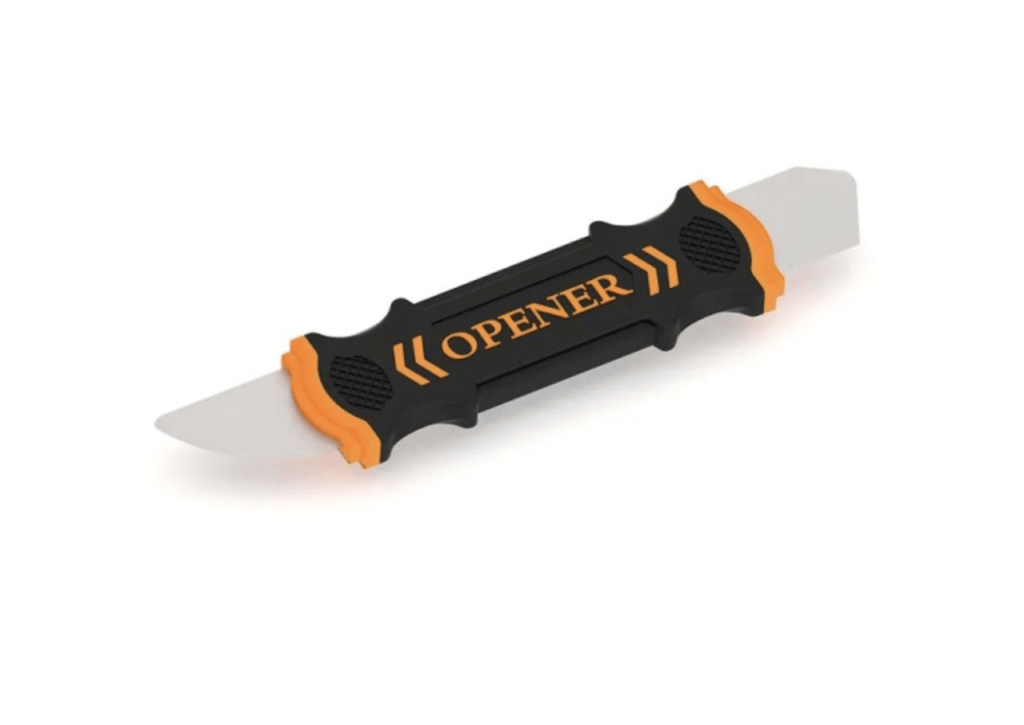
  6. Spudger: A spudger is a tool that helps you pry apart parts of the MacBook Pro without damaging them, you’ll need a spudger to disconnect the various cables and connectors inside the 14″ MacBook Pro A2779.
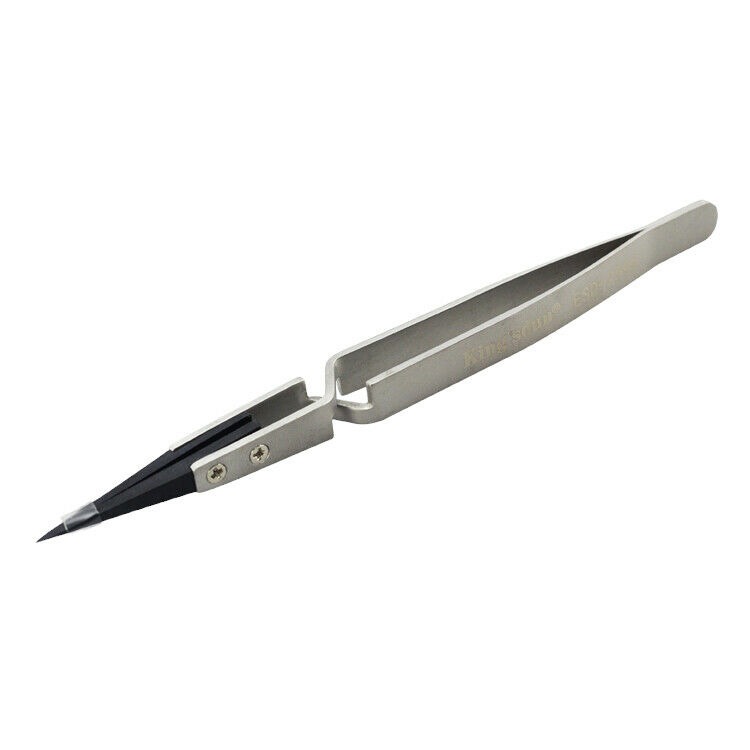
  7. Tweezers: Some of the connectors inside the MacBook Pro are very small, you’ll need a pair of tweezers to disconnect and reconnect them.
  8. Flat Wide Pry Tool: A special wide flexible pry tool for the removal of the battery for replacement to separate the adhesive from the chassis.

Our Best 16" MacBook Price Ever

We’ve dropped prices on the MacBook Pro 2019.
Pro-level performance is now more affordable than ever.

recently viewed

Related Products

Mail-in Repair & Services

Need Help with Installation?

Worldwide, our ValetTek Mail-In Repair Service offers a smooth and efficient repair experience.

Lost Data?

TEKDEP offers top-notch data recovery to retrieve your valuable information. To Learn more about our comprehensive Data Recovery Solution.

Questions?

Contact us at Call Us (818) 456-4479, email support@tekdep.com, utilize our Live Chat feature.
Get Your repair by professional, Fast & Secure Without leaving home
Fill out the form to get started! 👉

Official TEKDEP Tutorials

Subscribe for expert tutorials, pro tech tips, and teardowns.

Configure Specs