












Dead MacBook? Board-level repair & secure data recovery Worldwide mail-in
Categories
Macbooks
Categories
Categories
NO DATA, NO CHARGE Data Recovery Service

Your data is not lost — it’s waiting to be rescued. Free evaluation, worldwide mail-in.

Start — Data Recovery Service In Los Angeles? Free drop-off evaluation at our Canoga Park lab
SALE

NE160QDM-NZ2 Inner LCD Screen Replacement 16-Inch (40 Pins)

Original price was: $140.00.Current price is: $128.88.

Swap out a shattered display panel to bring back clean, bright visuals for daily tasks. This (NE160QDM-NZ2) 16-Inch LCD screen replacement fully resolves annoying screen faults like deep surface cracks, dead pixels, and glitchy lines to restore standard computer use.
SKU: NE160QDMNZ2-LCD
Primary Category: Laptop Display Modules

Shipping: 5 - 9 days

TEKDEP Guaranteed Safe Checkout

Free USA Shipping & Worldwide Delivery

Online Exclusive: This product ships directly to your address. In-store pickup at our repair facilities is not available.

Product Specifications

General

SKU
NE160QDMNZ2-LCD
Part Number (s)
NE160QDM-NZ2
Brand
Universal
Year
2022
Color
Black
Material
Combination of Materials

Display

Touch Display
No
Screen Size
16"
Type of Display
IPS
Display Resolution
2560 x 1600 QHD+
Aspect Ratio
16:10
Refresh Rate
240 Hz

Additional Details

Compatibility
  • Lenovo Legion Pro 5 16 / Legion Pro 7 16 / Legion Slim 7 16 Series

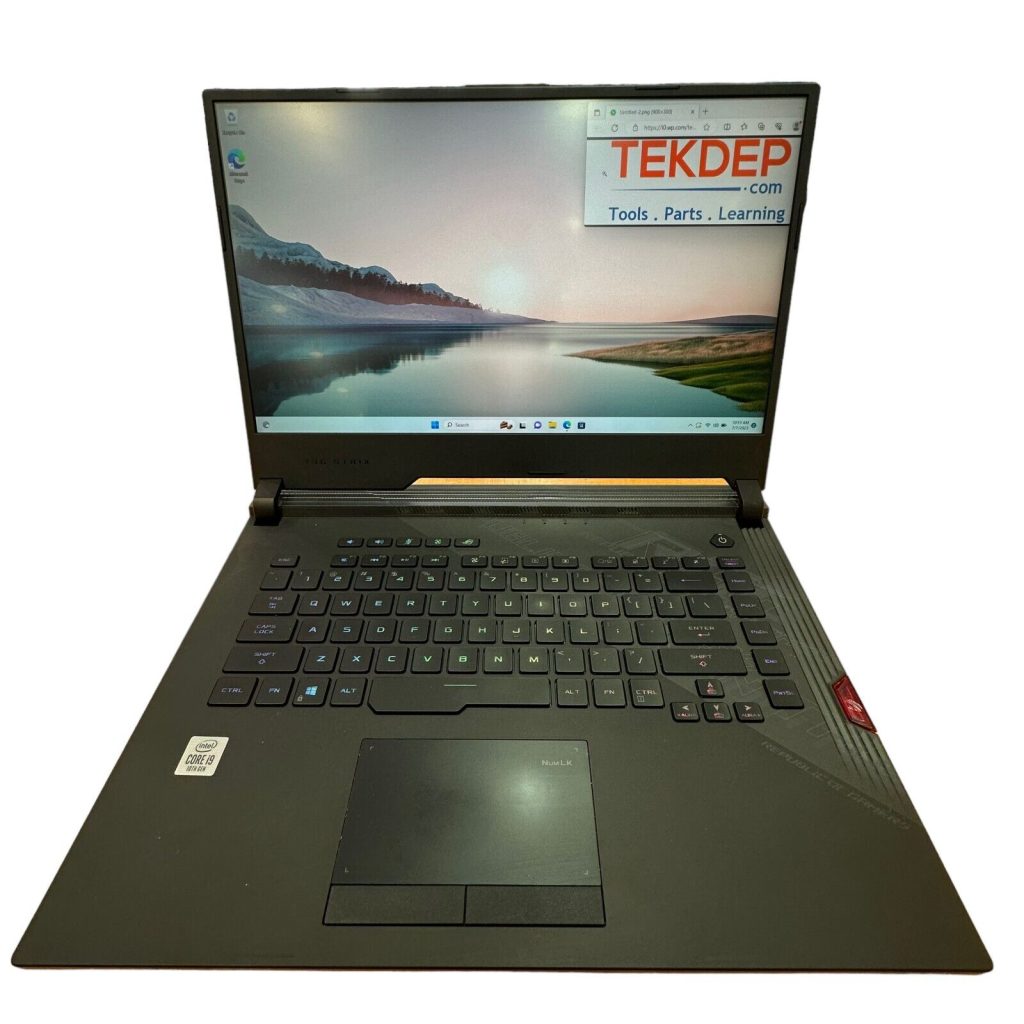
  • ASUS ROG Strix G16 G614 / ROG Zephyrus M16 Series

  • HP OMEN 16 Series

  • Acer Predator Helios 16 PH16 Series

  • Alienware m16 R1 / Dell Gaming 16 Series

  • Cross-Compatible Panel Models: NE160QDM-NZ1, NE160QDM-NZ3, NE160QDM-NZ5, N160GME-GTB, B160QAN02.2, B160QAN02.3, TL160ADMP03

NOTE: Please verify your device's model number to ensure that this part is compatible.
Whats in the box
Inner LCD Screen

Description

The internal laptop display provides all visual output for daily internet browsing and video watching. But when the glass breaks or shows missing picture areas, the computer becomes completely impossible to use. Installing this NE160QDM-NZ2 LCD screen 14″ replacement immediately fixes these annoying visual failures. This straightforward hardware unit fully restores a bright, highly reliable picture and successfully brings the laptop back to working order.

Key Benefits:

  • Shows all visual computer information for daily internet browsing and reading tasks.
  • Directly connects to the laptop board using a simple 40-pin ribbon cable.
  • Completely fixes broken exterior glass, deep webbed cracks, and shattered display surfaces.
  • Resolves irritating black patches, dead screen pixels, and glitching horizontal colored lines.
  • Recovers a clear 16-inch picture so the computer is usable again without an external monitor.

INSIDE OUR BUSINESS:

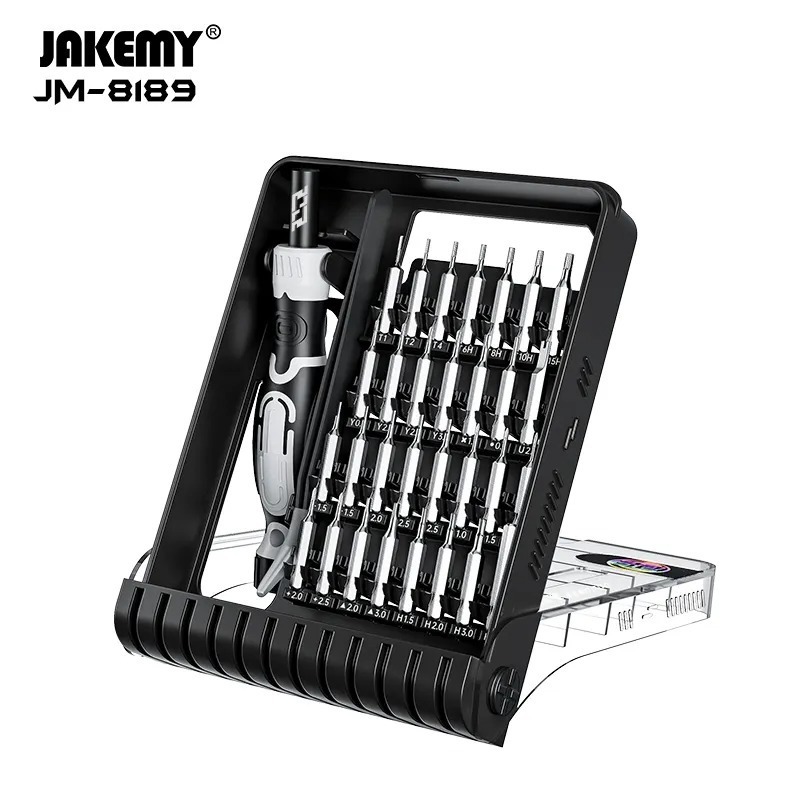
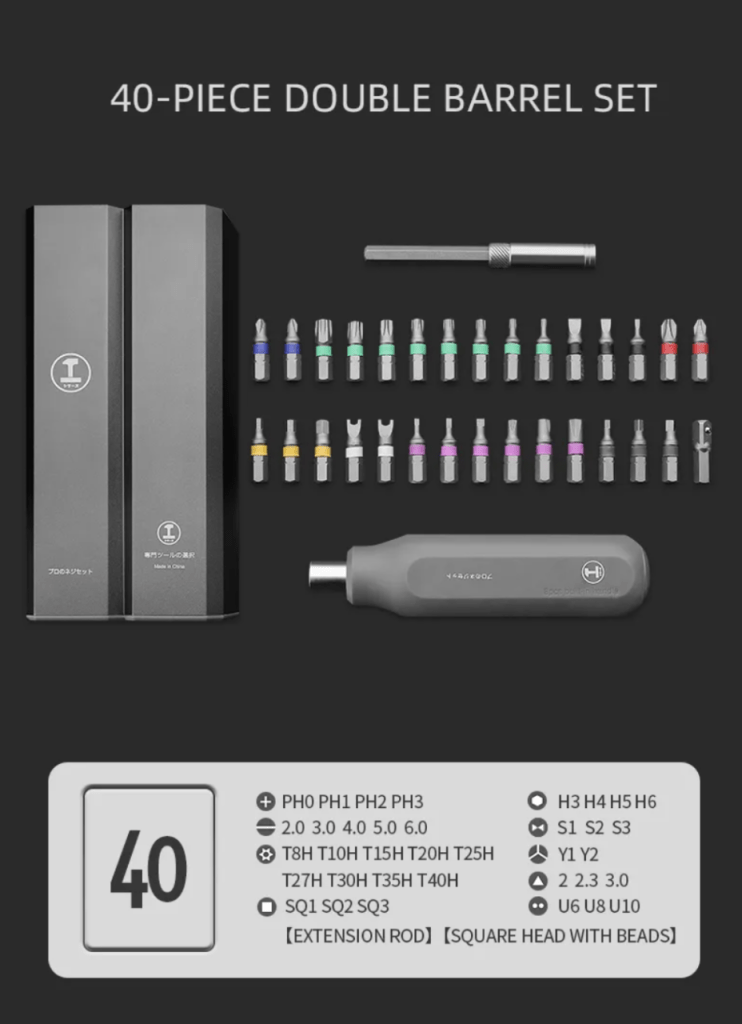
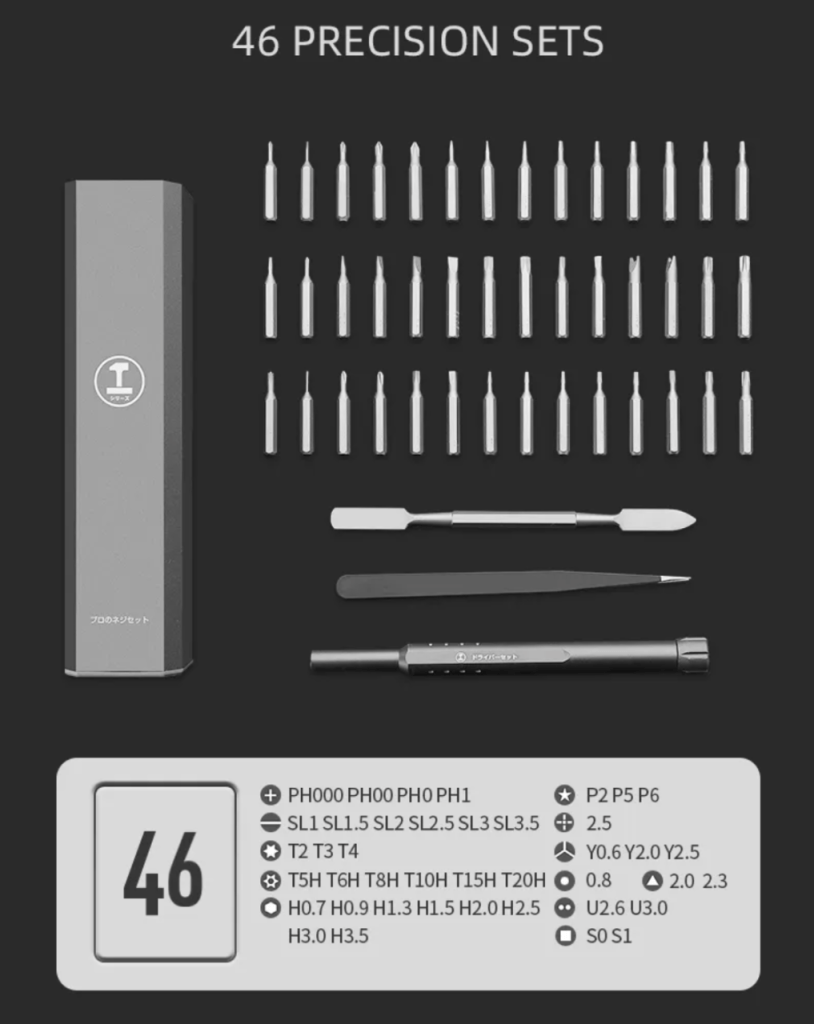
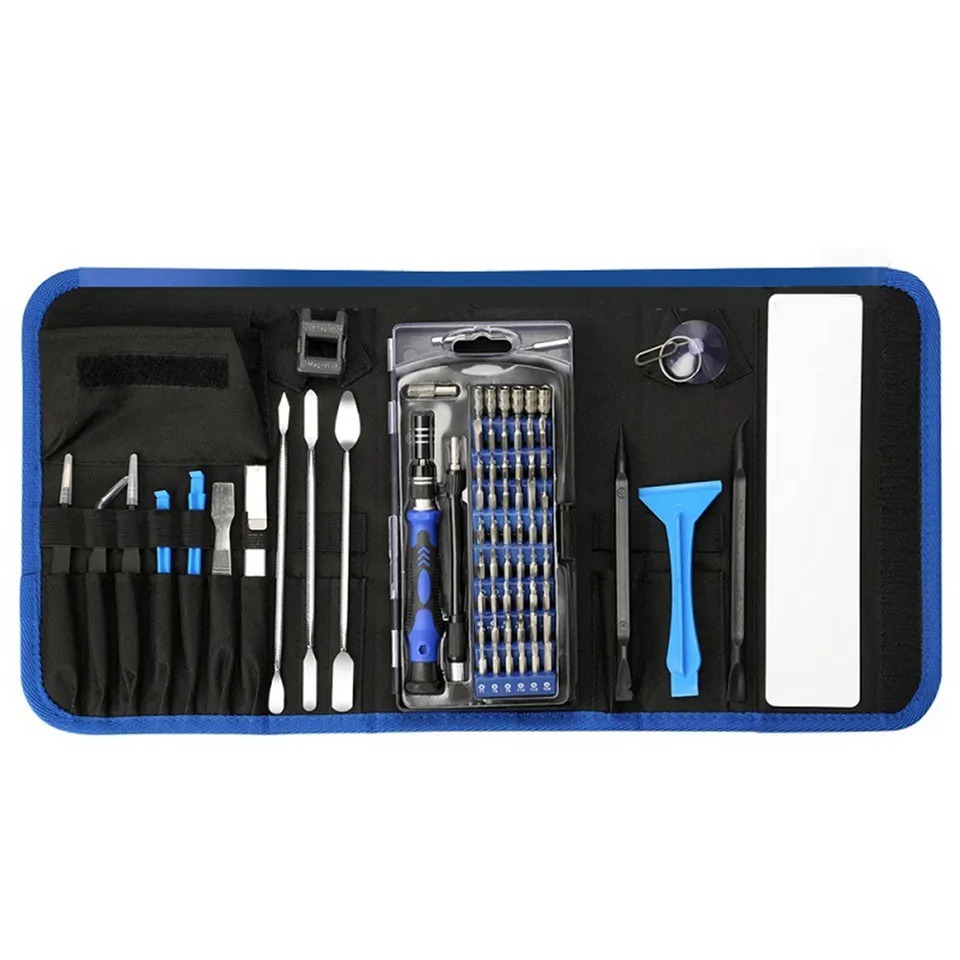
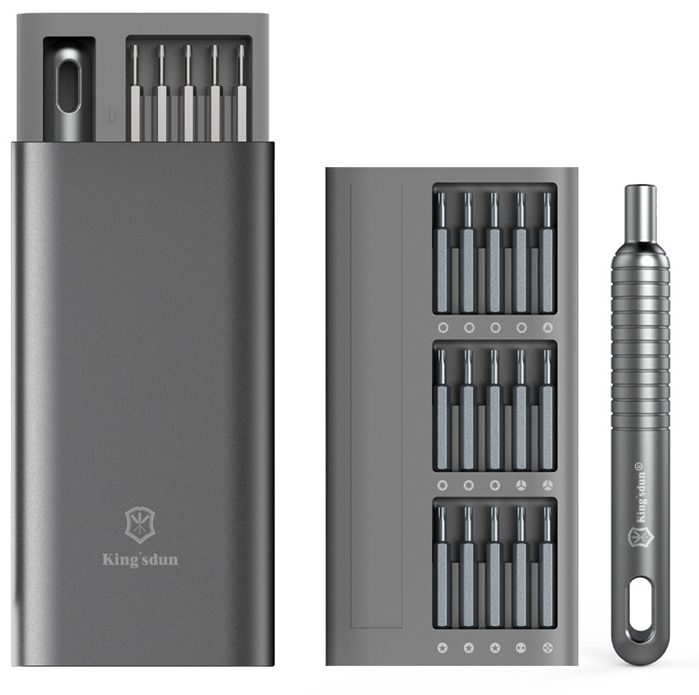
Master Your Repairs with the TEKDEP
Elite 145-in-1 Precision Set

Fix with precision, tackle iPhones, MacBooks, and gaming
laptops with ease using pro-grade magnetic control

recently viewed

Related Products

Product on Sales

NE160QDM-NZ2 16-Inch 40 Pin LCD Screen Replacement
NE160QDM-NZ2 Inner LCD Screen Replacement 16-Inch (40 Pins)

Original price was: $140.00.Current price is: $128.88.

NE160QDM-NZ3 V8.3 40 Pin Laptop LCD Screen Replacement
NE160QDM-NZ3 V8.3 Inner LCD Screen Replacement 16-Inch (40 Pins)

Original price was: $145.00.Current price is: $129.88.

NV156FHM-T07 V8.1 40 Pin Laptop LCD Screen Replacement
NV156FHM-T07 V8.1 Inner LCD Screen Replacement 15.6-Inch (40 Pins)

Original price was: $130.00.Current price is: $114.88.

Mail-in Repair & Services

Need Help with Installation?

Worldwide, our ValetTek Mail-In Repair Service offers a smooth and efficient repair experience.

Lost Data?

TEKDEP offers top-notch data recovery to retrieve your valuable information. To Learn more about our comprehensive Data Recovery Solution.

Questions?

Contact us at Call Us (818) 456-4479, email [email protected], utilize our Live Chat feature.
Get Your repair by professional, Fast & Secure Without leaving home
Fill out the form to get started! 👉

Official TEKDEP Tutorials

Subscribe for expert tutorials, pro tech tips, and teardowns.

Configure Specs