


















Dead MacBook? Board-level repair & secure data recovery Worldwide mail-in
Categories
Macbooks
Categories
Categories
NO DATA, NO CHARGE Data Recovery Service

Your data is not lost — it’s waiting to be rescued. Free evaluation, worldwide mail-in.

Start — Data Recovery Service In Los Angeles? Free drop-off evaluation at our Canoga Park lab
SALE

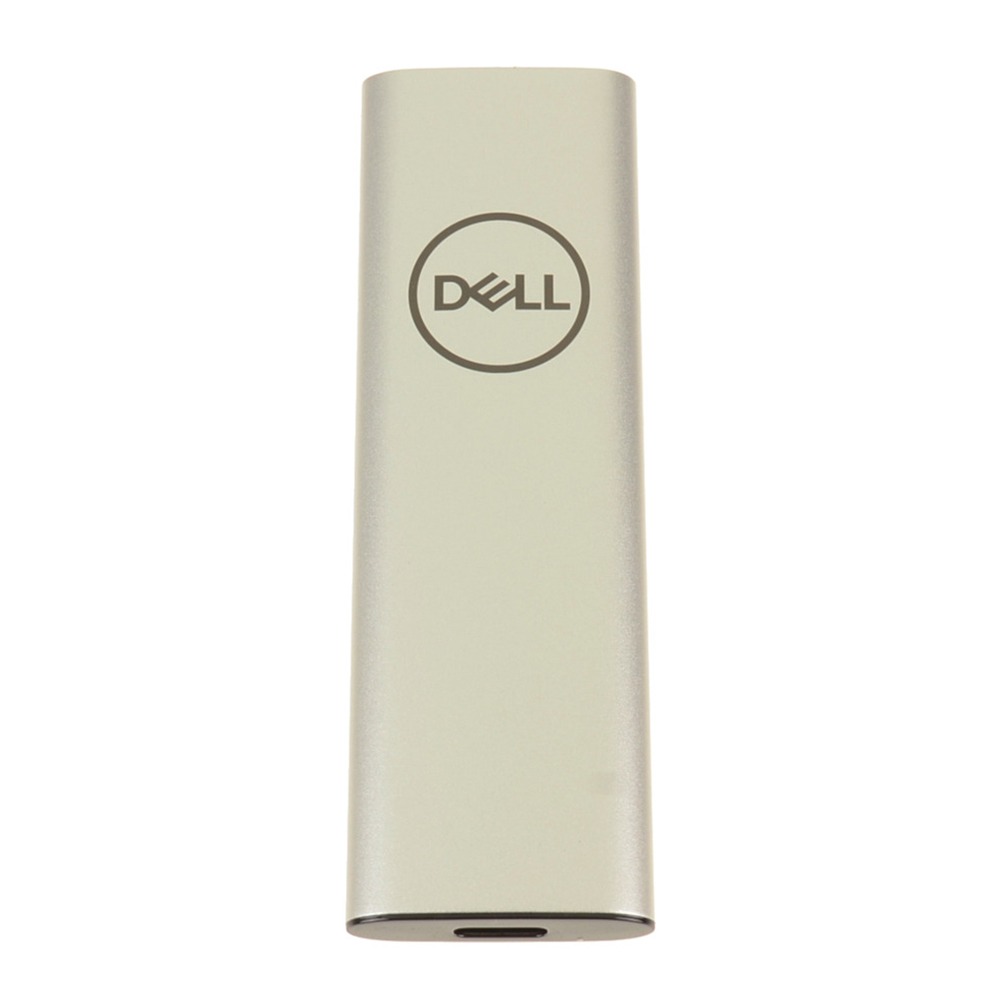
PCIe 256 SSD Replacement for Dell Latitude 5320 2-in-1 P139G001

Original price was: $35.00.Current price is: $24.88.

Replacing a faulty storage drive with a Dell Latitude 5320 256GB SSD safely stores the operating system and personal files. This dependable unit directly fixes critical boot errors if the laptop shows flashing folders, freezes constantly, or refuses to load Windows.

SKU: PCIE-256SSD
Brand:
Primary Category: Dell Latitude 5320 2-in-1

Shipping: 5 - 9 days

–

TEKDEP Guaranteed Safe Checkout

Free USA Shipping & Worldwide Delivery

Online Exclusive: This product ships directly to your address. In-store pickup at our repair facilities is not available.

Product Specifications

General

SKU
PCIE-256SSD
Brand
TEKDEP
Year
2021
Material
Combination of Materials
Model Number
P139G / P139G001

Memory & Storage

Storage
256 GB
Storage Type
NVMe SSD

Additional Details

Compatibility
  • Dell Latitude 5320, Latitude 5320 2-in-1 Series (Regulatory Model: P139G / P139G001)

  • Dell Latitude 5420, 5520, 7320, 7420, 7520 Series

  • Dell Precision 3560, 3561 Series

  • Systems supporting M.2 2230 / 2280 PCIe NVMe storage drives

  • Compatible with alternative part numbers: 0N675T, 007HM3, 07682V, 0K978T, BC711, KBG40ZNS256G

NOTE: Please verify your device's model number to ensure that this part is compatible.
Whats in the box
256 SSD
Additional Features
Connectivity: M.2 M-Key PCIe NVMe (Gen3 x4 / Gen4 x4) Interface Connector

Description

The internal drive stores the operating system and personal files safely every day. But when this crucial chip becomes corrupted, the computer shows blue error screens and permanently loses saved work. Installing a Dell Latitude 5320 256GB SSD resolves these memory failures completely. This hardware successfully restores a reliable, fast-loading space for the laptop, letting it start up quickly and save new documents without suddenly freezing.

Key Benefits:

  • Stores the operating system safely so the computer can boot up and reach the main desktop.
  • Fixes severe loading errors where the laptop shows blue screens or flashing folders at startup.
  • Holds everyday files like documents and photos securely without losing data during sudden power drops.
  • Fits inside the 5320 2-in-1 model perfectly without needing extra wires or forceful case bending.
  • Replaces a damaged P139G001 memory chip to make the computer fast and usable again.

INSIDE OUR BUSINESS:

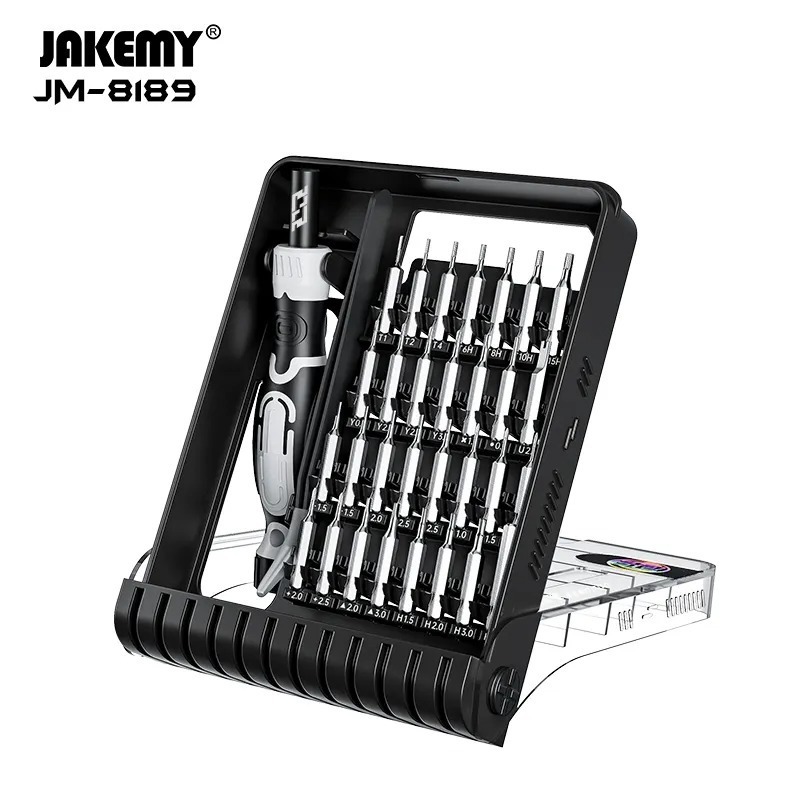
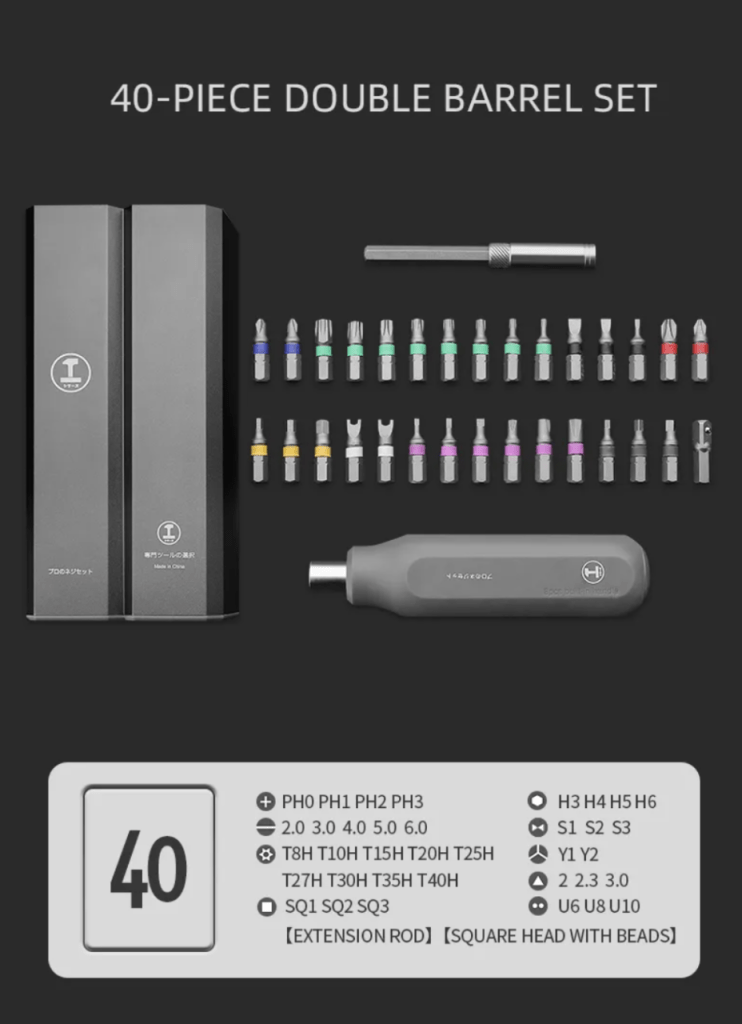
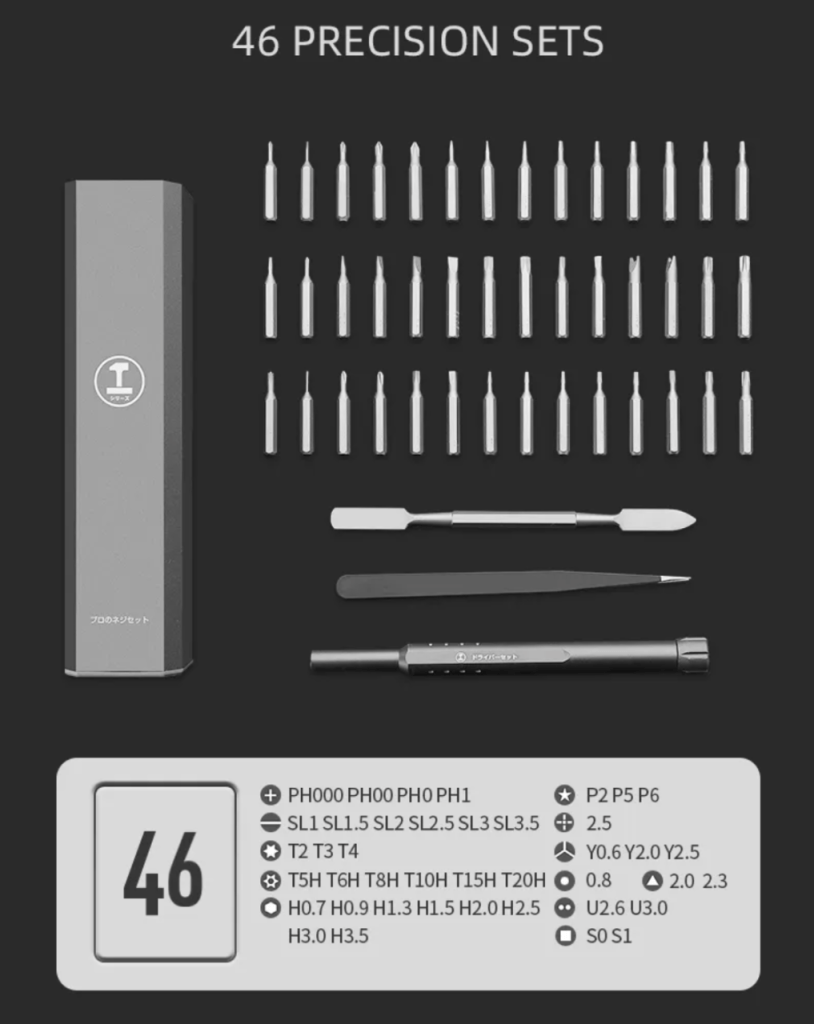
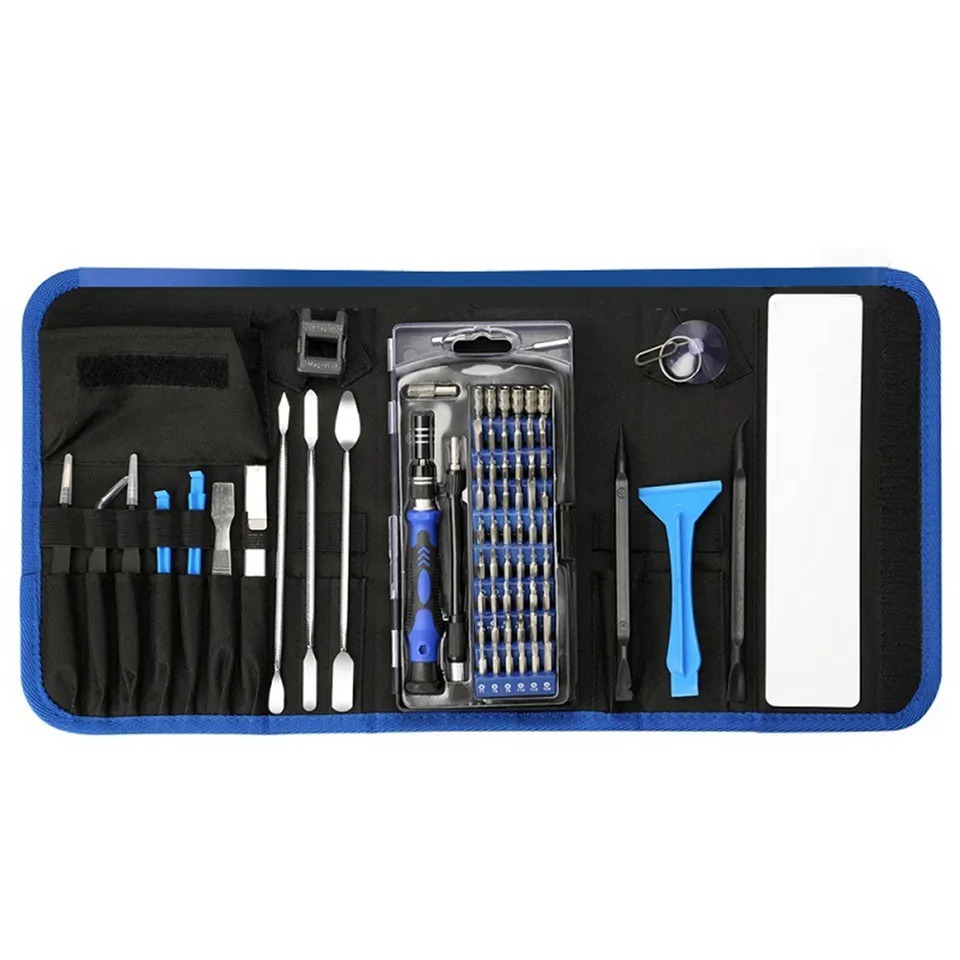
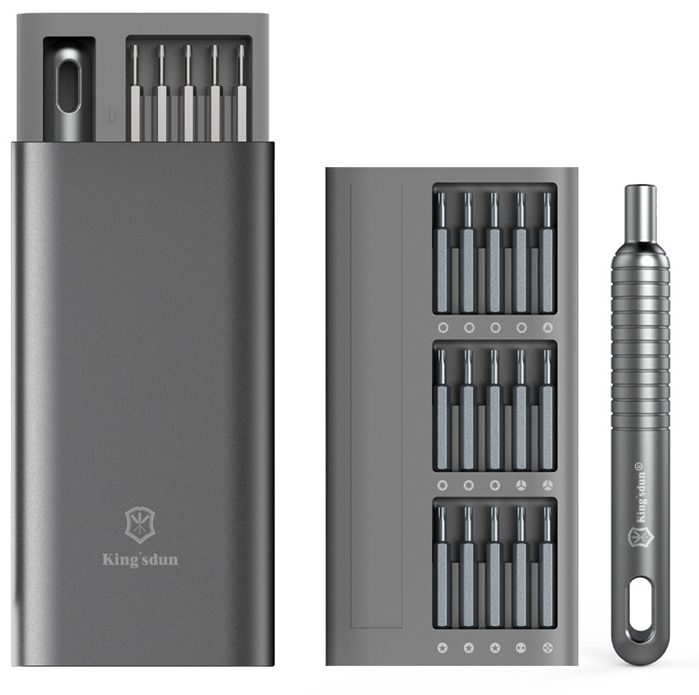
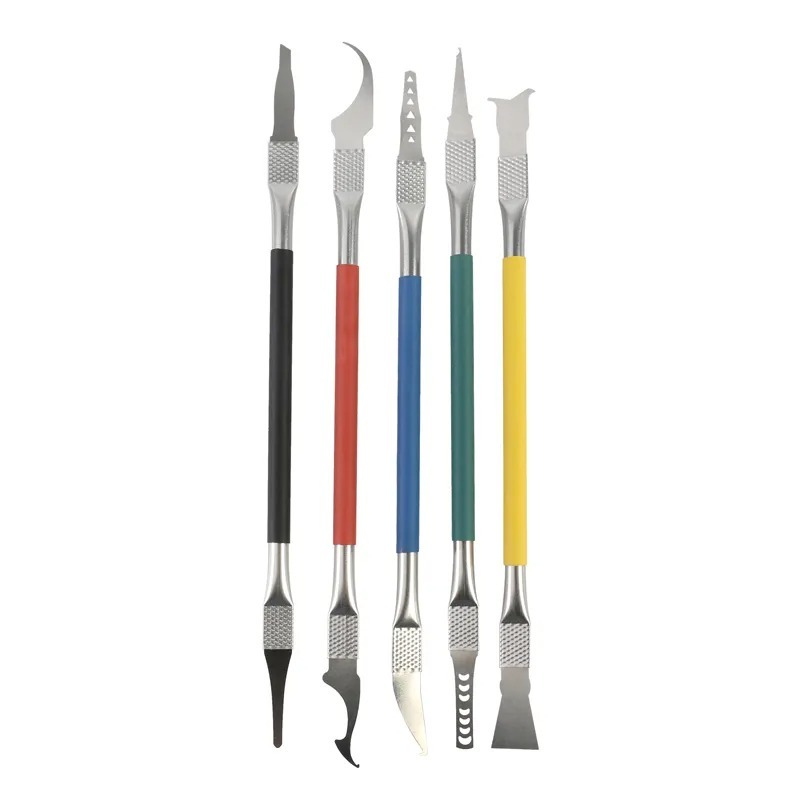
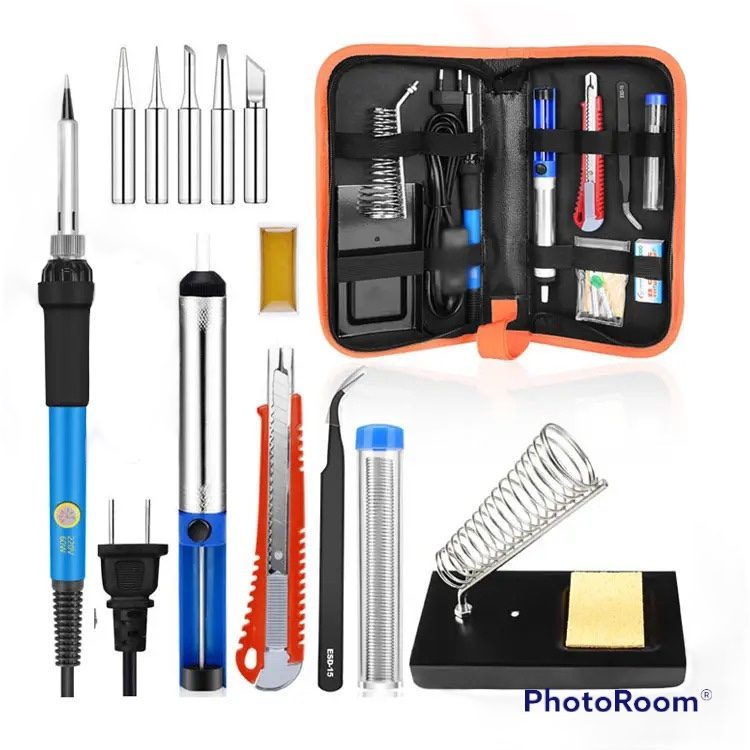
Master Your Repairs with the TEKDEP
Elite 145-in-1 Precision Set

Fix with precision, tackle iPhones, MacBooks, and gaming
laptops with ease using pro-grade magnetic control

recently viewed

Related Products

Product on Sales

Dell Latitude 5320 2-in-1 P139G001 256GB PCIe SSD
PCIe 256 SSD Replacement for Dell Latitude 5320 2-in-1 P139G001

Original price was: $35.00.Current price is: $24.88.

Dell Latitude 5320 2-in-1 P139G001 i5 Logic Board
Dell Latitude 5320 2-in-1 P139G001 Replacement i5 Logic Board with Heatsink

Original price was: $350.00.Current price is: $297.88.

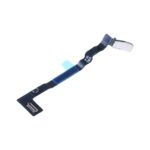
MacBook Air 13-Inch A3449 Replacement Lid Angle Sensor
MacBook Air 13-Inch A3449 Replacement Lid Angle Sensor (2026)

Original price was: $52.00.Current price is: $41.88.

Mail-in Repair & Services

Need Help with Installation?

Worldwide, our ValetTek Mail-In Repair Service offers a smooth and efficient repair experience.

Lost Data?

TEKDEP offers top-notch data recovery to retrieve your valuable information. To Learn more about our comprehensive Data Recovery Solution.

Questions?

Contact us at Call Us (818) 456-4479, email [email protected], utilize our Live Chat feature.
Get Your repair by professional, Fast & Secure Without leaving home
Fill out the form to get started! 👉

Official TEKDEP Tutorials

Subscribe for expert tutorials, pro tech tips, and teardowns.

Configure Specs