
















Dead MacBook? Board-level repair & secure data recovery Worldwide mail-in
Categories
Macbooks
Categories
Categories
NO DATA, NO CHARGE Data Recovery Service

Your data is not lost — it’s waiting to be rescued. Free evaluation, worldwide mail-in.

Start — Data Recovery Service In Los Angeles? Free drop-off evaluation at our Canoga Park lab
SALE

Dell Latitude 5320 2-in-1 P139G001 Replacement SSD Heatsink Plate

Price range: $35.88 through $62.88

Installing a trusted Dell Latitude 5320 SSD Heatsink over the memory chip pulls trapped heat away from the storage drive safely. This reliable cover completely fixes slow loading speeds and sudden blue screens if the laptop runs dangerously hot during heavy file transfers.
SKU: LAT5320-SSDHSK
Brand:
Primary Category: Dell Latitude 5320 2-in-1

Shipping: 5 - 9 days

–

TEKDEP Guaranteed Safe Checkout

Free USA Shipping & Worldwide Delivery

Online Exclusive: This product ships directly to your address. In-store pickup at our repair facilities is not available.

Product Specifications

General

SKU
LAT5320-SSDHSK
Part Number (s)
07C1W / 007C1W
Brand
Dell
Year
2021
Material
Combination of Materials
Model Number
P139G / P139G001)

Additional Details

Compatibility
  • Dell Latitude 5320 2-in-1 Series (Regulatory Model: P139G / P139G001)

  • Dell Latitude 5320 Clamshell Series (Regulatory Model: P138G / P138G001)

  • Compatible with alternative part numbers: 07C1W, 007C1W, 0H0CPD, H0CPD

NOTE: Please verify your device's model number to ensure that this part is compatible.
Whats in the box
SSD Heatsink Plate

Description

The small metal cover absorbs heat from the storage chip, so saved files load quickly without stalling. But when this shield goes missing or bends, the drive overheats and directly causes constant freezing. Installing this replacement Dell Latitude 5320 SSD Heatsink (part number 07C1W / 007C1W) resolves these temperature failures completely.

This hardware successfully pulls heat away from the memory unit, letting the laptop save large documents and run all day smoothly without shutting down.

Key Benefits:

  • Pulls dangerous heat away from the memory chip to keep saved files safe and accessible.
  • Fixes severe system freezing and sudden blue screens caused by a highly overheating storage drive.
  • Replaces a bent or missing P139G001 metal shield to completely restore normal cooling power.
  • Snaps directly over the internal storage unit inside the 5320 2-in-1 model without forcing anything.
  • Allows the computer to copy large folders and load applications quickly without slowing down.

INSIDE OUR BUSINESS:

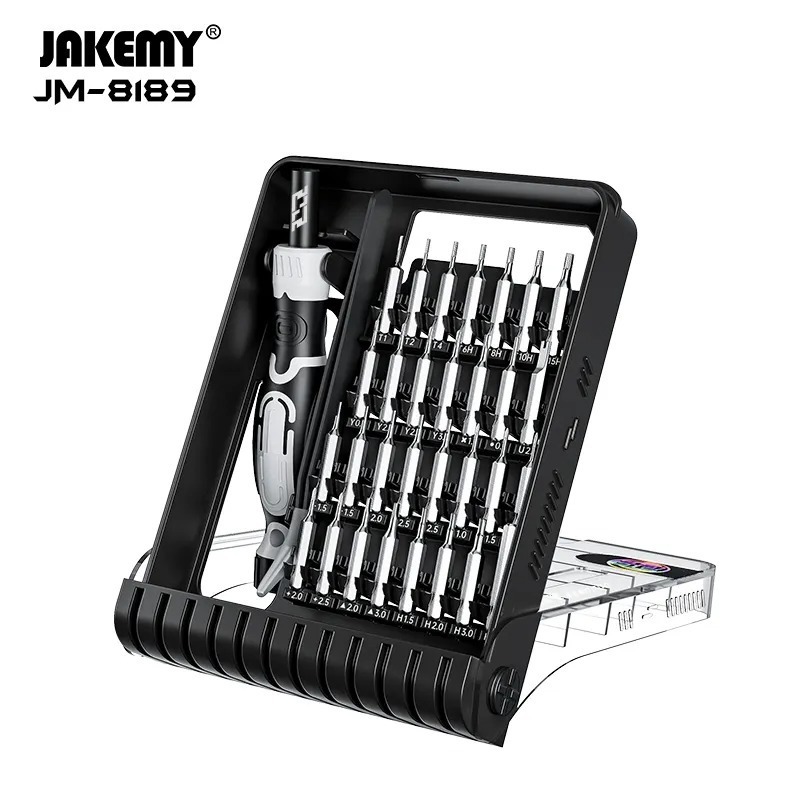
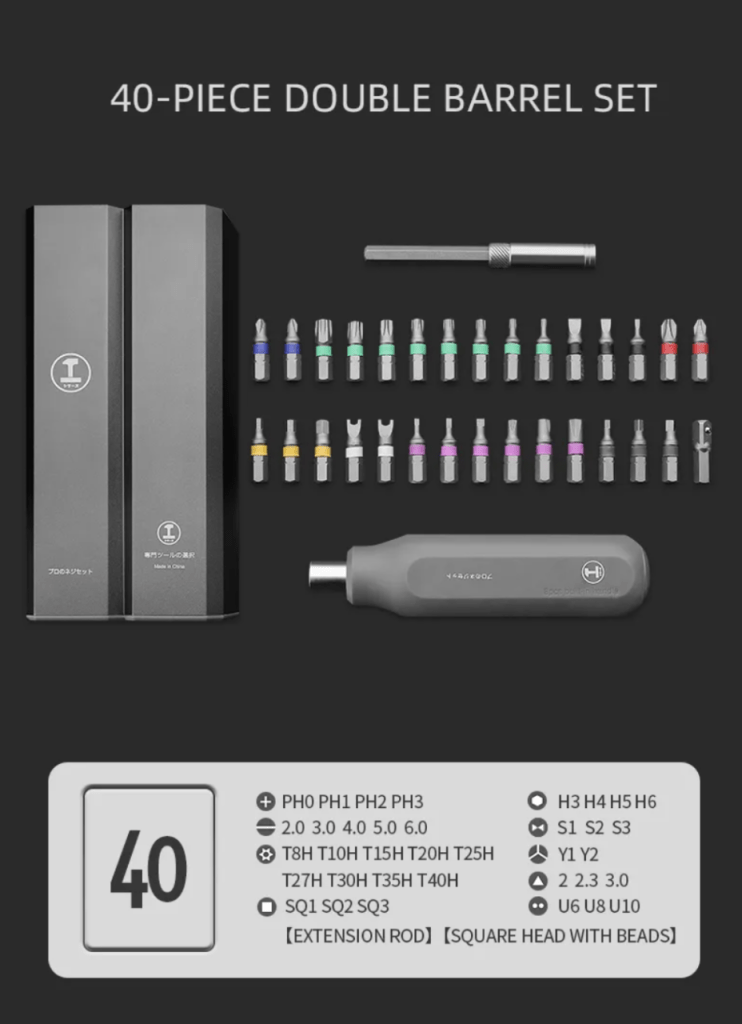
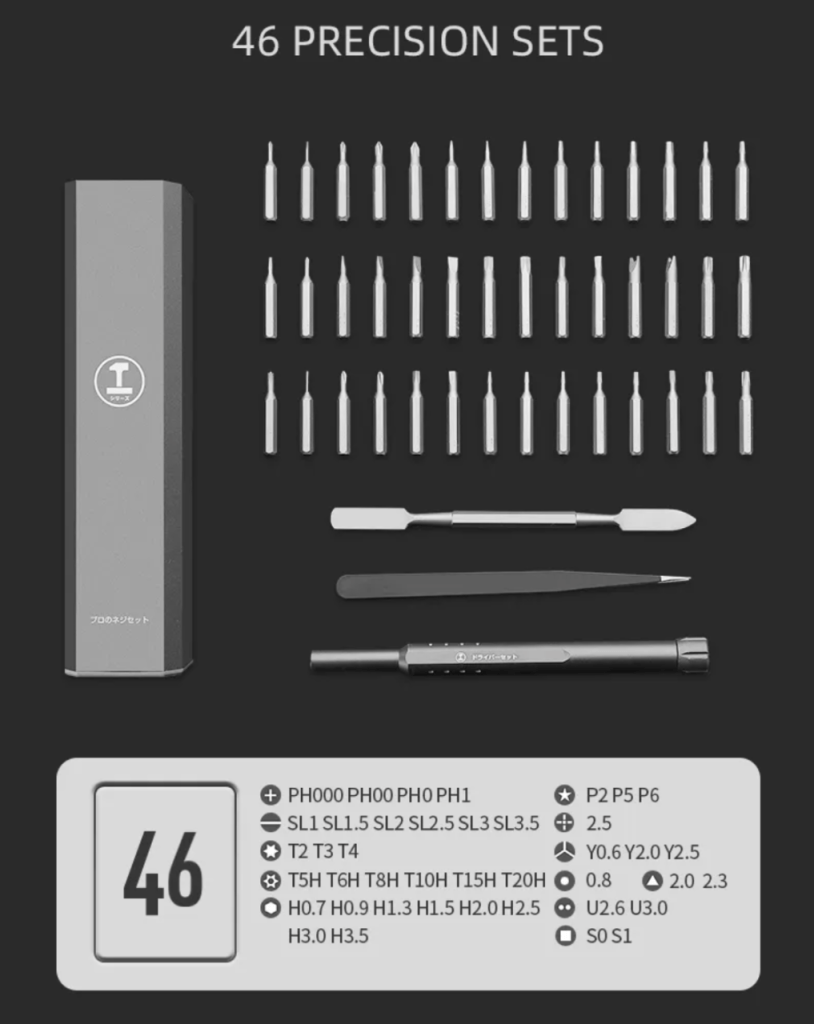
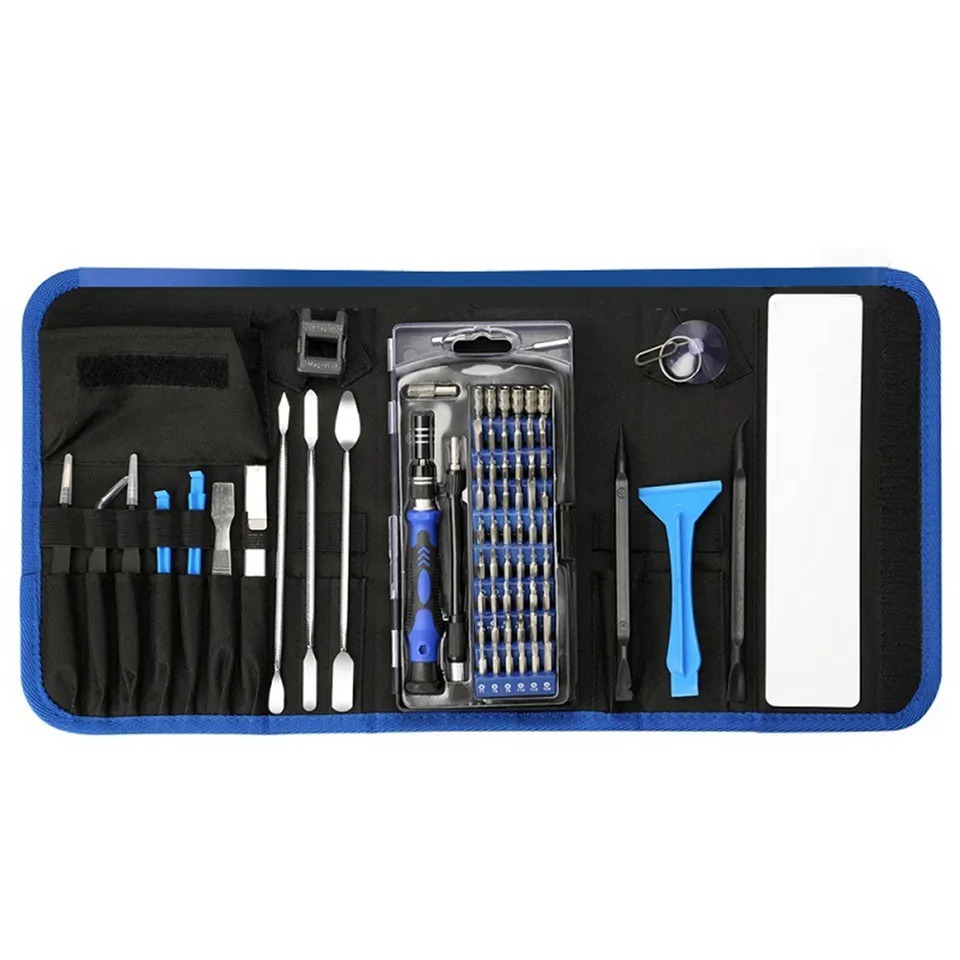
Master Your Repairs with the TEKDEP
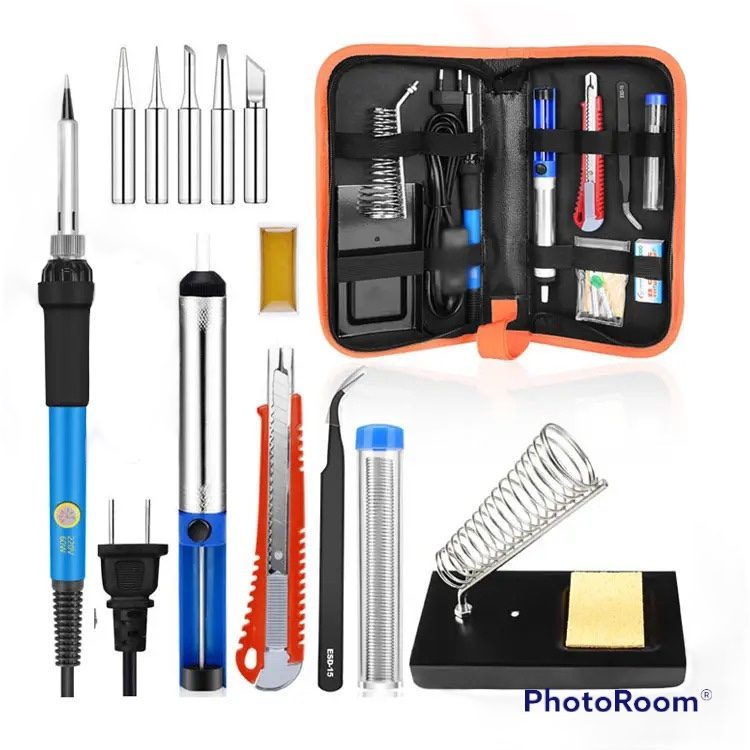
Elite 145-in-1 Precision Set

Fix with precision, tackle iPhones, MacBooks, and gaming
laptops with ease using pro-grade magnetic control

recently viewed

Related Products

Dell Latitude 5320 2-in-1 P139G001 Replacement Internal Screw Set

Price range: $24.88 through $34.88

Dell Latitude 5320 2-in-1 P139G001 WiFi and Bluetooth Card
Dell Latitude 5320 2-in-1 P139G001 Replacement WiFi and Bluetooth Card

Price range: $28.88 through $35.88

Product on Sales

Dell Latitude 5320 2-in-1 P139G001 SSD Heatsink
Dell Latitude 5320 2-in-1 P139G001 Replacement SSD Heatsink Plate

Price range: $35.88 through $62.88

Dell Latitude 5320 2-in-1 P139G001 65W USB-C Charger
65W USB-C Charger for Dell Latitude 5320 2-in-1 P139G001

Price range: $24.88 through $34.88

Dell Latitude 5320 2-in-1 P139G001 256GB PCIe SSD
PCIe 256 SSD Replacement for Dell Latitude 5320 2-in-1 P139G001

Original price was: $35.00.Current price is: $24.88.

Mail-in Repair & Services

Need Help with Installation?

Worldwide, our ValetTek Mail-In Repair Service offers a smooth and efficient repair experience.

Lost Data?

TEKDEP offers top-notch data recovery to retrieve your valuable information. To Learn more about our comprehensive Data Recovery Solution.

Questions?

Contact us at Call Us (818) 456-4479, email [email protected], utilize our Live Chat feature.
Get Your repair by professional, Fast & Secure Without leaving home
Fill out the form to get started! 👉

Official TEKDEP Tutorials

Subscribe for expert tutorials, pro tech tips, and teardowns.

Configure Specs