

Categories
MacBook
MacBook
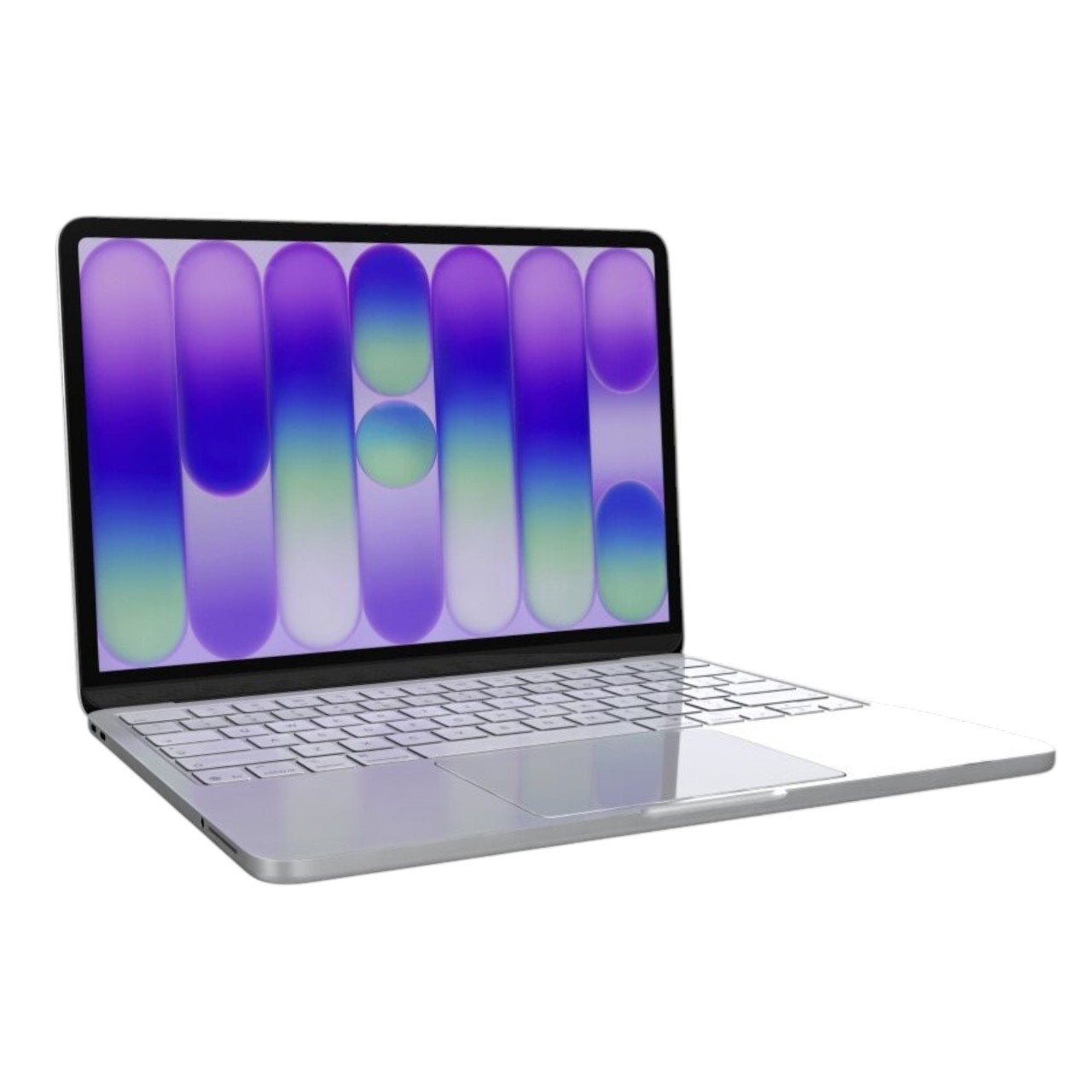
11" MacBook Air Parts
12" MacBook Parts
13" MacBook Air Parts
- 2018 MacBook Air A1932
- 2019 MacBook Air A1932
- 2020 M1 MacBook Air A2337
- 2020 MacBook Air A2179
- 2022 M2 MacBook Air A2681
- 2024 MacBook Air A3113
- 2025 MacBook Air A3240
- Early 2014 MacBook Air A1466
- Early 2015 MacBook Air A1466
- Late 2010 MacBook Air A1369
- Mid 2011 MacBook Air A1369
- Mid 2012 MacBook Air A1466
- Mid 2013 MacBook Air A1466
- Mid 2017 MacBook Air A1466
- All 13" MacBook Air →
13" MacBook Pro Parts
- 2018 MacBook Pro A1989
- 2019 MacBook Pro A1989
- 2019 MacBook Pro A2159
- 2020 Intel MacBook Pro A2289
- 2020 M1 MacBook Pro A2338
- 2020 MacBook Pro A2251
- 2022 M2 MacBook Pro A2338
- Early 2011 MacBook Pro A1278
- Early 2013 MacBook Pro A1425
- Early 2015 MacBook Pro A1502
- Late 2011 MacBook Pro A1278
- Late 2012 MacBook Pro A1425
- Late 2013 MacBook Pro A1502
- Late 2016 MacBook Pro A1706
- Late 2016 MacBook Pro A1708
- Late 2017 MacBook Pro A1706
- Mid 2009 MacBook Pro A1278
- Mid 2010 MacBook Pro A1278
- Mid 2012 MacBook Pro A1278
- Mid 2014 MacBook Pro A1502
- Mid 2017 MacBook Pro A1708
- All 13" MacBook Pro →
14" MacBook Pro Parts
15" Macbook Air Parts
15" MacBook Pro Parts
- 2018 MacBook Pro TouchBar A1990
- 2019 MacBook Pro TouchBar A1990
- Early 2009 MacBook Pro Unibody A1286
- Early 2011 MacBook Pro Unibody A1286
- Early 2013 MacBook Pro Retina A1398
- Late 2011 MacBook Pro Unibody A1286
- Late 2012 MacBook Pro Retina A1398
- Late 2013 MacBook Pro Retina A1398
- Late 2016 MacBook Pro TouchBar A1707
- Mid 2009 MacBook Pro Unibody
- Mid 2010 MacBook Pro Unibody
- Mid 2012 MacBook Pro Unibody
- Mid 2014 MacBook Pro Retina A1398
- Mid 2015 MacBook Pro Retina A1398
- Mid 2017 MacBook Pro TouchBar A1707
- All 15" MacBook Pro →
16" MacBook Pro Parts
Laptop
Acer
ASUS
- Creator Laptop Q Q540
- Notebook Q534U
- ProArt Studio Book 16
- ROG Strix G17
- ROG Zephyrus G14
- ROG Zephyrus GA502DU
- TUF Gaming A16
- TUF Gaming F16
- Zenbook Duo 14 UX482
- Zenbook Duo UX482EAR
- Zenbook Duo UX8406M
- ZenBook Flip S13
- Zenbook Pro Duo UX581LV
- ZenBook Pro Duo UX582Z
- ZenBook Q407I
- Zephyrus M16 GU603HE 16" 2021
- All ASUS →
HP
Huawei MateBook D 14 NBL-WAP9R
Microsoft
- Surface Book 1
- Surface Book 2
- Surface Book 3
- Surface Go
- Surface Go 2
- Surface Go 3
- Surface Laptop 1
- Surface Laptop 2
- Surface Laptop 3
- Surface Laptop 4
- Surface Laptop 5
- Surface Laptop 6
- Surface Laptop Go
- Surface Laptop Go 2
- Surface Laptop Studio
- Surface Pro 3
- Surface Pro 4
- Surface Pro 5
- Surface Pro 6
- Surface Pro 7
- Surface Pro 7+ Microsoft-Surface
- Surface Pro 8
- All Microsoft →
NIMO
RAZER
Samsung
SONY
iPhone




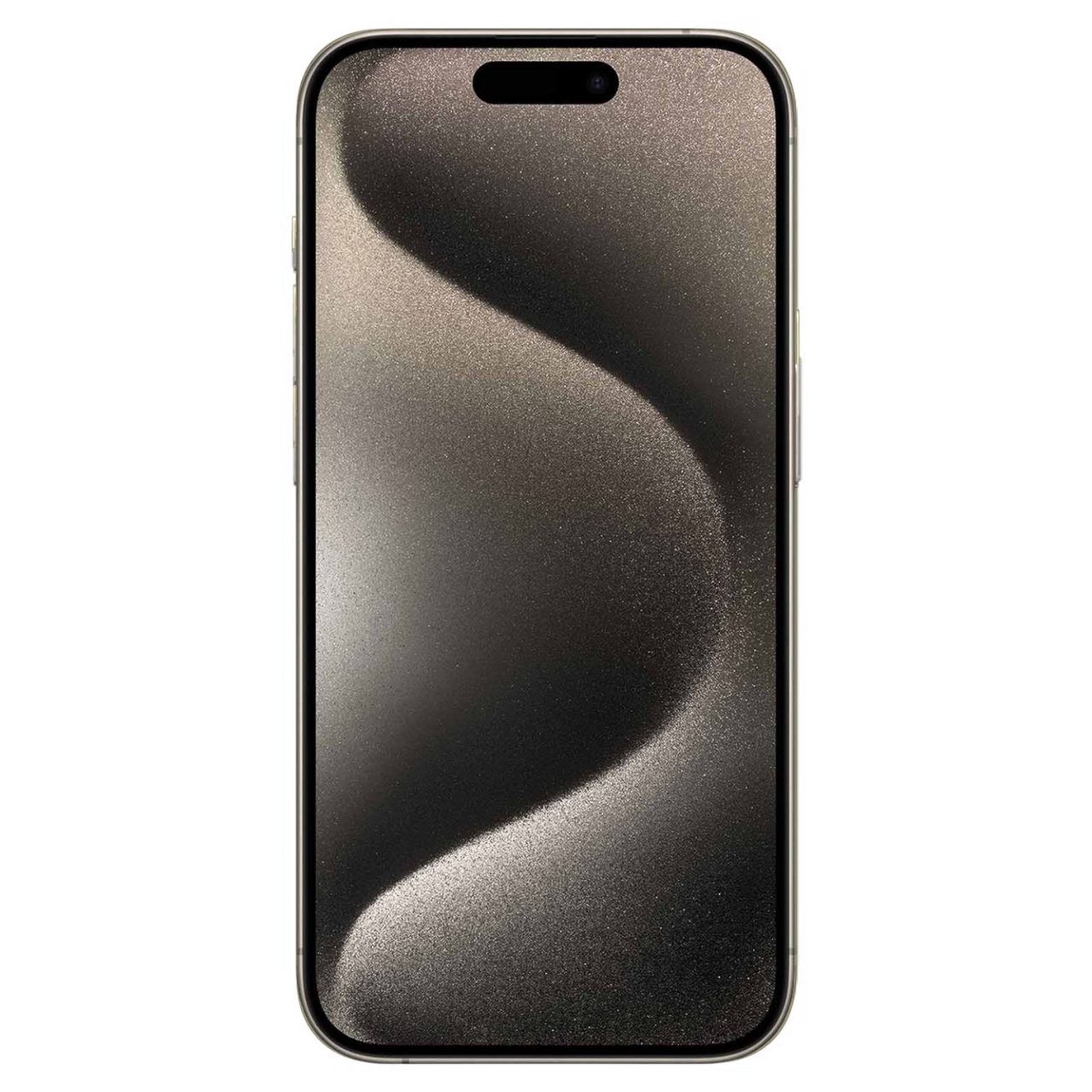


Phone
Google
Motorola
Tablet
Dell Tablet
iPad Parts
Samsung Galaxy Tablet Parts
- Tab A7 10.4 SM-T500 2020
- Tab A7 Lite 8.7 SM-T220 2021
- Tab A8 10.5 SM-X200 2021
- Tab A 8.0 SM-T290 2019
- Tab A 8.0 SM-T380 2017
- Tab A 8.0 SM-T387 2018
- Tab A 8.4 SM-T307 2020
- Tab A9 8.7" SM-X110
- Tab A9 Plus 11" SM-X210
- Tab A 10.1 SM-T510 2019
- Tab A 10.5 SM-T590 2018
- Tab Active 2 SM-T395 2017
- Tab Active 3 SM-T570 2020
- Tab Active Pro SM-T540 2019
- Tab S3 SM-T820 2017
- Tab S4 SM-T830 2018
- Tab S5e SM-T720 2019
- Tab S6 Lite SM-P610 2020
- Tab S6 SM-T860 2019
- Tab S7 FE 12.4' SM-T733N
- Tab S7 Plus SM-T970 2020
- Tab S8 Plus SM-X800 2022
- Tab S8 SM-X700 2022
- Tab S8 Ultra SM-X900 2022
- Tab S9 FE Plus SM-X616 SM-X610 2023
- Tab S9 FE SM-X510 2023
- Tab S9 Plus SM-X810 2023
- Tab S9 SM-X710 2023
- Tab S9 Ultra SM-X910
- Tab S10 Plus 12.4" SM-X820
- Tab S10 Ultra 14.6″ SM-X920
- Tab S7 SM-T870
- All Samsung Galaxy Tablet →
Desktop
Acer Desktop
Dell Desktop
Categories
Phones
Phones

iPad & Tablets
Popular in iPad & Tablets
 Apple iPad Air 10.9in, 5th Gen, M1 Chip, 64GB Storage, 5G Cellular, Blue Tablet
 Apple iPad Pro 12.9in, 2nd Generation, 256GB Storage, WiFi, Tablet, White
 Apple iPad Pro 12.9in, 5th Gen, M1 Chip, 128GB Storage, Wi-Fi, Space Gray
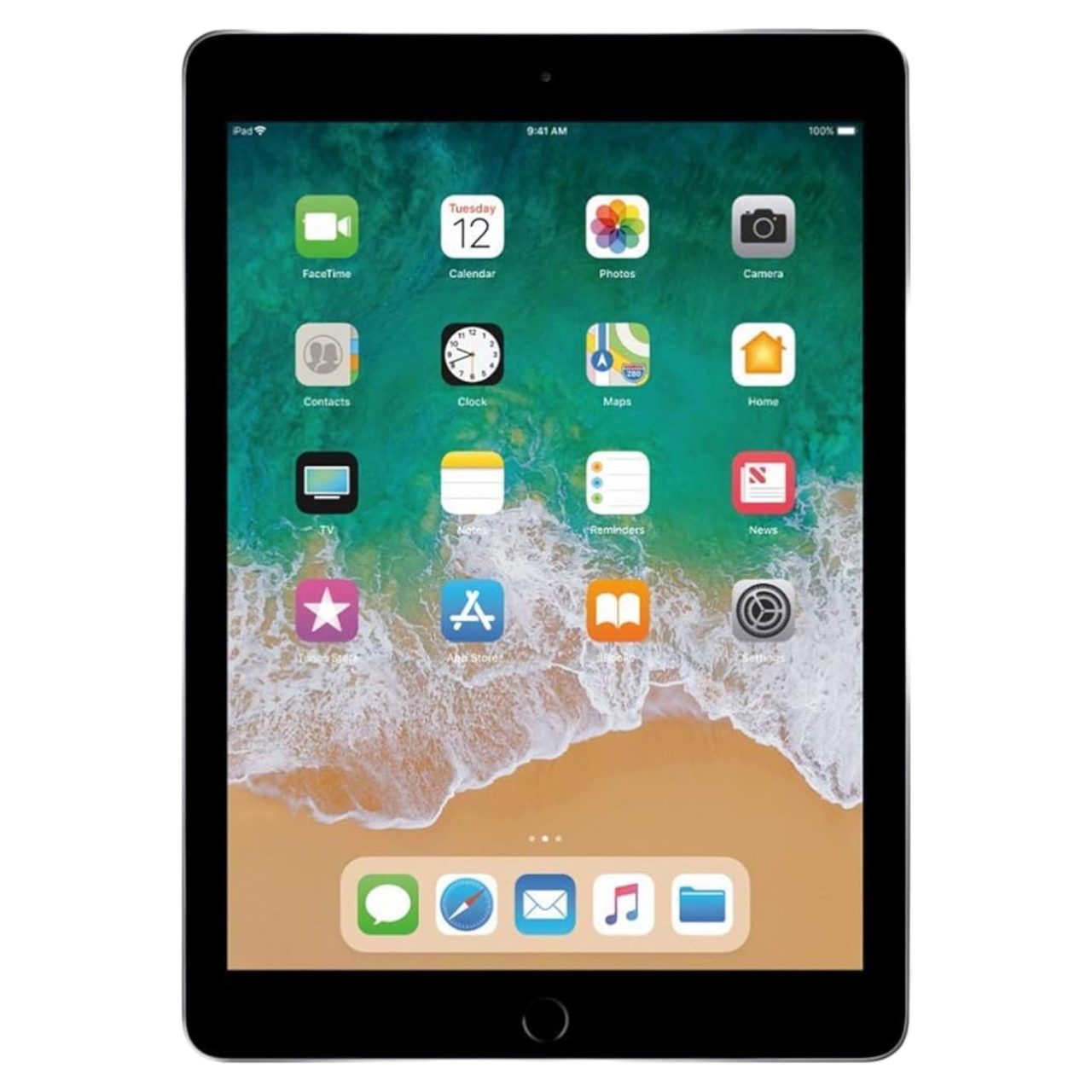 9.7in (2018) 6th Gen
 Pro 12.9″ (2020) 4th Gen
 Samsung Galaxy Tab S7 FE, 12.4in, 64GB Storage, WiFi Cellular 5G, Black Tablet
All iPad & Tablets
Apple iPad Air 10.9in, 5th Gen, M1 Chip, 64GB Storage, 5G Cellular, Blue Tablet
Apple iPad Pro 12.9in, 2nd Generation, 256GB Storage, WiFi, Tablet, White
Apple iPad Pro 12.9in, 5th Gen, M1 Chip, 128GB Storage, Wi-Fi, Space Gray
9.7in (2018) 6th Gen
Pro 12.9″ (2020) 4th Gen
Samsung Galaxy Tab S7 FE, 12.4in, 64GB Storage, WiFi Cellular 5G, Black Tablet
All iPad & Tablets
Mac Computers
Mac Computers


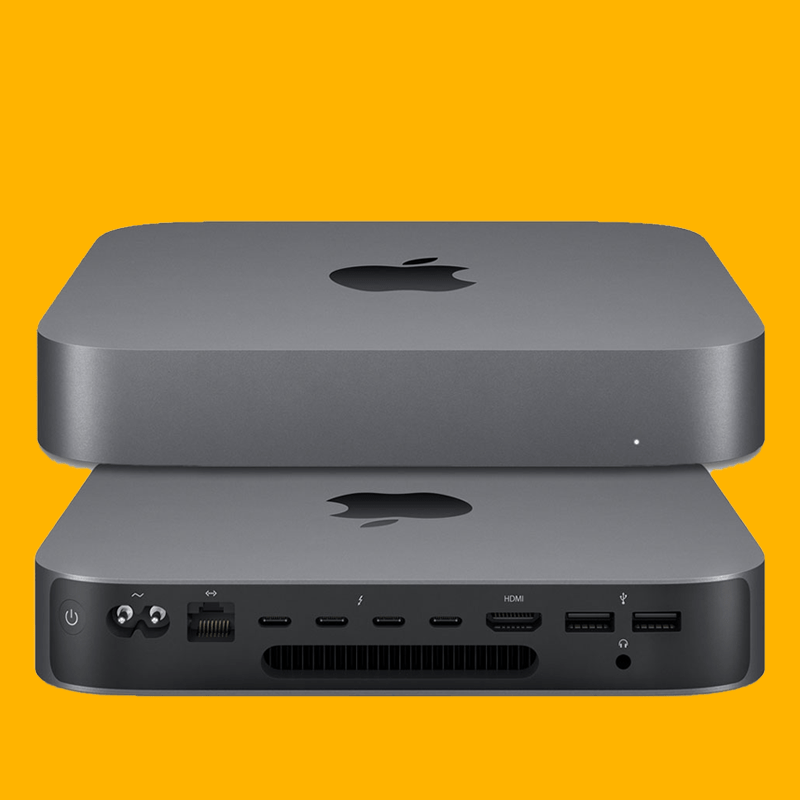
MacBook Air
PC Computers
Popular in PC Computers
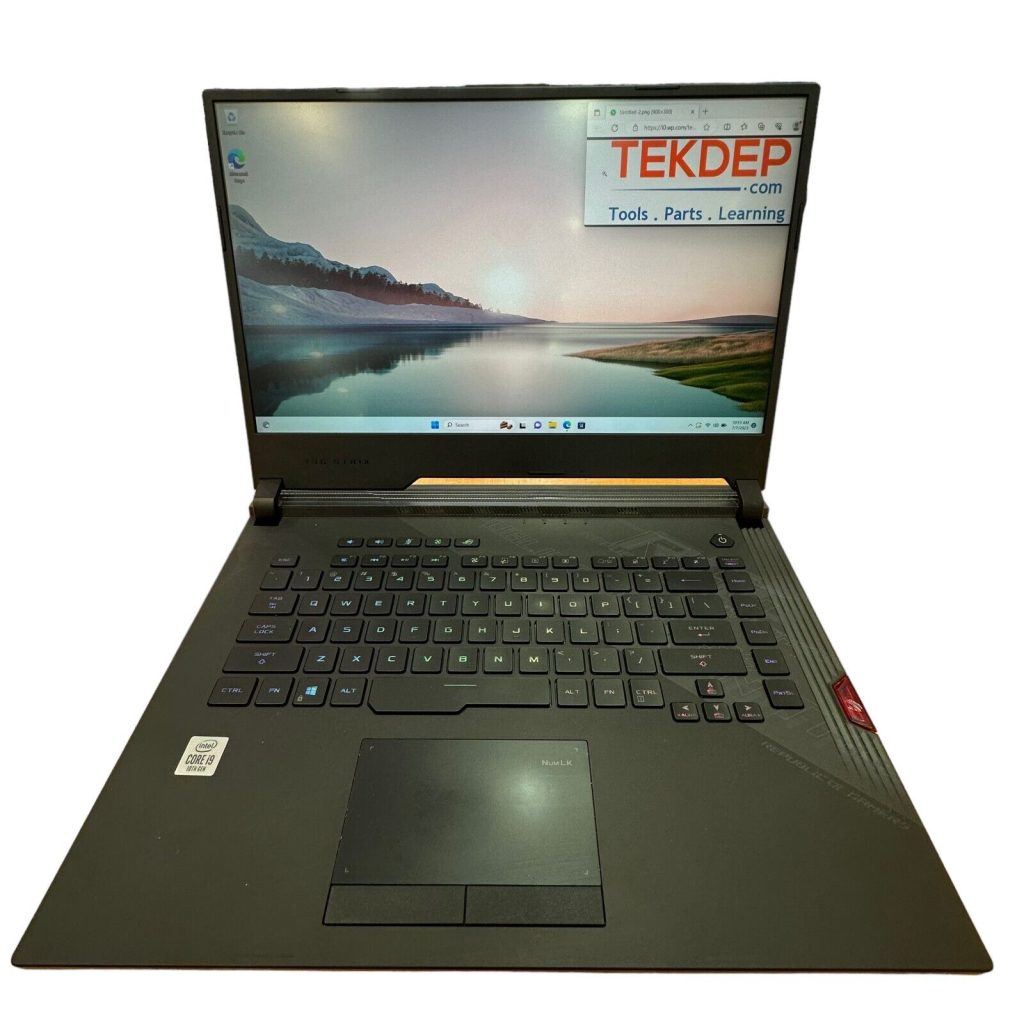 ASUS ROG Strix Scar, 2.4GHz i9, 32GB RAM, RTX 2070 Super, 1TB SSD, Gaming Laptop
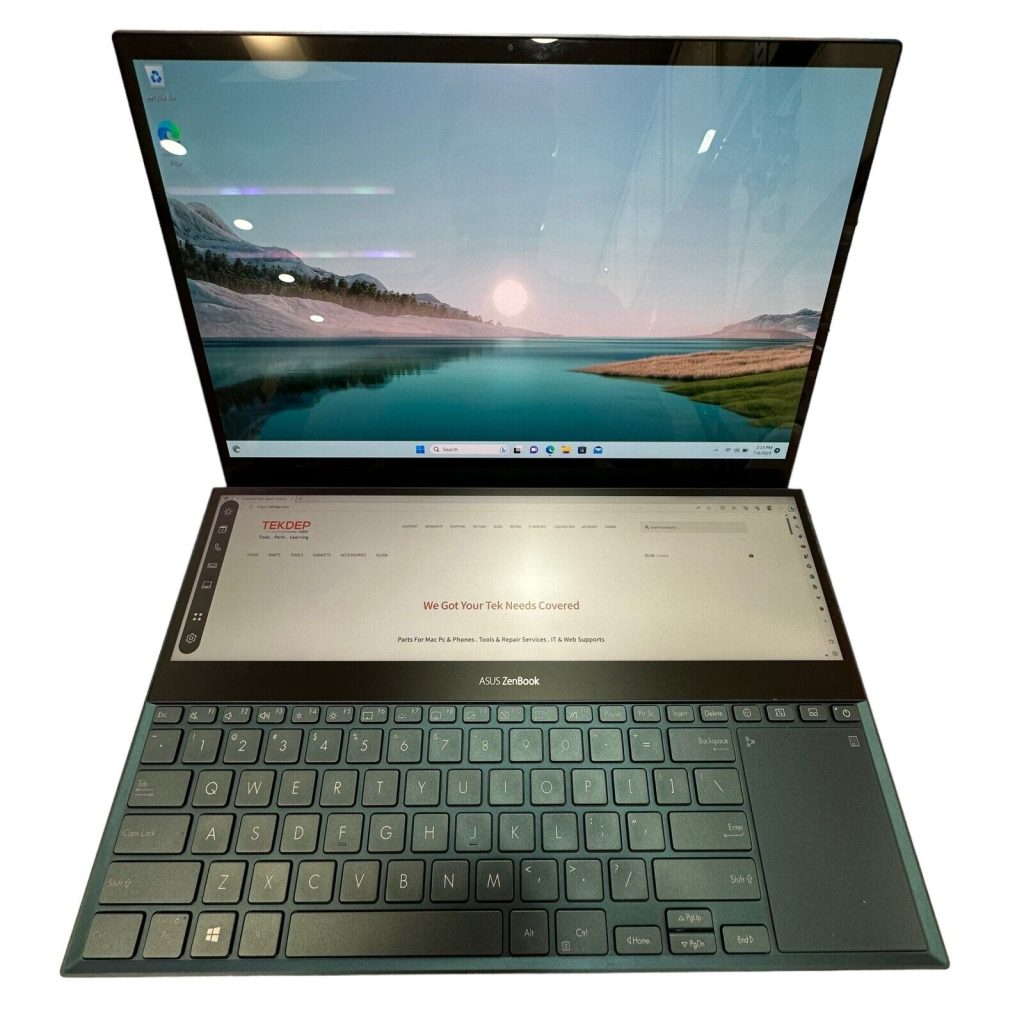 ASUS ZenBook Pro Duo, 2.6GHz i7, 16GB RAM, RTX 2060, 1TB SSD, Laptop
 Dell Precision 5530 15.6in, 2.9GHz i9, 32GB RAM, 512GB SSD, Black Laptop
 HP Victus Gaming Laptop 15-inch, 2.0GHz i5, 8GB RAM, 512GB SSD
All PC Computers
ASUS ROG Strix Scar, 2.4GHz i9, 32GB RAM, RTX 2070 Super, 1TB SSD, Gaming Laptop
ASUS ZenBook Pro Duo, 2.6GHz i7, 16GB RAM, RTX 2060, 1TB SSD, Laptop
Dell Precision 5530 15.6in, 2.9GHz i9, 32GB RAM, 512GB SSD, Black Laptop
HP Victus Gaming Laptop 15-inch, 2.0GHz i5, 8GB RAM, 512GB SSD
All PC Computers
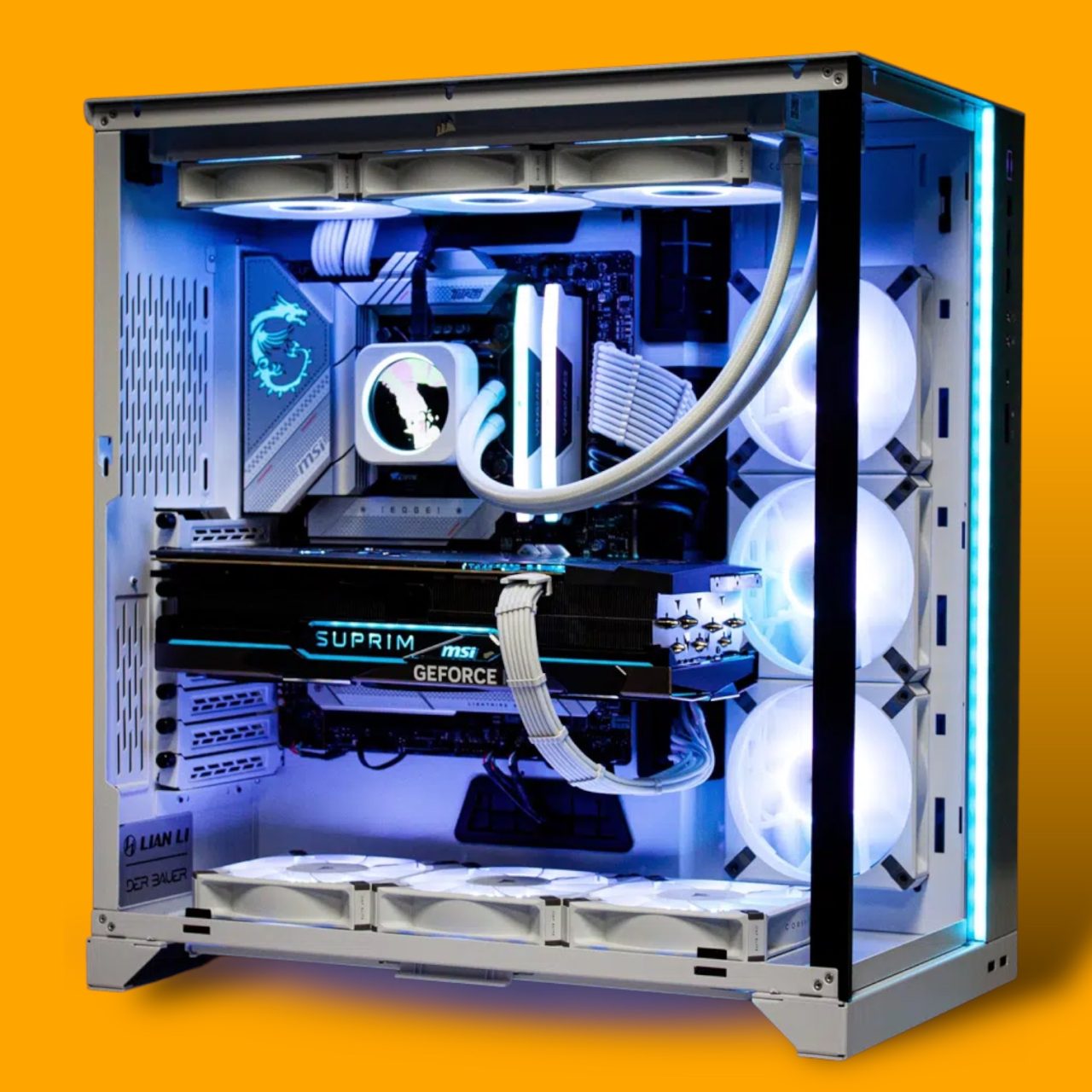
Custom Built PCs
Custom Built PCs

Categories
Screwdriver
Popular in Screwdriver
 6 in 1 Steel Bit Precision Magnetic Screwdriver Tool Set with Case for Phone PC Electronics
 26 in 1 Aluminum Case Screwdriver Set with 24 Bits
 32 in 1 Steel Bit Precision Magnetic Screwdriver Tool Set with Case for Phone PC Electronics
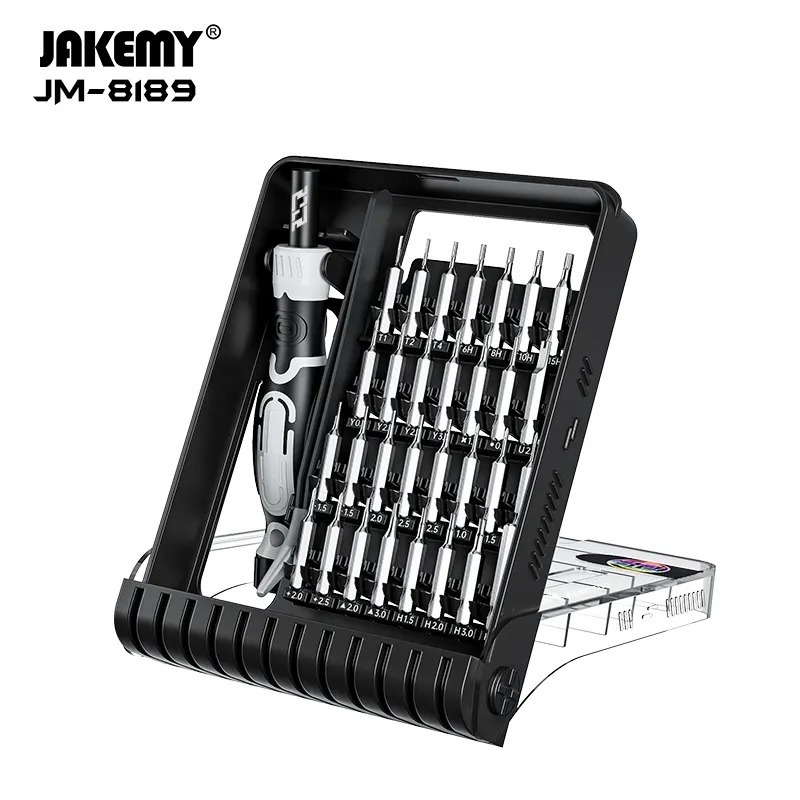 32 in 1 Steel Bit Precision Pocket Screwdriver Tool Set with Case
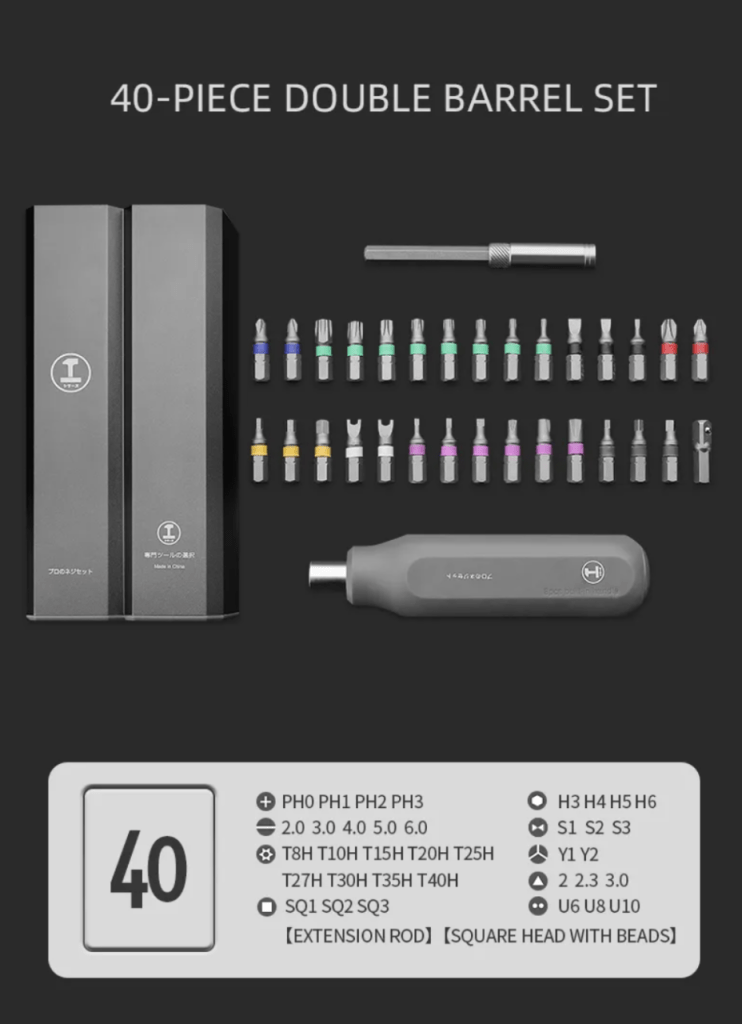 40 in 1 Steel Bit Double Barrel Precision Magnetic Screwdriver Tool Set with Case for Phone PC Electronics
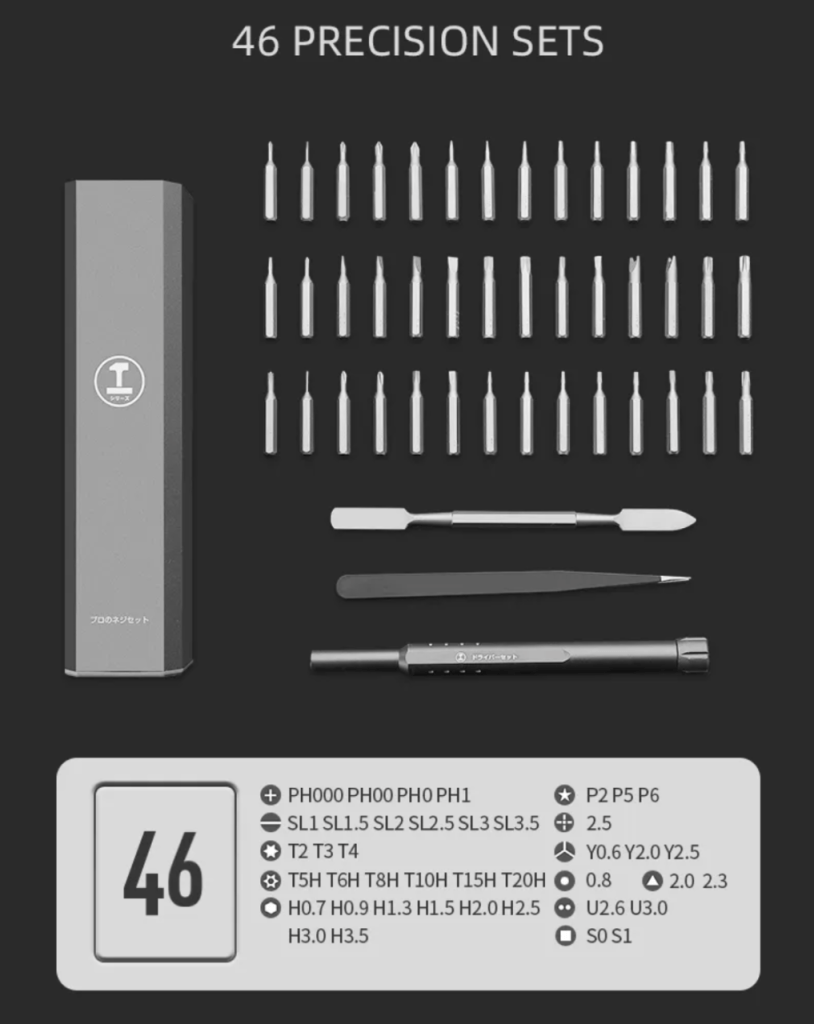 46 in 1 Steel Bit Precision Magnetic Screwdriver Tool Set with Case for Phone PC Electronics
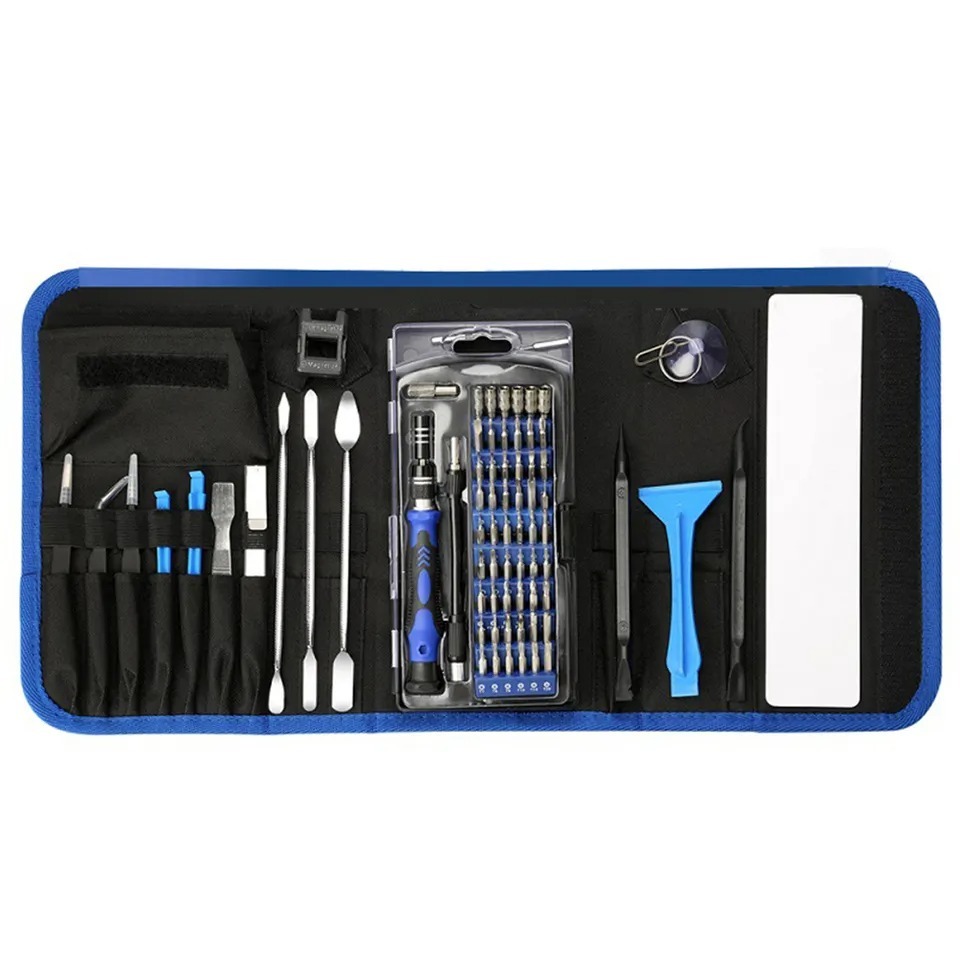 86 in 1 Steel Bit Precision Magnetic Screwdriver Tool Set with Case for Phone PC Electronics
 130 in 1 Professional Multi Bit Screwdriver Precision Tools Set For All Gadgets
 140 in 1 Steel Bit Precision Magnetic Screwdriver Tool Set with Case for Phone PC Electronics
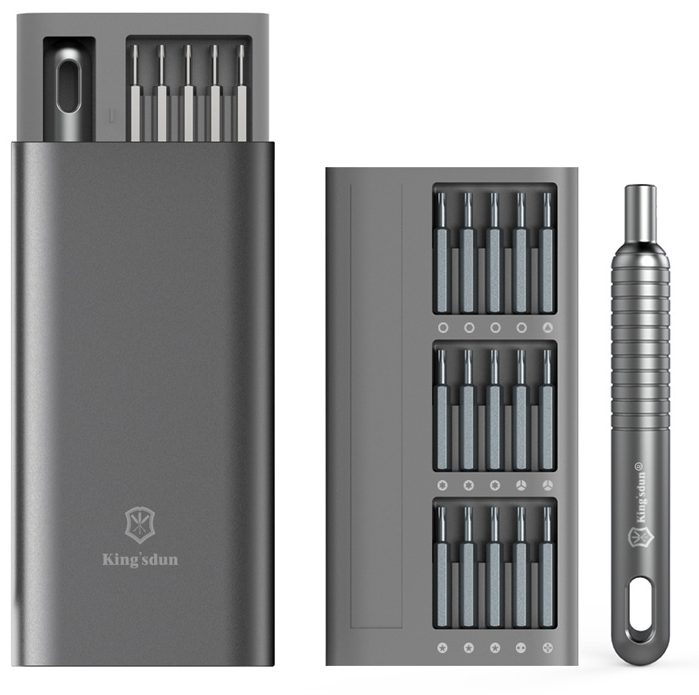 Kingsdun 31 in 1 S2 Steel Bit Precision Screwdriver Tool Set in Aluminum Case
All Screwdriver
6 in 1 Steel Bit Precision Magnetic Screwdriver Tool Set with Case for Phone PC Electronics
26 in 1 Aluminum Case Screwdriver Set with 24 Bits
32 in 1 Steel Bit Precision Magnetic Screwdriver Tool Set with Case for Phone PC Electronics
32 in 1 Steel Bit Precision Pocket Screwdriver Tool Set with Case
40 in 1 Steel Bit Double Barrel Precision Magnetic Screwdriver Tool Set with Case for Phone PC Electronics
46 in 1 Steel Bit Precision Magnetic Screwdriver Tool Set with Case for Phone PC Electronics
86 in 1 Steel Bit Precision Magnetic Screwdriver Tool Set with Case for Phone PC Electronics
130 in 1 Professional Multi Bit Screwdriver Precision Tools Set For All Gadgets
140 in 1 Steel Bit Precision Magnetic Screwdriver Tool Set with Case for Phone PC Electronics
Kingsdun 31 in 1 S2 Steel Bit Precision Screwdriver Tool Set in Aluminum Case
All Screwdriver
Safety Equipment


Soldering Tools
Popular in Soldering Tools
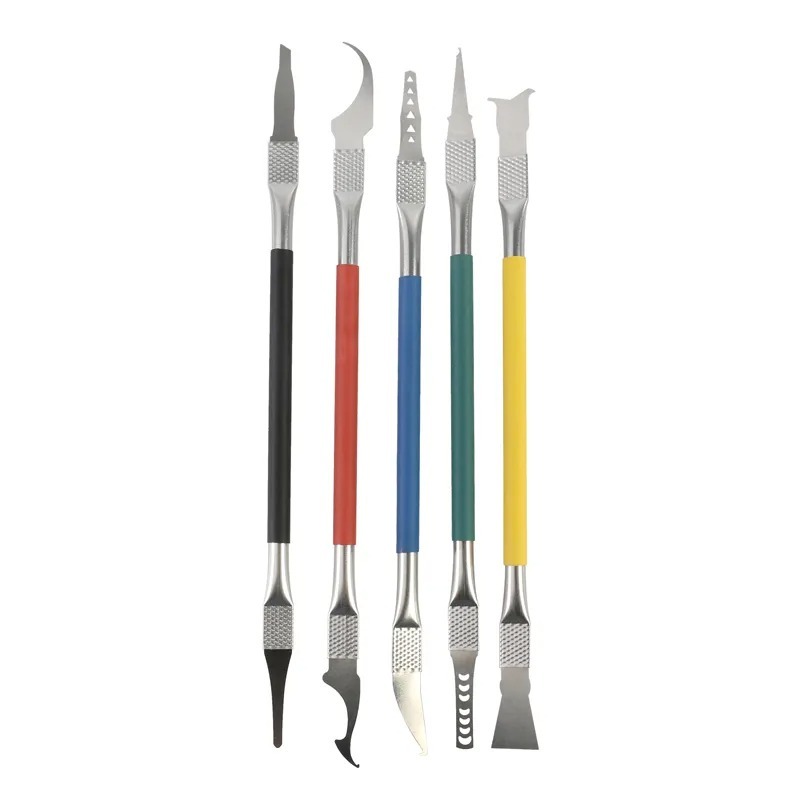 5 in 1 Chip Repair Thin Blade Remover Knife Disassemble Phone PC Rework Processor Tools
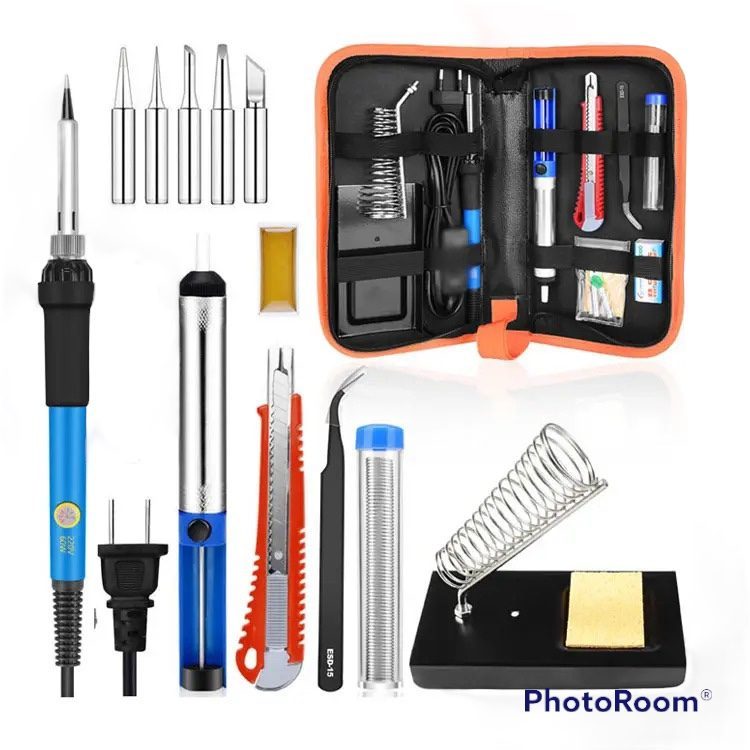 9 piece 60W Electric Soldering Iron Kit Electronics Repair Tool Set
 40 piece 60W Electric Soldering Iron Kit – Wood Burning Tool Set
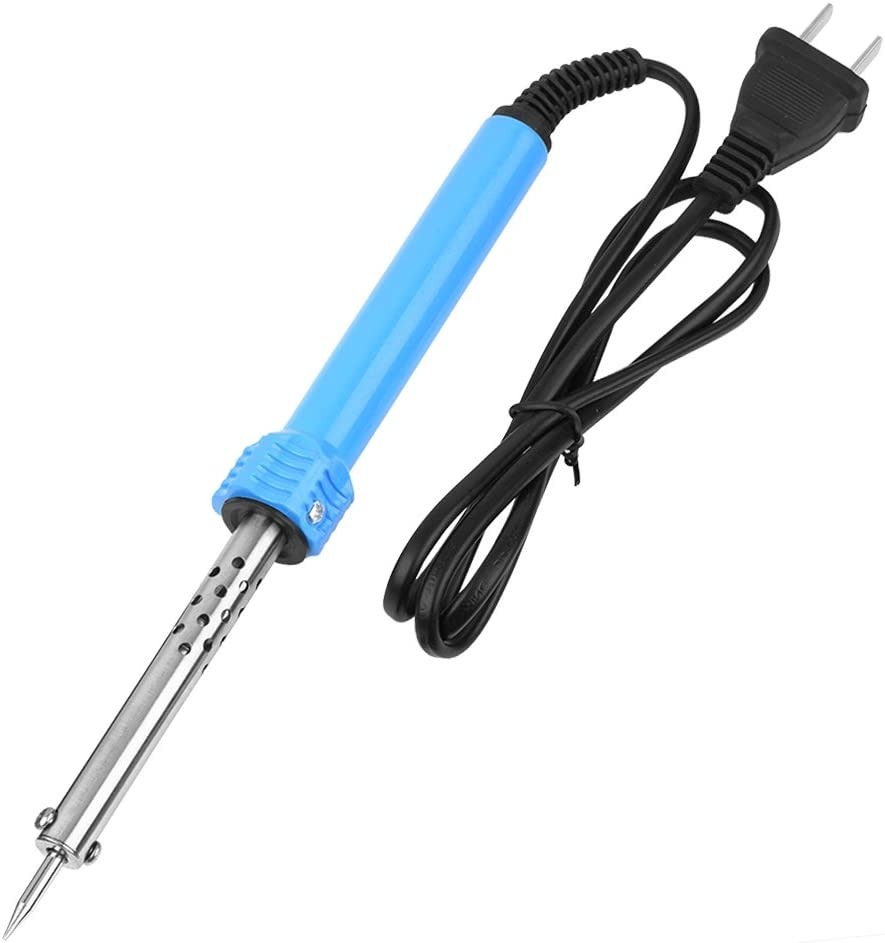 40W Electric Soldering Iron – Temperature Welding Tool for Electronic Repairs
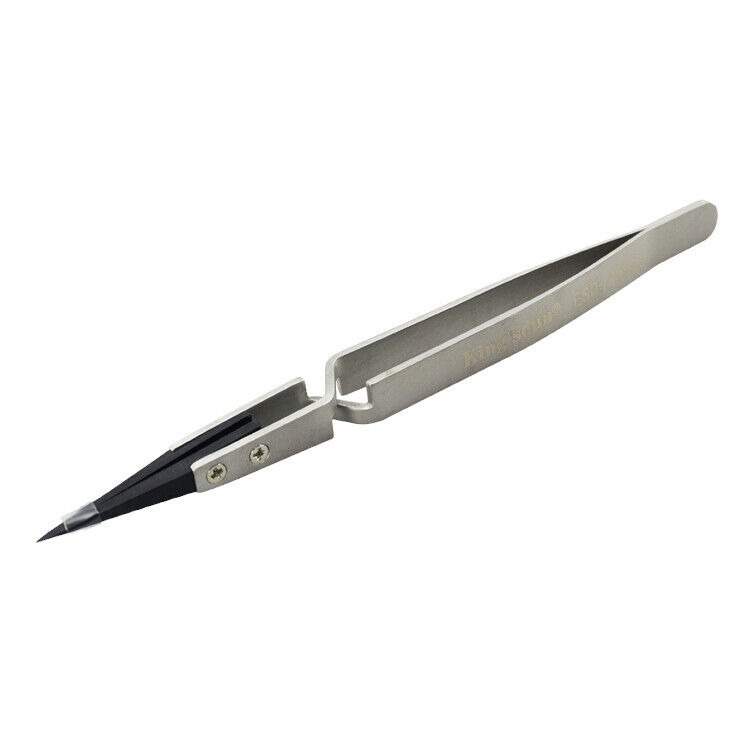 Kingsdun ESD-259X Stainless Steel Ceramic Tweezers With Heat Resistant Anti Dissipative Static Tip
 LED Helping Hands Magnifying Glass Soldering Station 3.5X 12X Magnifier with Clamps for Electronics Repair
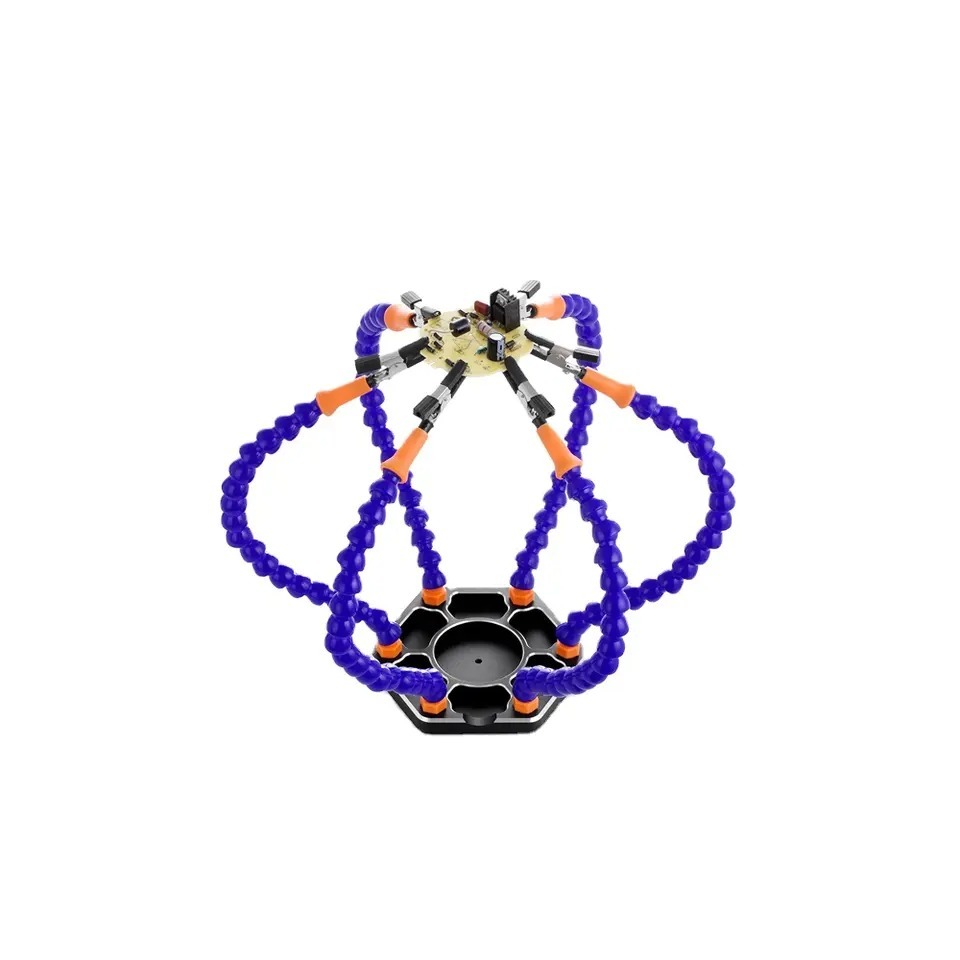 PCB Holder, Third Hands, Six Arm, Flexible Alligator Clip Soldering Station
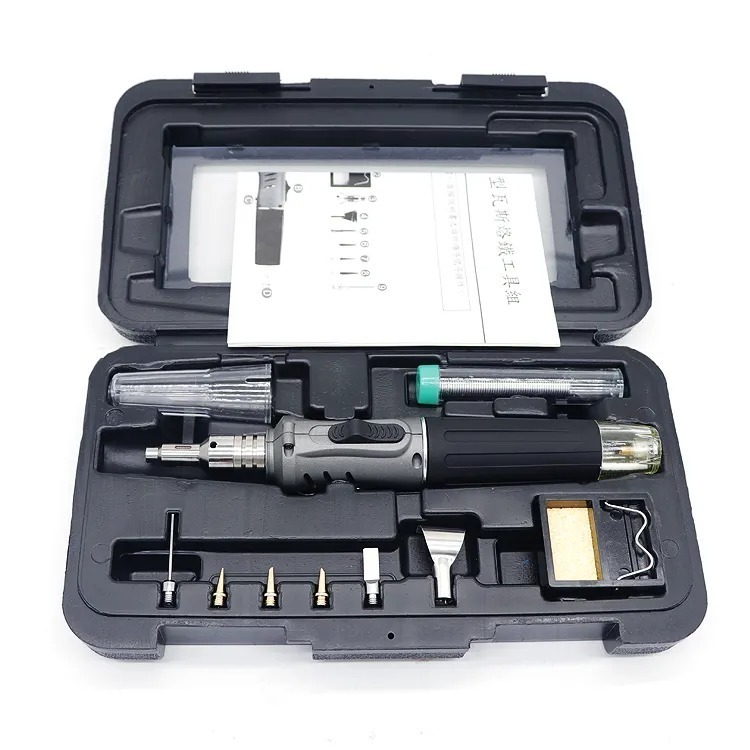 Professional Butane Torch Soldering Iron Kit – Cordless Torch Tool
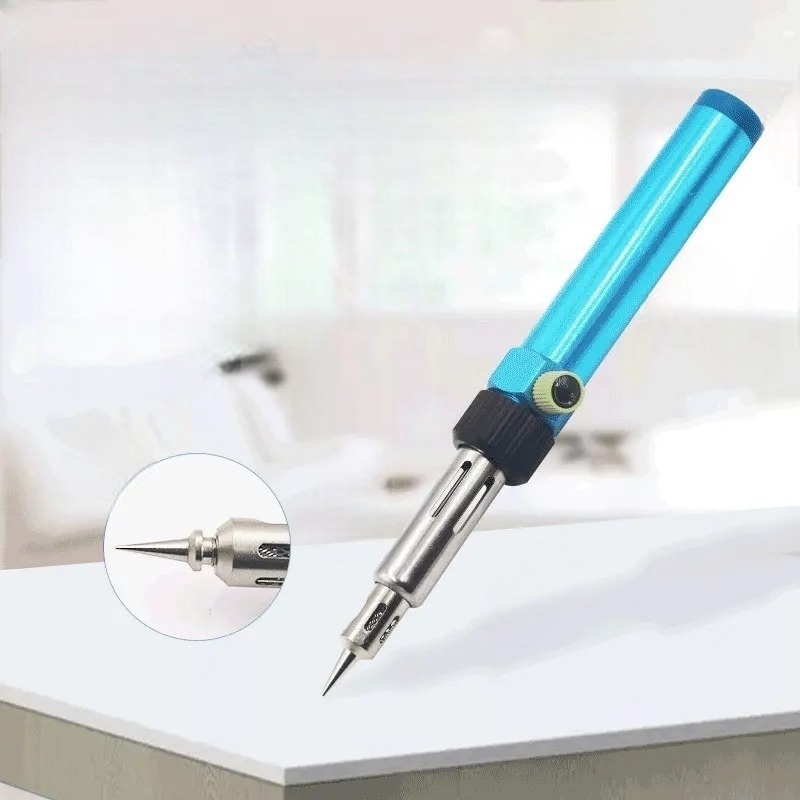 TekDep Butane Soldering Torch – Soldering Iron for Electronics & Repairs
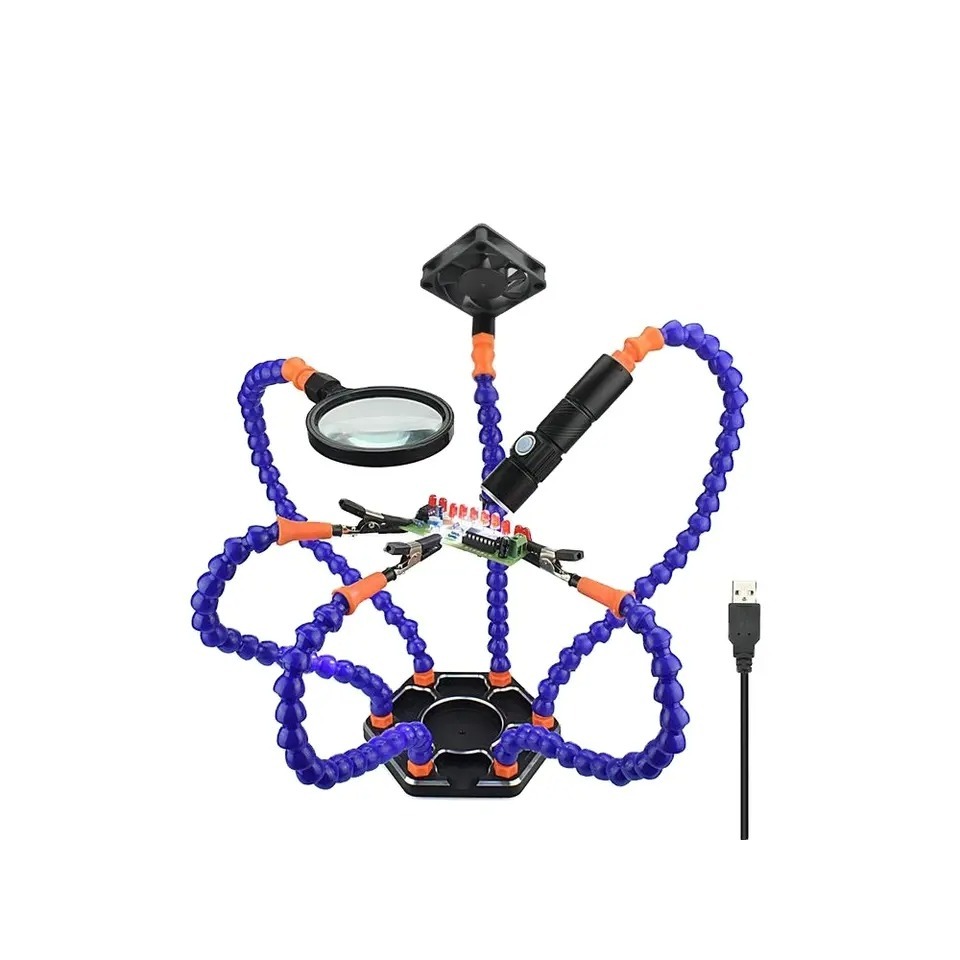 TekDep PCB Holder, Third Hand, Six Arm, Flexible Clip Soldering Station w/ USB Fan, Rechargeable Flex-Light & Magnifying Glass Tip Attachments
All Soldering Tools
5 in 1 Chip Repair Thin Blade Remover Knife Disassemble Phone PC Rework Processor Tools
9 piece 60W Electric Soldering Iron Kit Electronics Repair Tool Set
40 piece 60W Electric Soldering Iron Kit – Wood Burning Tool Set
40W Electric Soldering Iron – Temperature Welding Tool for Electronic Repairs
Kingsdun ESD-259X Stainless Steel Ceramic Tweezers With Heat Resistant Anti Dissipative Static Tip
LED Helping Hands Magnifying Glass Soldering Station 3.5X 12X Magnifier with Clamps for Electronics Repair
PCB Holder, Third Hands, Six Arm, Flexible Alligator Clip Soldering Station
Professional Butane Torch Soldering Iron Kit – Cordless Torch Tool
TekDep Butane Soldering Torch – Soldering Iron for Electronics & Repairs
TekDep PCB Holder, Third Hand, Six Arm, Flexible Clip Soldering Station w/ USB Fan, Rechargeable Flex-Light & Magnifying Glass Tip Attachments
All Soldering Tools
Maintenance Tools
Popular in Maintenance Tools


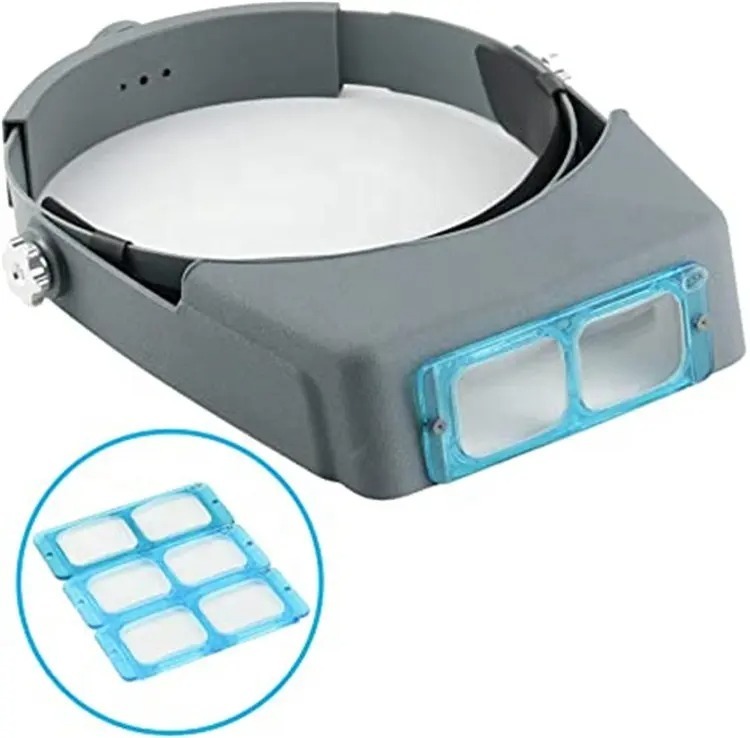
Display Tools
Popular in Display Tools
 2X Suction Cup Repair Opening Tool For Phone Computer Tablet Heavy Duty Screen
 5 inch Mini Wire Cutters Nickel Plated Mini Diagonal Pliers Hand Tool
 9 in 1 Disassemble Multi Opening Repair Tools Kit Metal Pry Bar
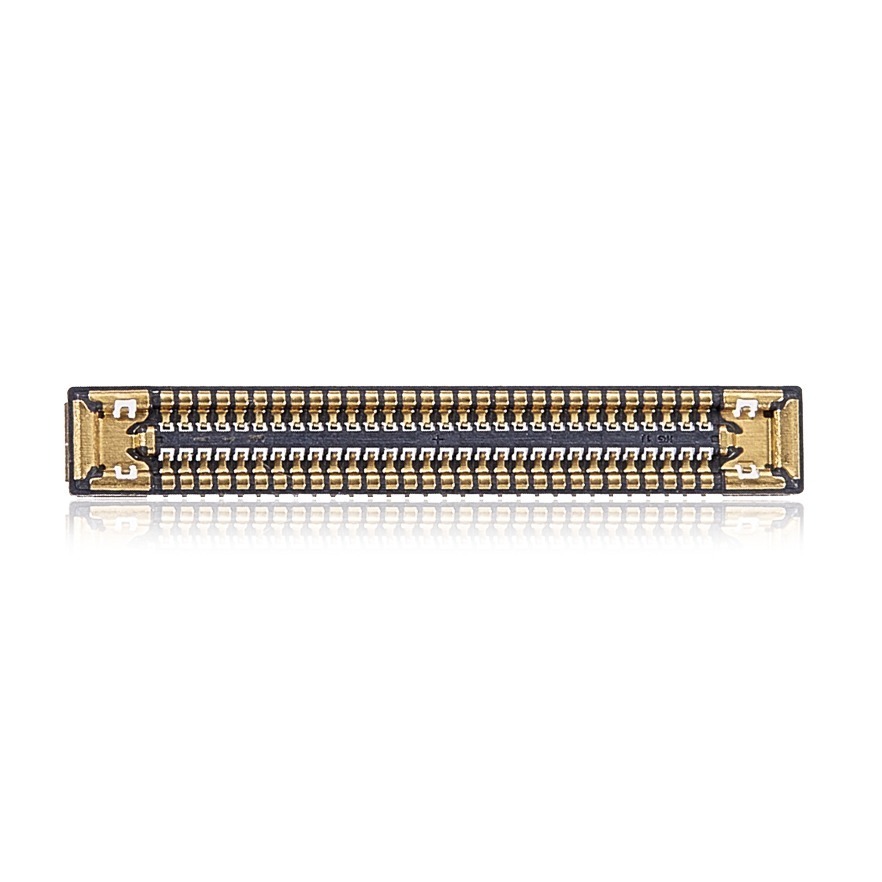 Aftermarket LCD FPC Connector (On Motherboard) for Samsung Galaxy S23 Ultra 5G SM-S918 2023 (10 Pack)
 Curved LCD Screen Spudger – Pry Tool for Mobile Devices & Electronics
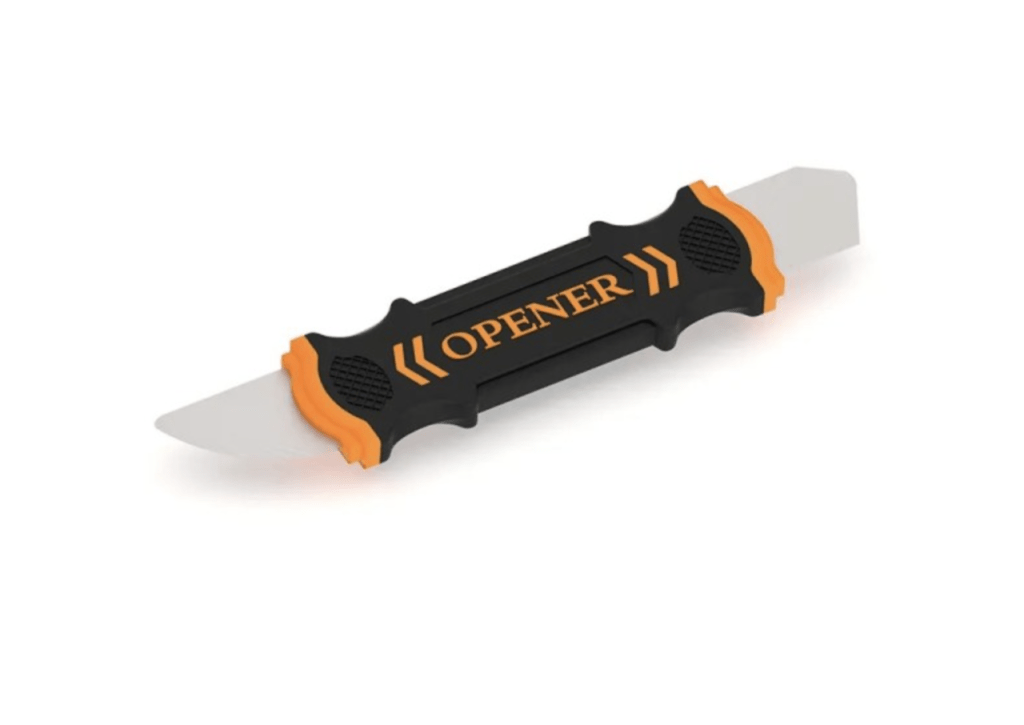 Flexible Pry Tool, Metal 2 Sided Screen Separator Electronics Repair Tool
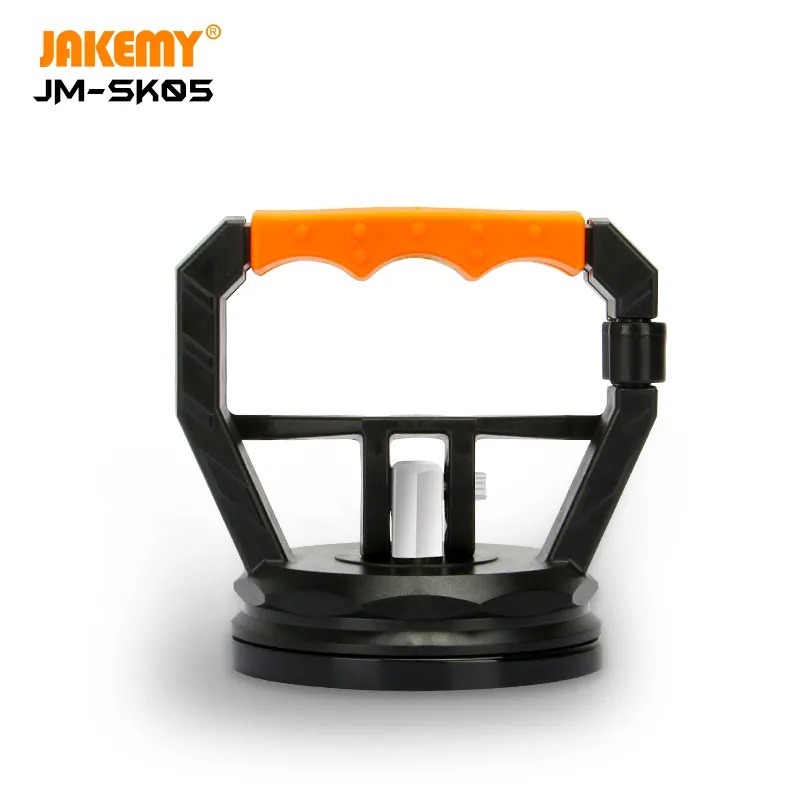 Heavy Duty Suction Cup Grip Tool For LCD-Display Removal Repair
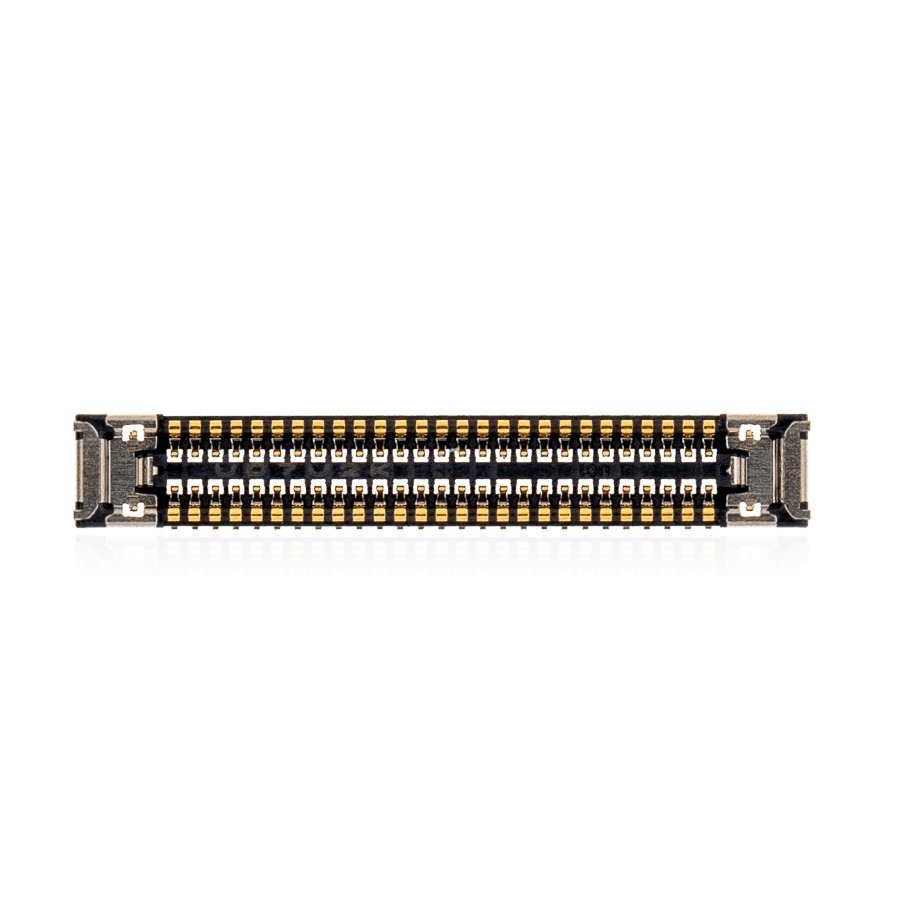 New LCD FPC Connector (On Motherboard) for Samsung Galaxy Tab A 8.4 SM-T307 2020 (54 Pin)
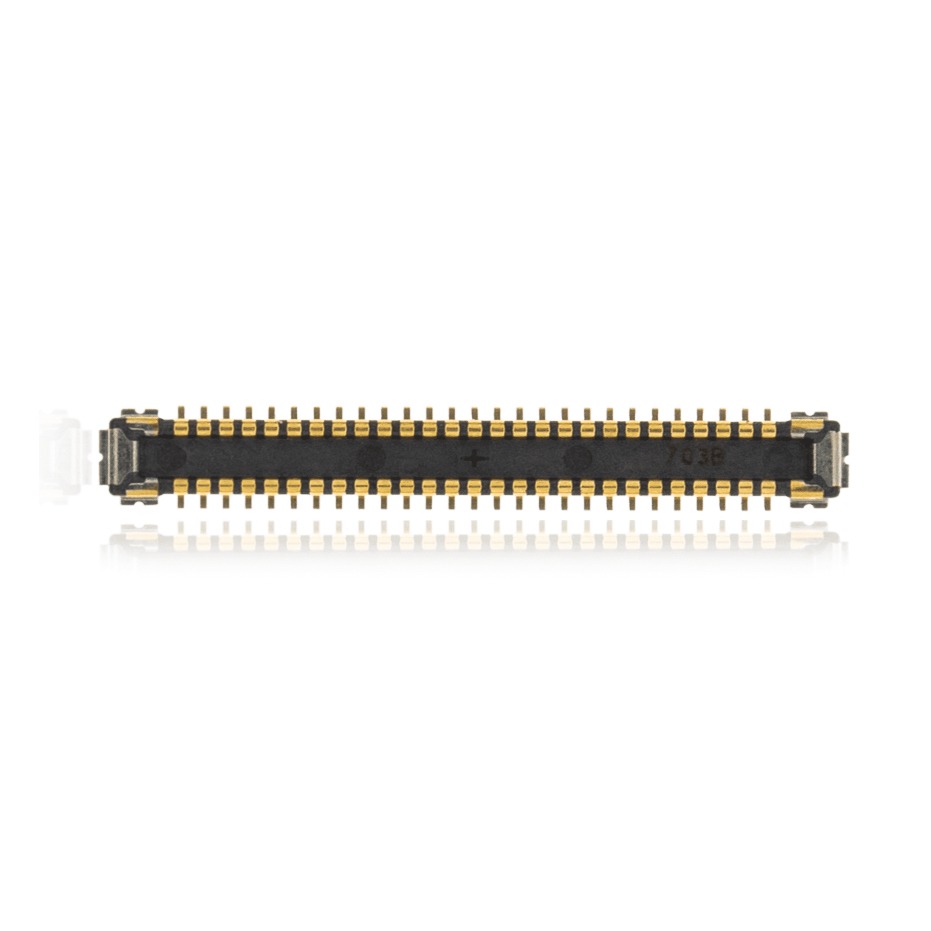 New LCD FPC Connector (On Motherboard) for Samsung Galaxy Tab A 10.1 SM-T510 2019 (54 Pin)
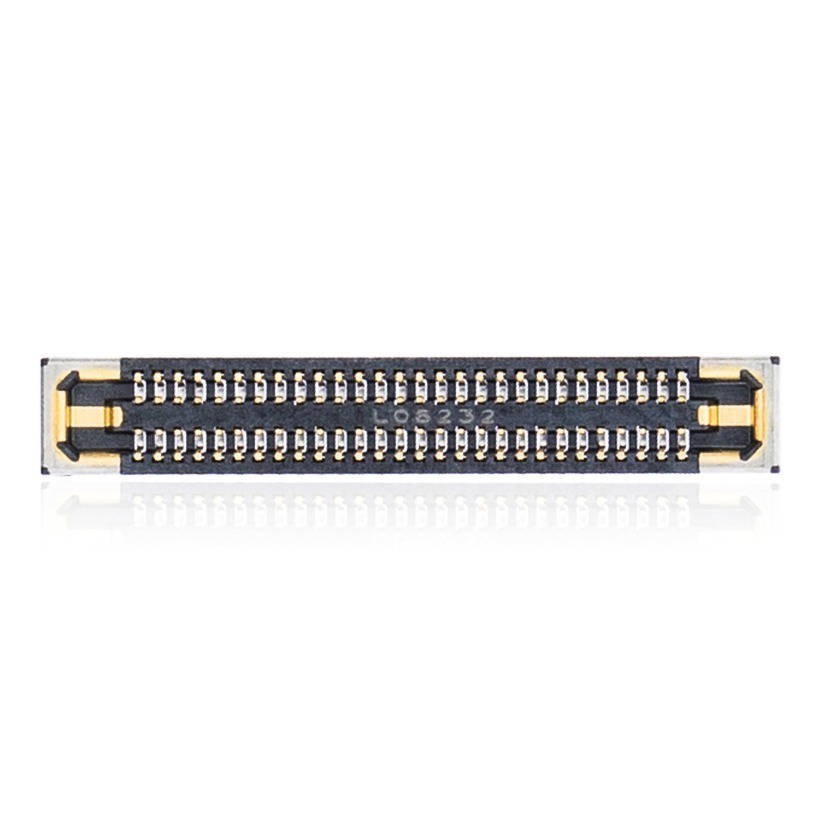 New LCD FPC Connector for Samsung Galaxy Note 20 SM-N980 2020 (56 Pin)
All Display Tools
2X Suction Cup Repair Opening Tool For Phone Computer Tablet Heavy Duty Screen
5 inch Mini Wire Cutters Nickel Plated Mini Diagonal Pliers Hand Tool
9 in 1 Disassemble Multi Opening Repair Tools Kit Metal Pry Bar
Aftermarket LCD FPC Connector (On Motherboard) for Samsung Galaxy S23 Ultra 5G SM-S918 2023 (10 Pack)
Curved LCD Screen Spudger – Pry Tool for Mobile Devices & Electronics
Flexible Pry Tool, Metal 2 Sided Screen Separator Electronics Repair Tool
Heavy Duty Suction Cup Grip Tool For LCD-Display Removal Repair
New LCD FPC Connector (On Motherboard) for Samsung Galaxy Tab A 8.4 SM-T307 2020 (54 Pin)
New LCD FPC Connector (On Motherboard) for Samsung Galaxy Tab A 10.1 SM-T510 2019 (54 Pin)
New LCD FPC Connector for Samsung Galaxy Note 20 SM-N980 2020 (56 Pin)
All Display Tools
Categories
Cables
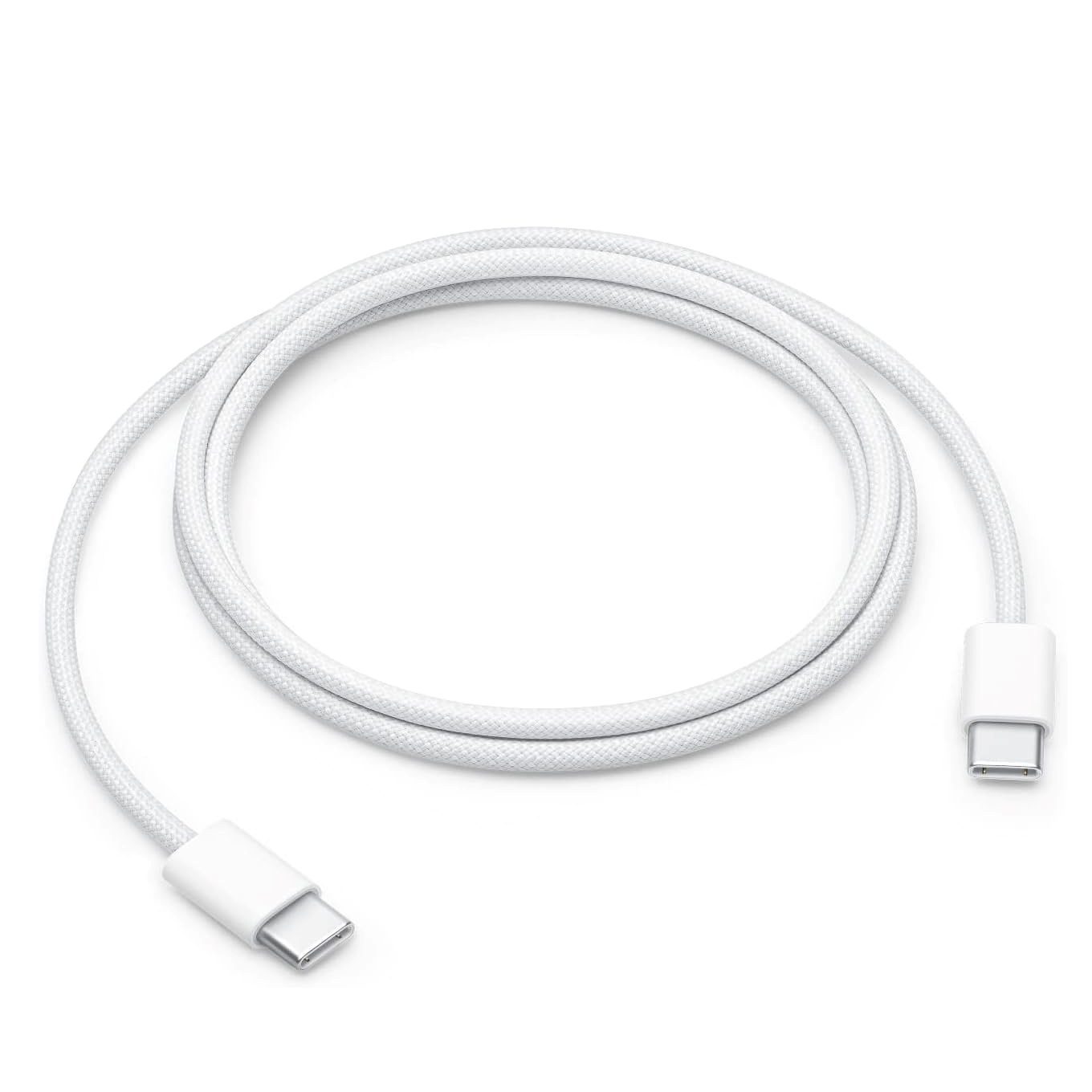
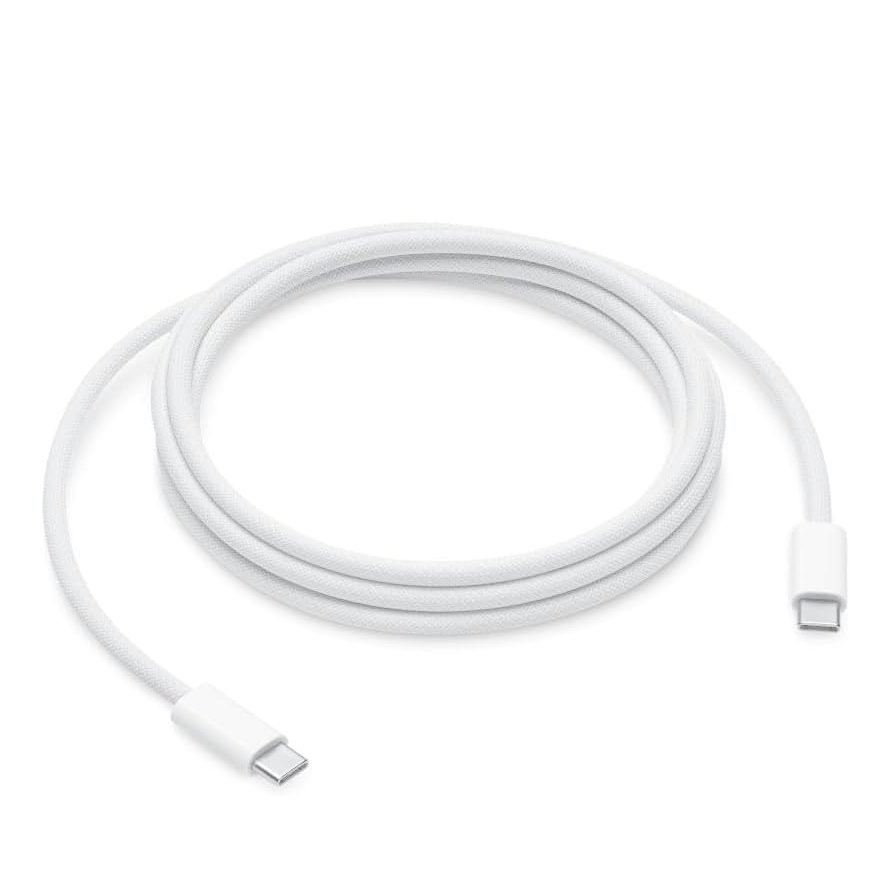
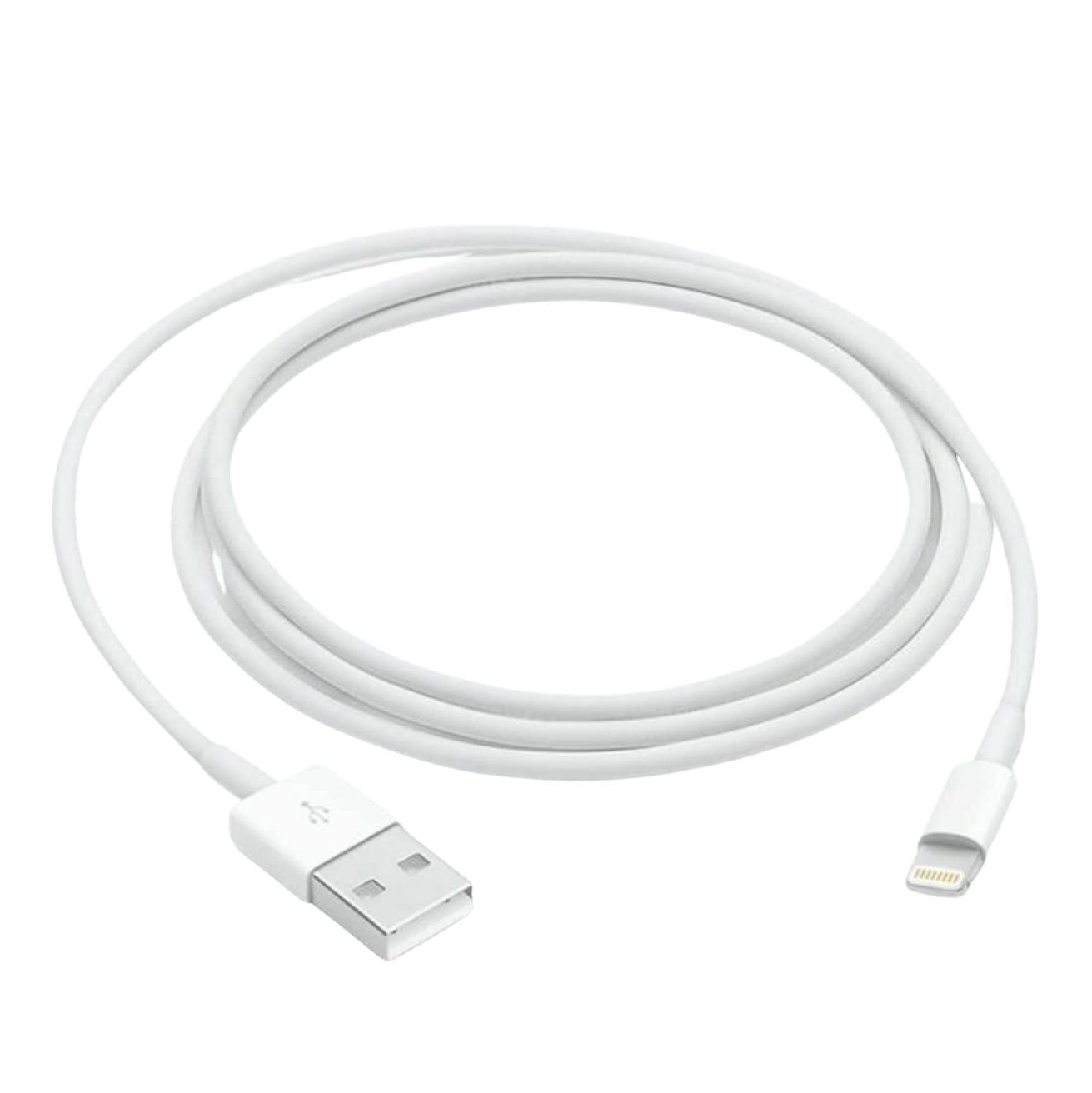
Chargers & Adapters
Popular in Chargers & Adapters
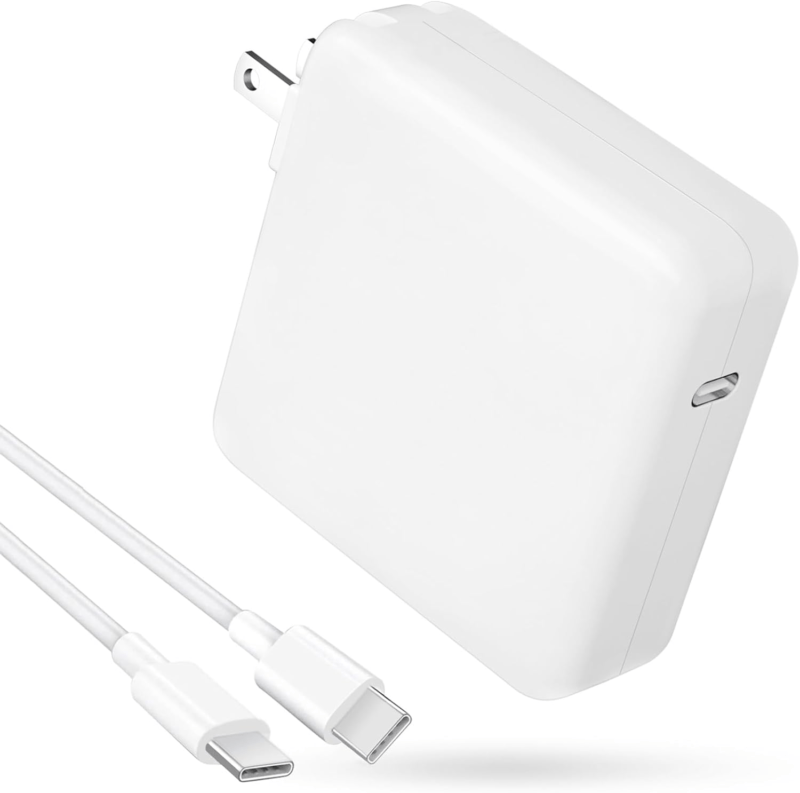 118W USB C Charging Brick and 7FT Cable Universal Compatibility
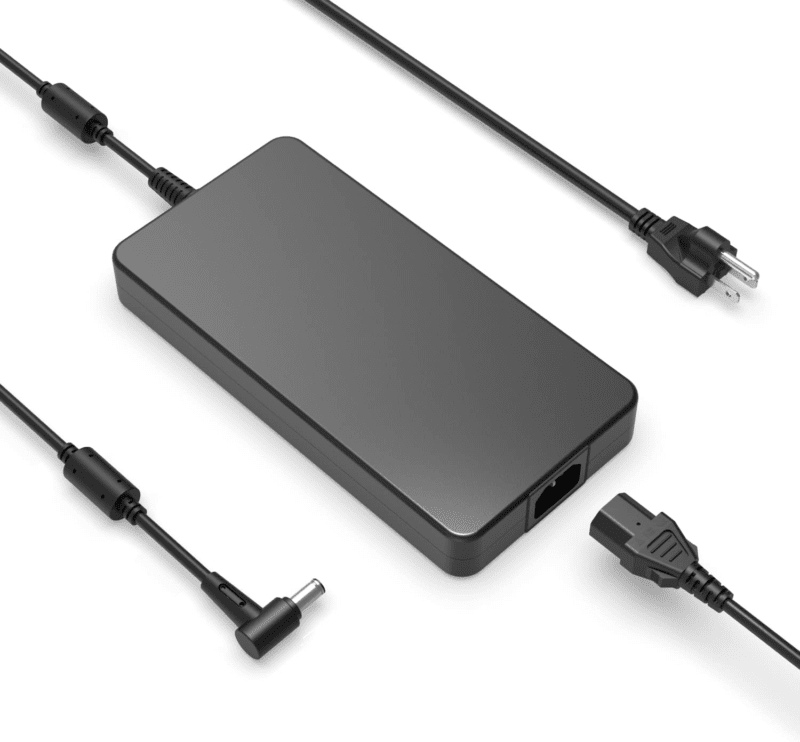 230W AC Charger with Power Cable NEW for Asus ZenBook Pro Duo UX581
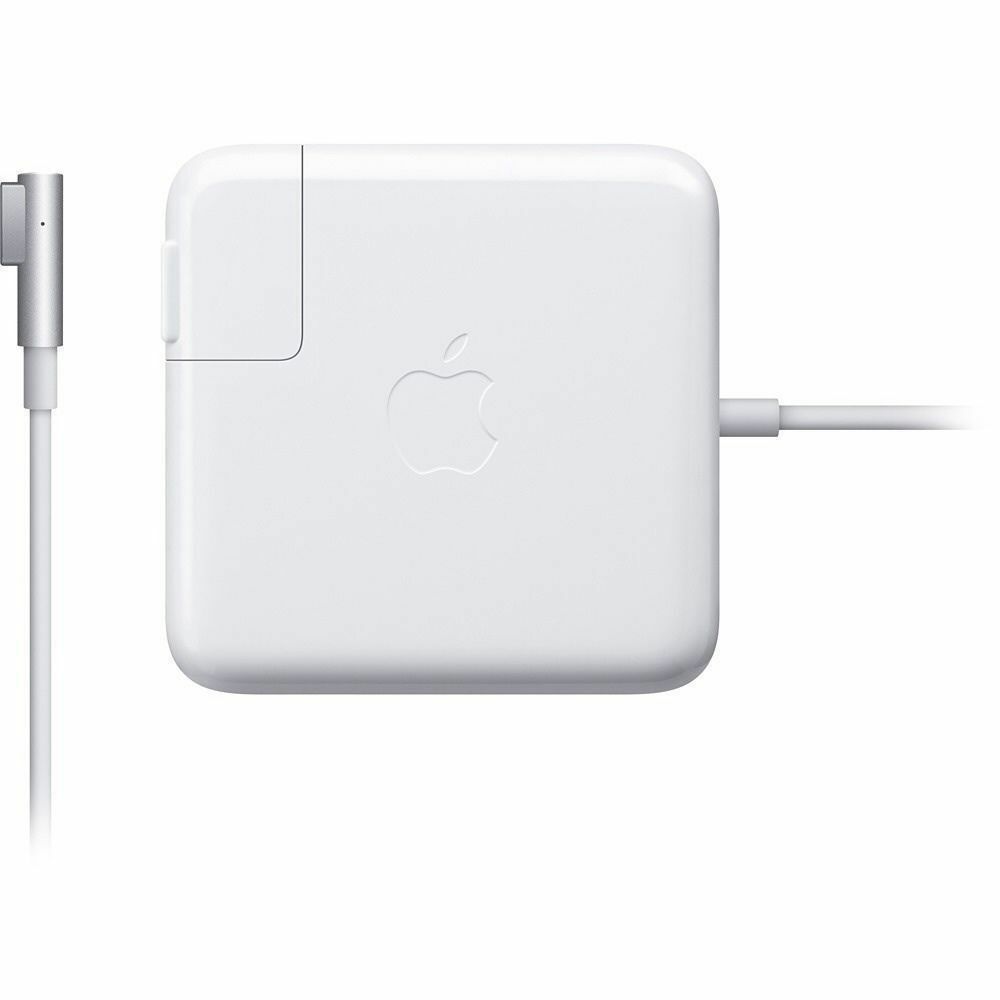 A1374 Original Apple 45W Power Adapter MagSafe L Tip for MacBook Air 11″ and 13″
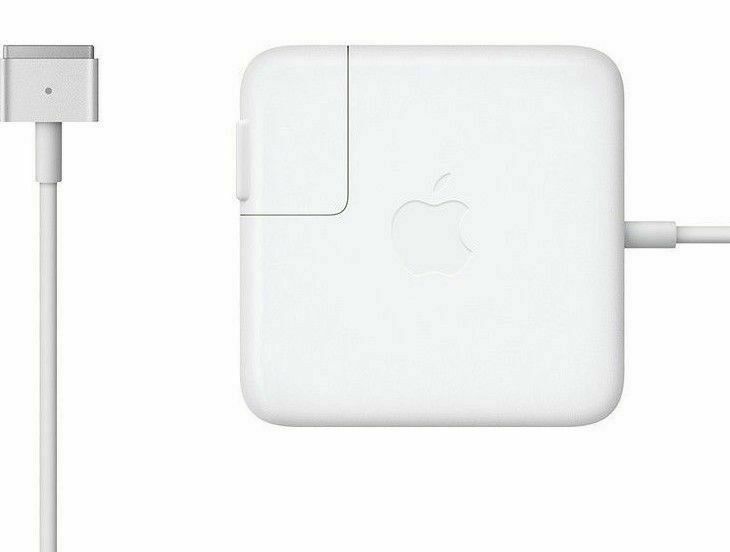 A1398 Original Apple 85W AC Power Adapter Charger A1424 for 2012-2015 MacBook Pro 15 inch Retina
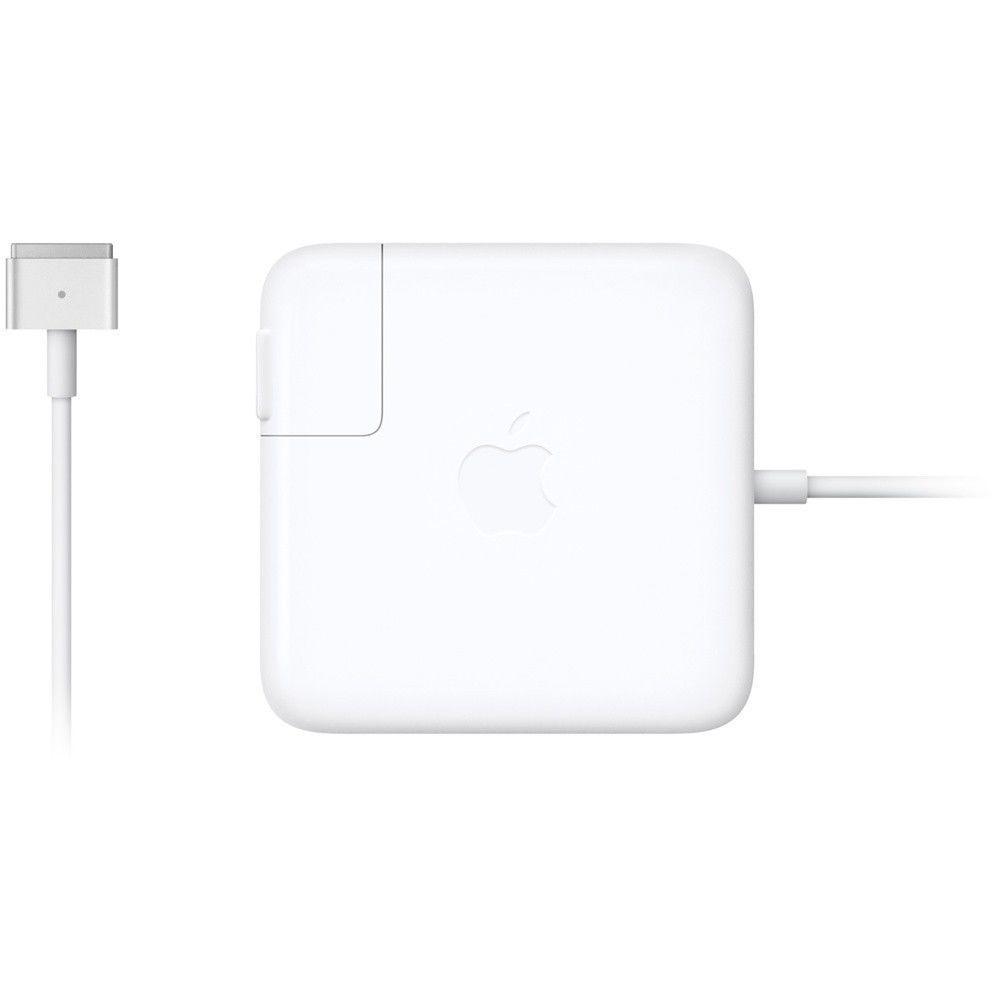 A1425 A1502 Original Apple 60W MagSafe 2 AC Adapter A1435 for 2012-2015 MacBook Pro
 A1465 A1466 Original Apple 45W Power Adapter MagSafe 2 T-Tip A1436 for MacBook Air 11″ and 13″
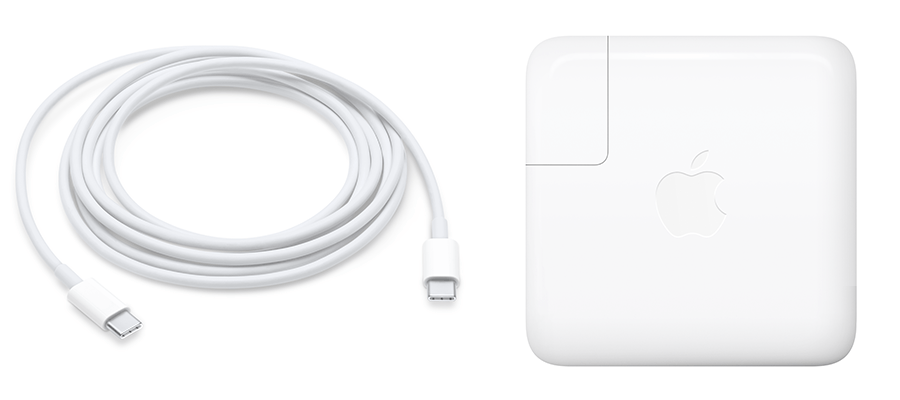 A1534 Original Apple 29W AC Power Adapter USB-C A1540 for 2015 MacBook 12-inch
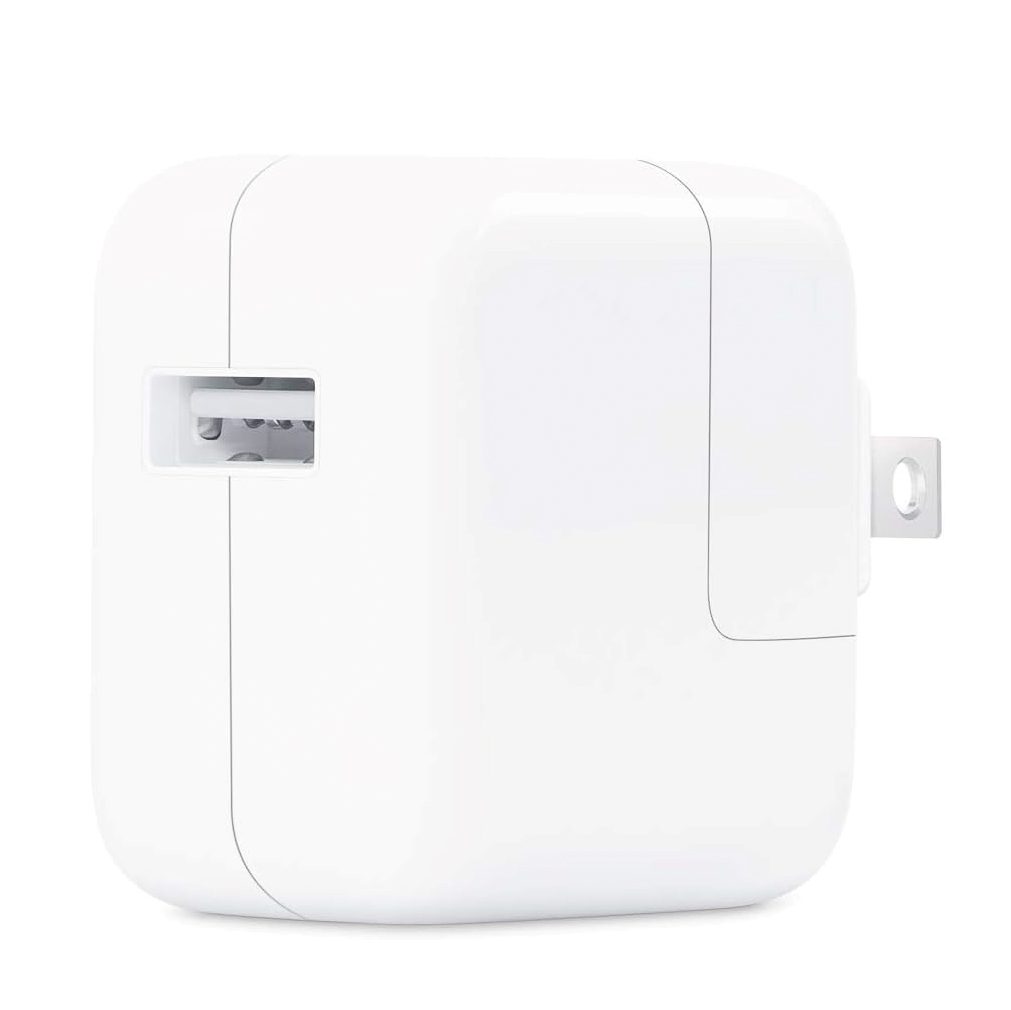 Apple 12W USB Power Adapter
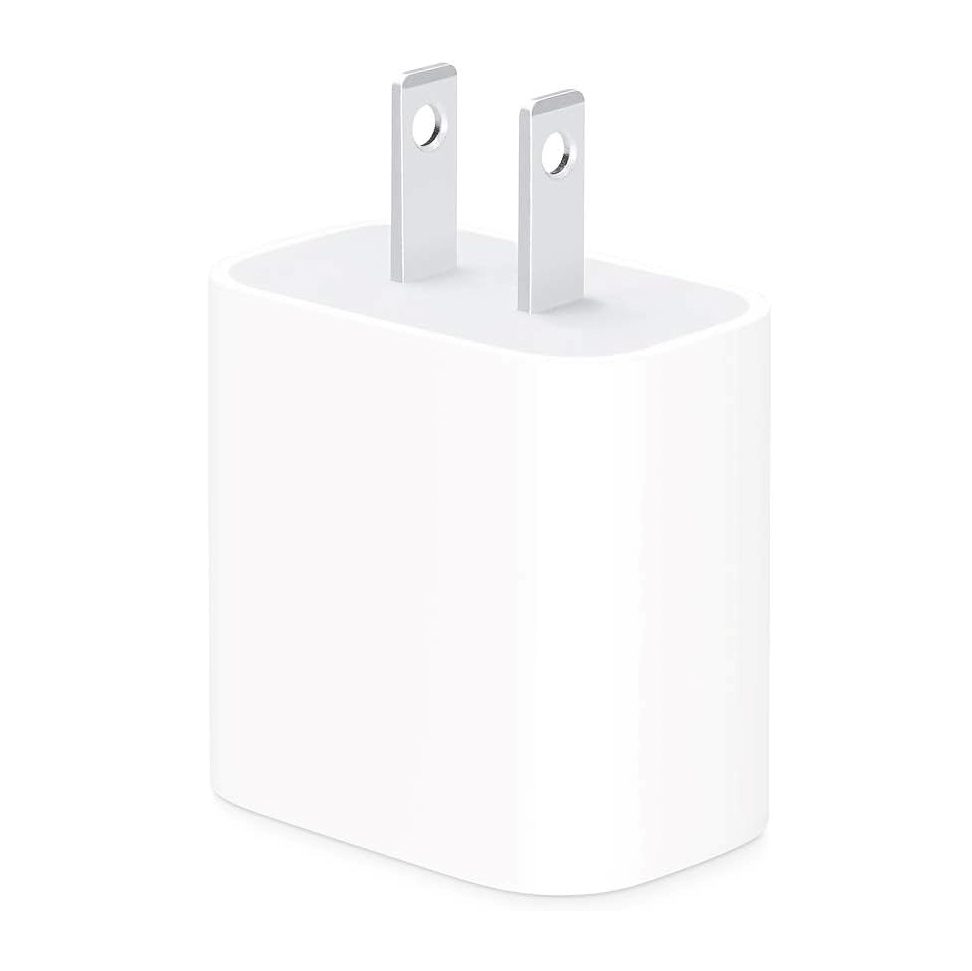 Apple 20W USB-C Power Adapter
 Apple 30W USB-C Power Adapter
All Chargers & Adapters
118W USB C Charging Brick and 7FT Cable Universal Compatibility
230W AC Charger with Power Cable NEW for Asus ZenBook Pro Duo UX581
A1374 Original Apple 45W Power Adapter MagSafe L Tip for MacBook Air 11″ and 13″
A1398 Original Apple 85W AC Power Adapter Charger A1424 for 2012-2015 MacBook Pro 15 inch Retina
A1425 A1502 Original Apple 60W MagSafe 2 AC Adapter A1435 for 2012-2015 MacBook Pro
A1465 A1466 Original Apple 45W Power Adapter MagSafe 2 T-Tip A1436 for MacBook Air 11″ and 13″
A1534 Original Apple 29W AC Power Adapter USB-C A1540 for 2015 MacBook 12-inch
Apple 12W USB Power Adapter
Apple 20W USB-C Power Adapter
Apple 30W USB-C Power Adapter
All Chargers & Adapters
External HDD
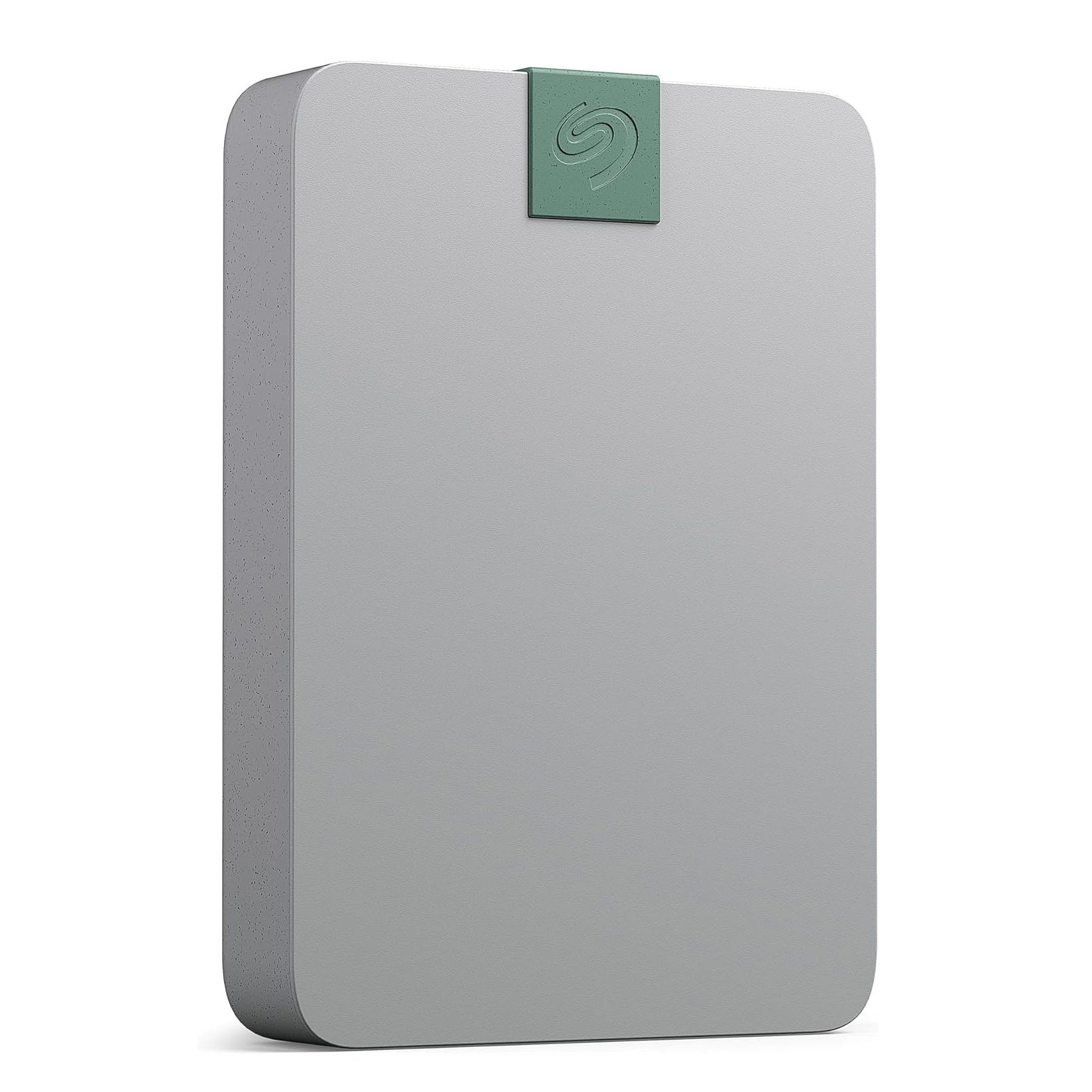
External SSD
Keyboards
Popular in Keyboards

Mouse
Popular in Mouse

Trackpads


USB Hubs
Popular in USB Hubs

NO FIX, NO FEE Mail-In Repair
Certified technicians, 12-month warranty, free return shipping — worldwide.
Start — Mail-In Repair In Los Angeles? Walk-in & drop-off at our Canoga Park shop
NO DATA, NO CHARGE Data Recovery Service
Your data is not lost — it’s waiting to be rescued. Free evaluation, worldwide mail-in.
Start — Data Recovery Service In Los Angeles? Free drop-off evaluation at our Canoga Park lab
Specialized


