

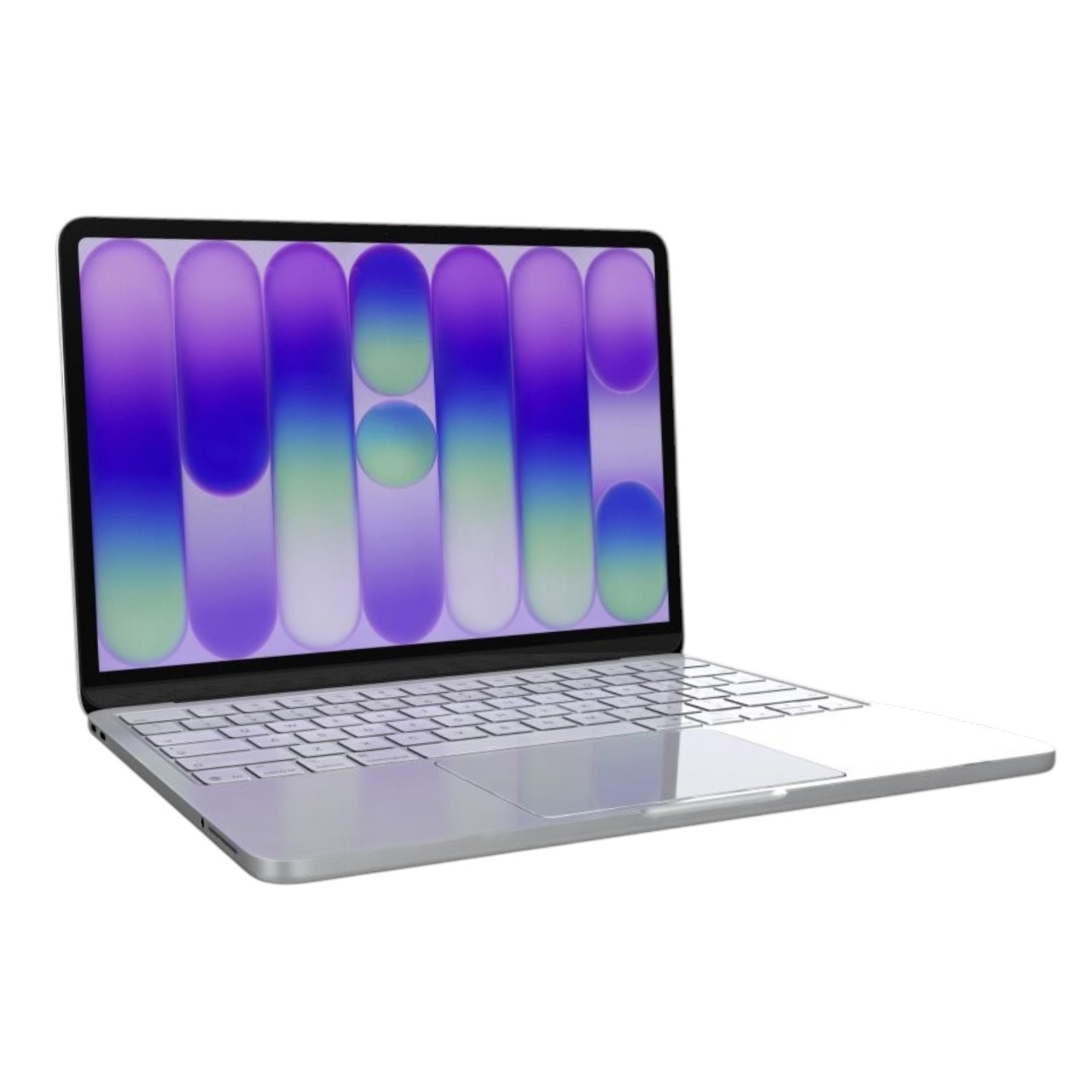
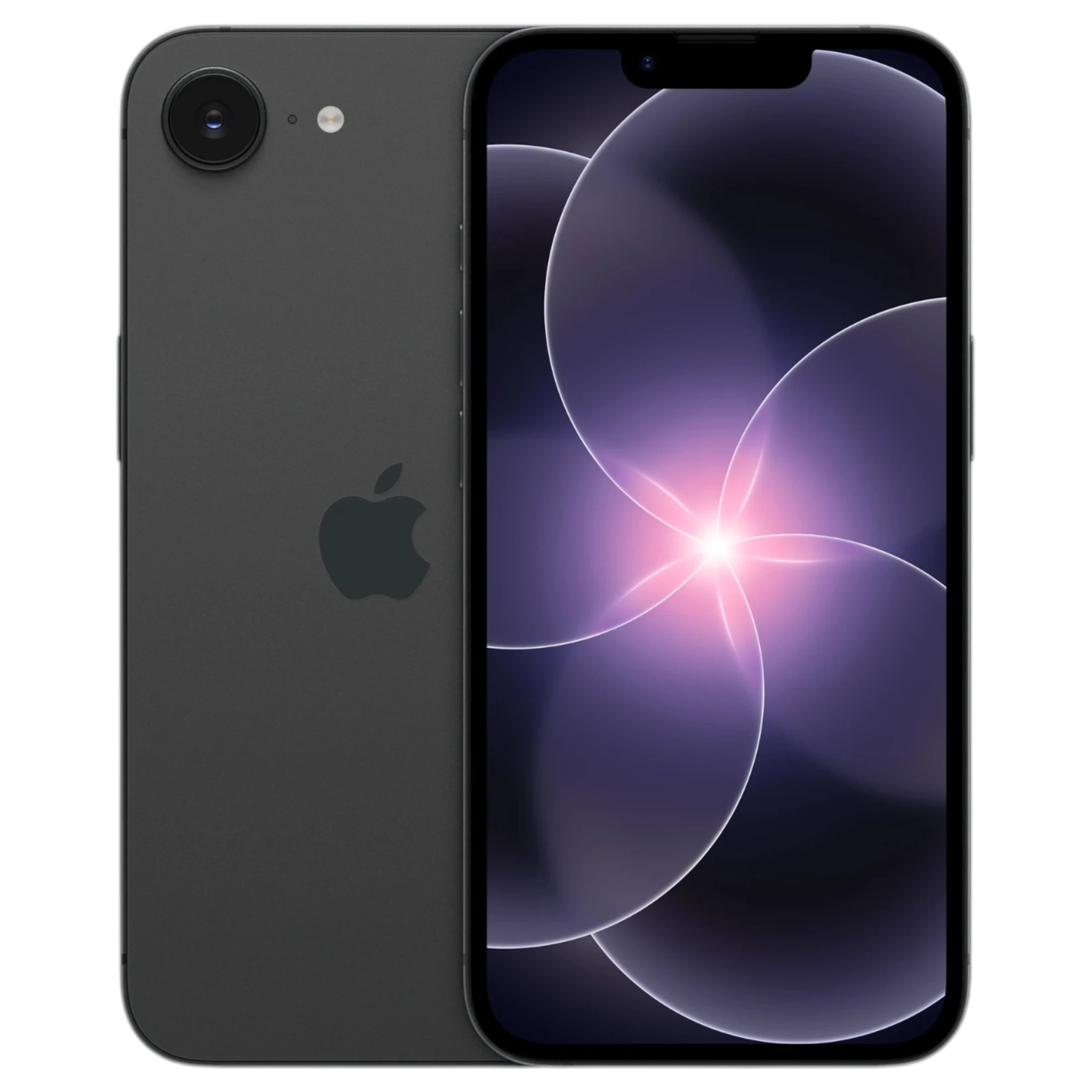
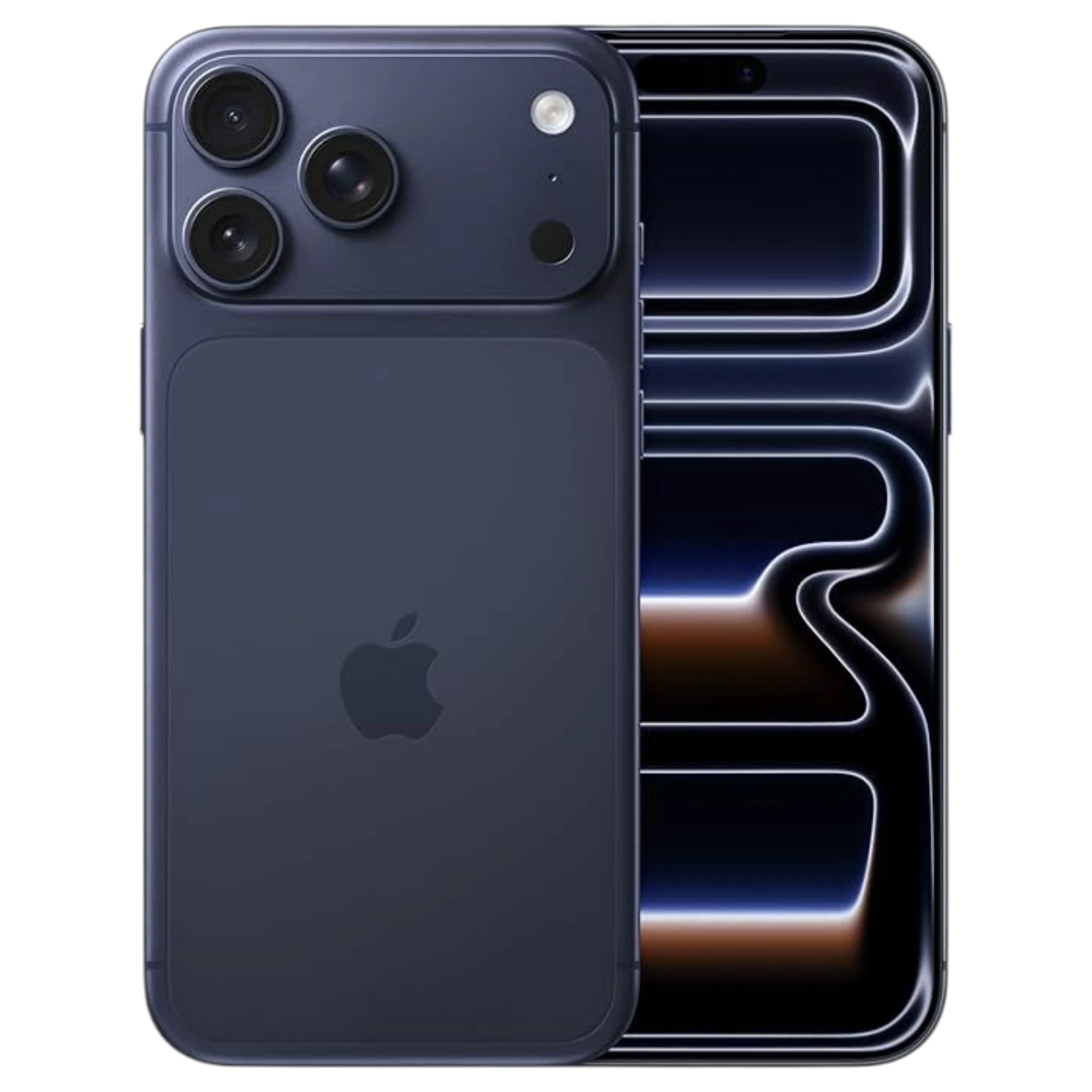

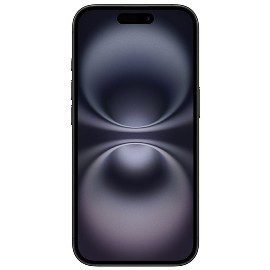
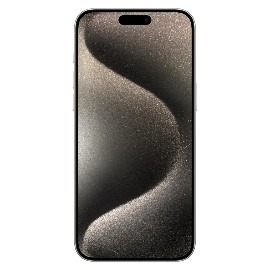
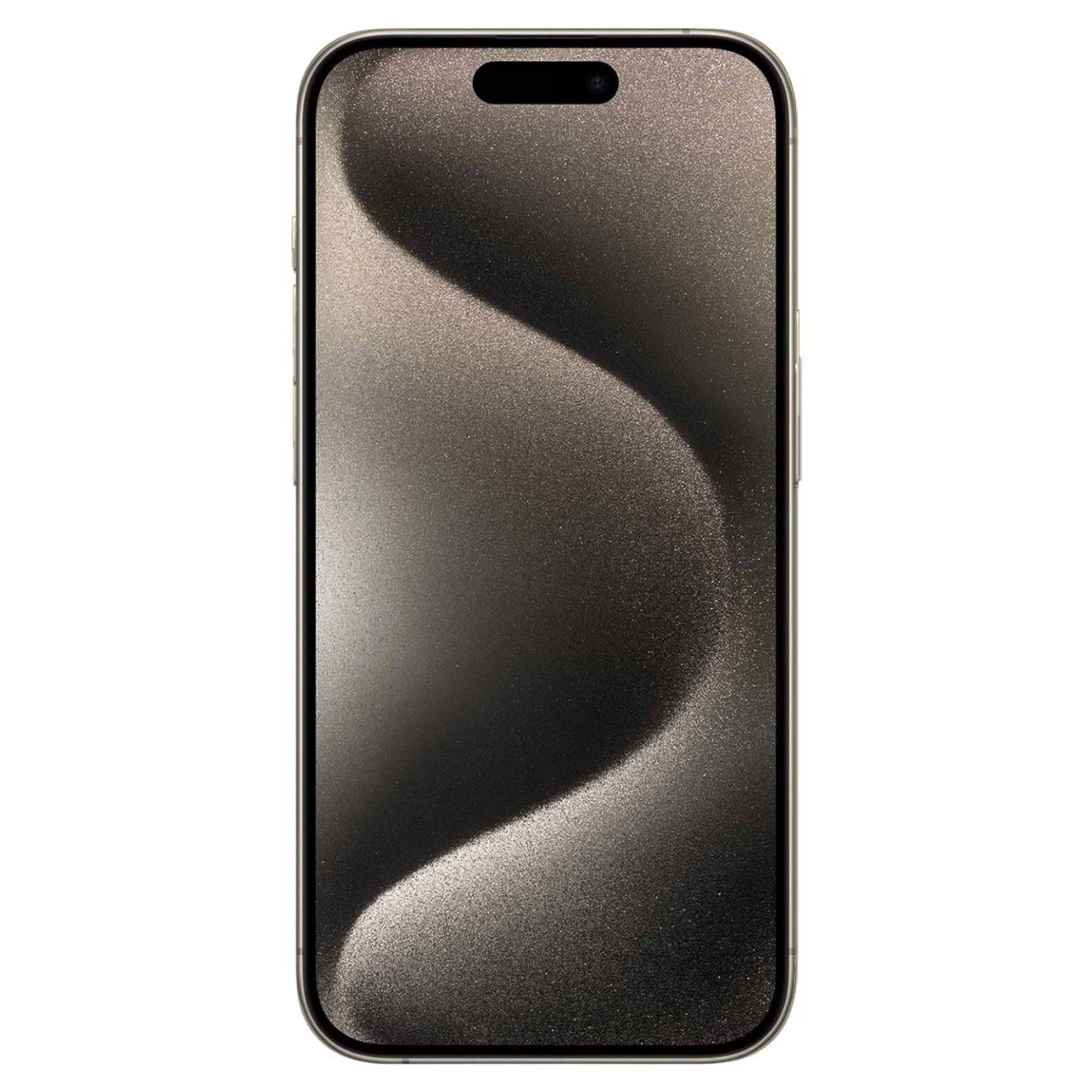


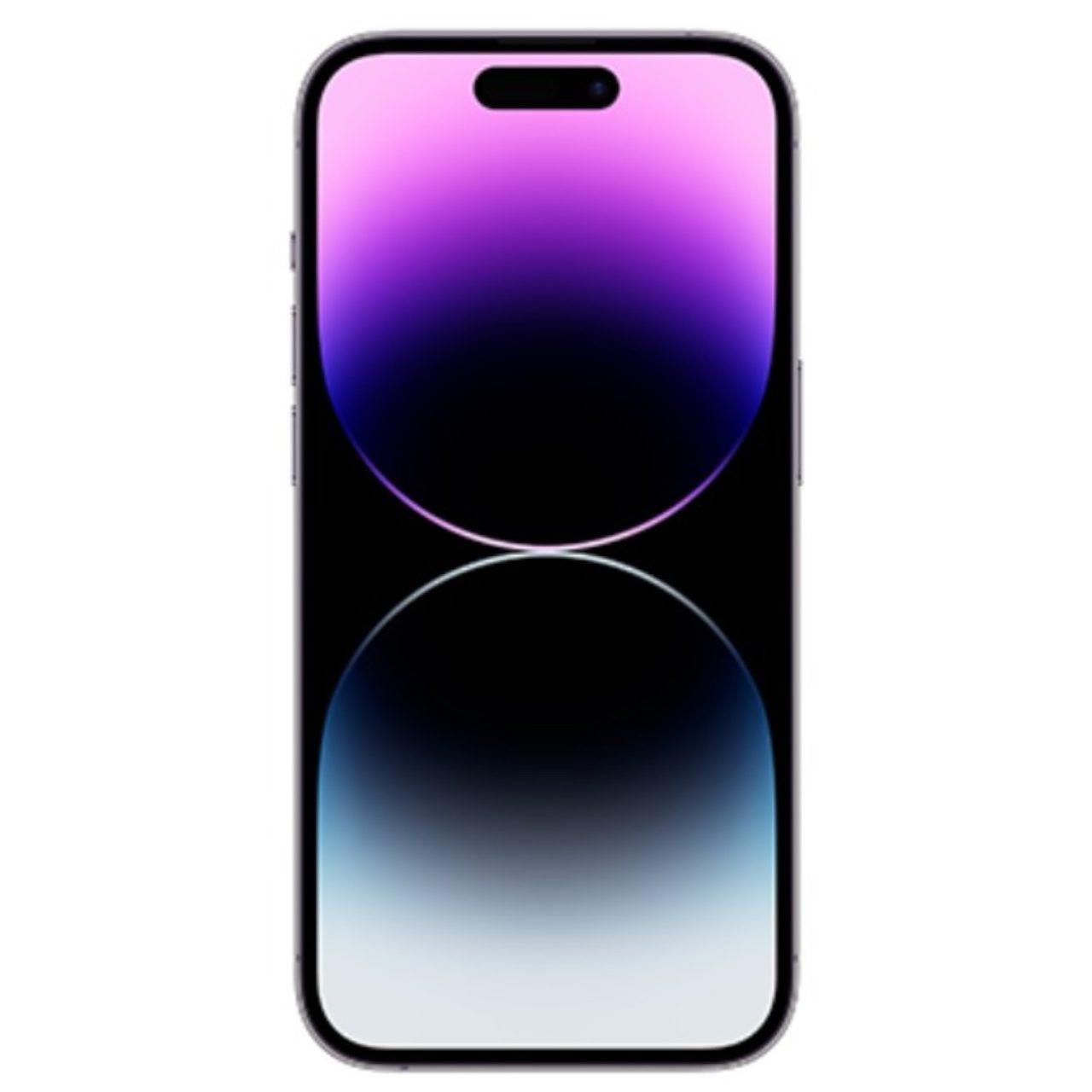
















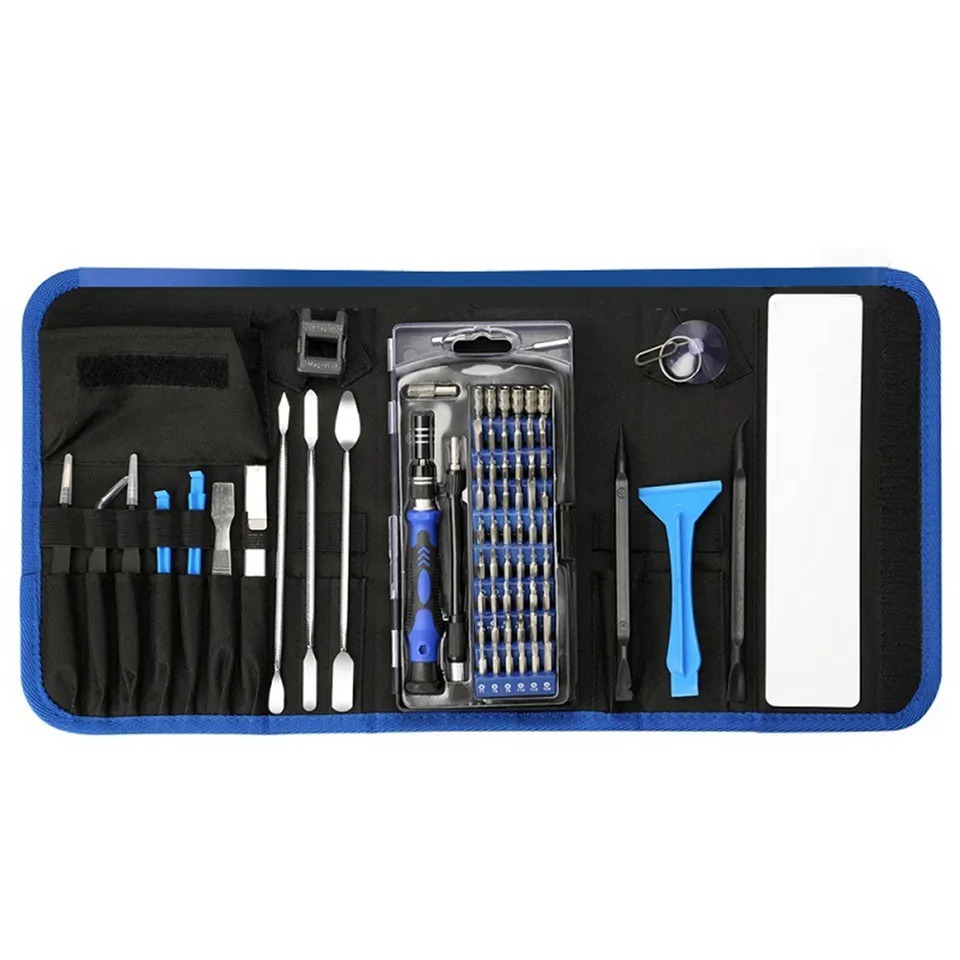


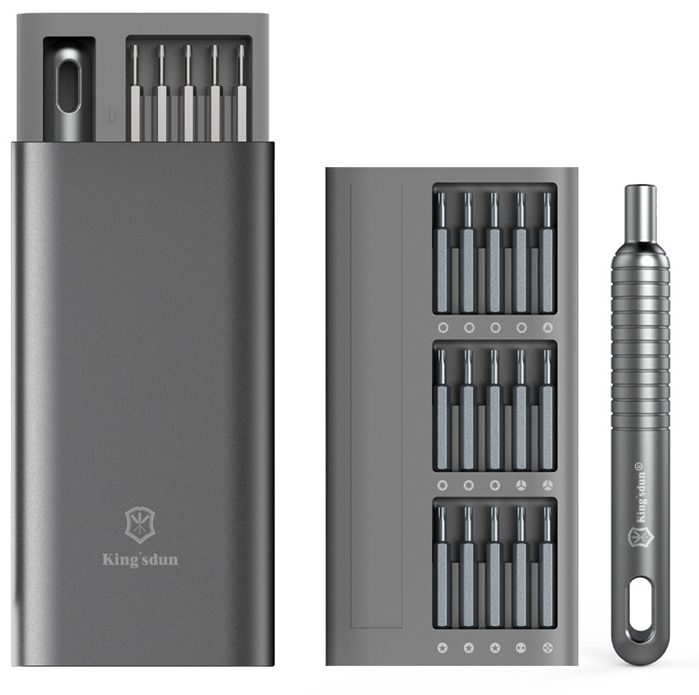

















Model: iPhone 15 Pro (Fake/Counterfeit) | Level: Advanced | Tools: Pentalobe screwdriver, plastic pry tool, Phillips screwdriver
A fake iPhone teardown shows exactly what scammers hide inside a counterfeit iPhone 15 Pro. Scammers often copy numbers from Apple’s official iPhone model list — like A2848, A3101, A3102, or A3104 — onto the packaging to trick buyers. If you buy a used phone without checking its serial number in Apple’s Coverage check tool, you risk wasting your money on a slow, broken fake. You can usually spot a fake right away because it has a thick black border at the bottom of the screen, blurry cameras, and a loud click when taking photos.
Common symptoms of a counterfeit include a thick bottom screen bezel, a slow refresh rate, and a loud shutter click when taking photos.
This tutorial will show you how to spot these fakes and take this imitation phone apart. Let’s get started.
How to Do a Fake iPhone Teardown (Quick Overview)
- First, check for a thick black border at the bottom of the screen and test if the camera lags.
- Next, take out the two tiny star screws at the bottom of the phone.
- Then, gently pop the screen open to see the weak tape holding it together.
- Afterward, lift off the back glass to expose the messy industrial glue underneath.
- Finally, unscrew the small inside plates to find the empty plastic lenses pretending to be cameras.
🛠️ Required Tools & Preparation for a Fake iPhone Teardown
A fake iPhone teardown only needs a few basic tools. However, you should expect soft screws that strip easily and lots of sticky glue. Always turn the phone completely off before starting.
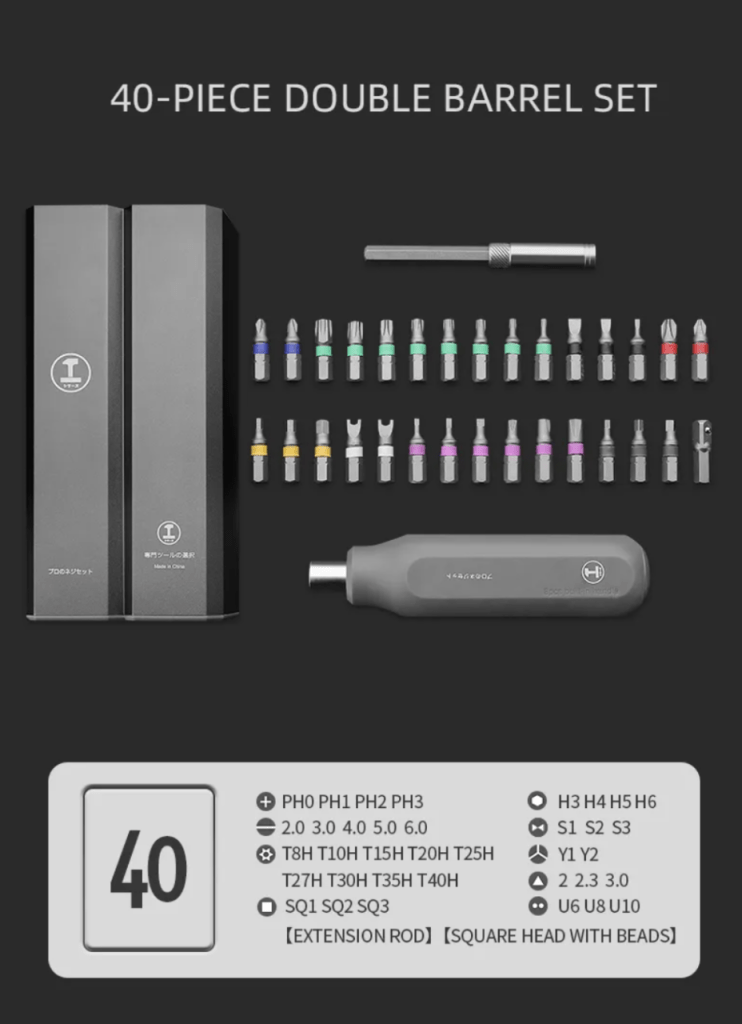
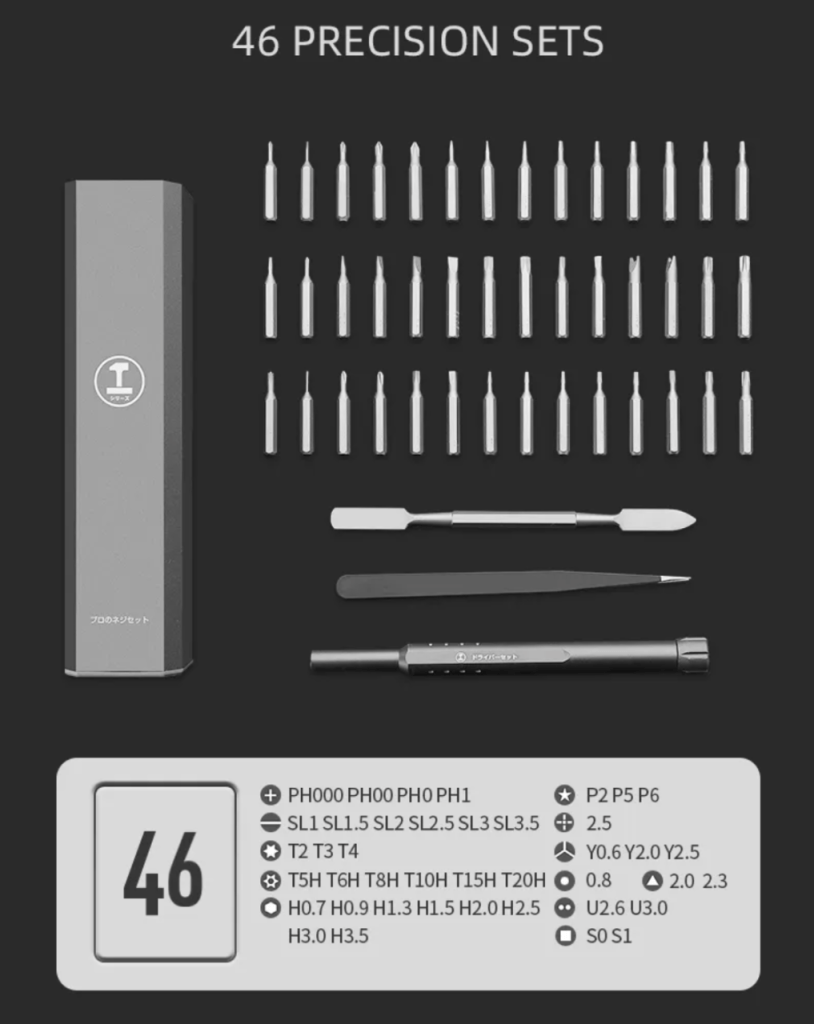
- Star screwdriver (Pentalobe): Used to take out the two tiny star-shaped screws next to the charging port.
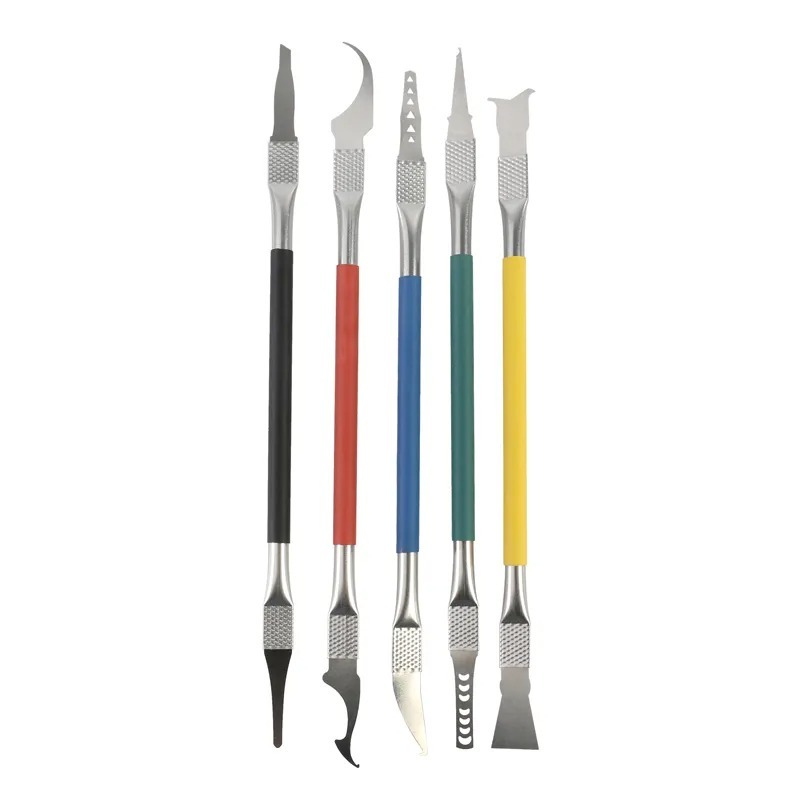
- Plastic pry tool: A flat, guitar-pick-shaped plastic tool to safely pop open the screen and back glass without scratching them.
- Phillips screwdriver: A standard mini plus-sign screwdriver for the inside parts.
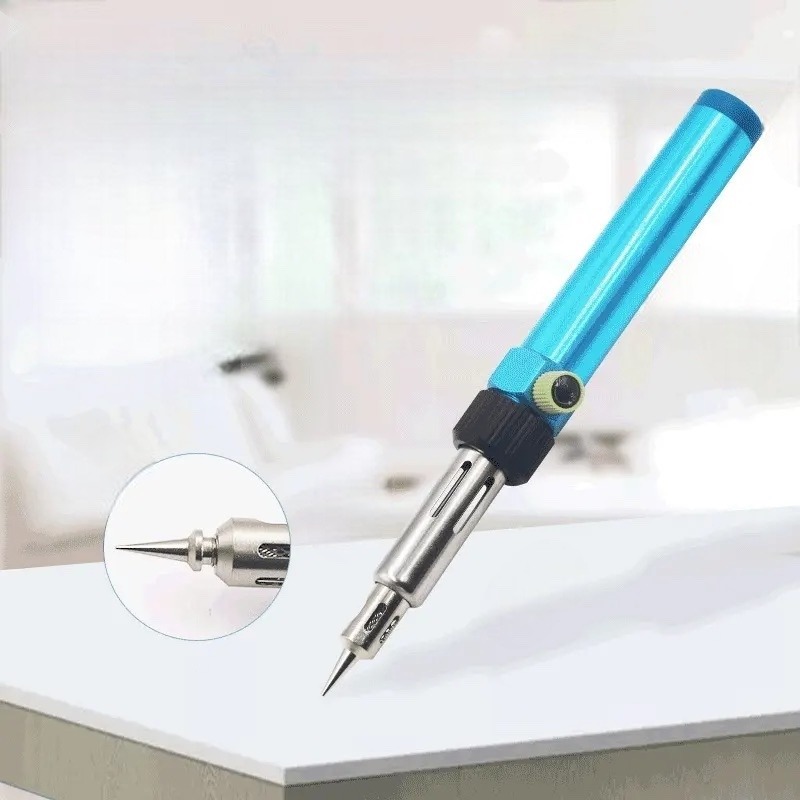
Get the Exact Tools Used by Our Techs:

You can also find every part we stock for genuine devices in our store.
⚠️ Before you start: Fake makers glue these parts together with cheap, permanent glue, so you cannot fix or rebuild this phone once it is taken apart. This guide is strictly for learning how scammers build fakes.
Phase 1: Spotting the Fake Before Opening It (Screen & Cameras)
Scammers copy the weight and metal look very well. Nevertheless, the screen and camera quality give the trick away right away.
Step 1: Check the Screen Border
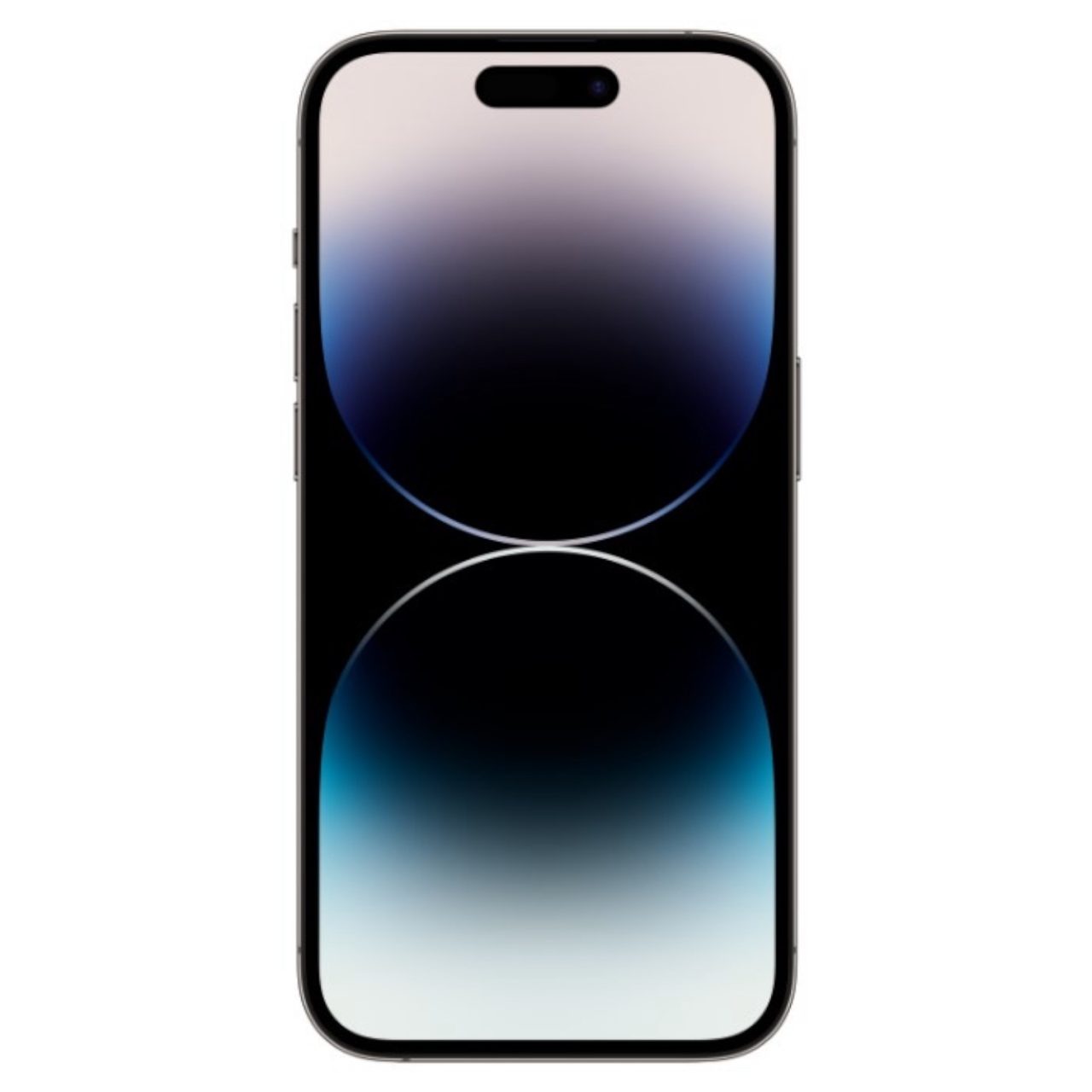
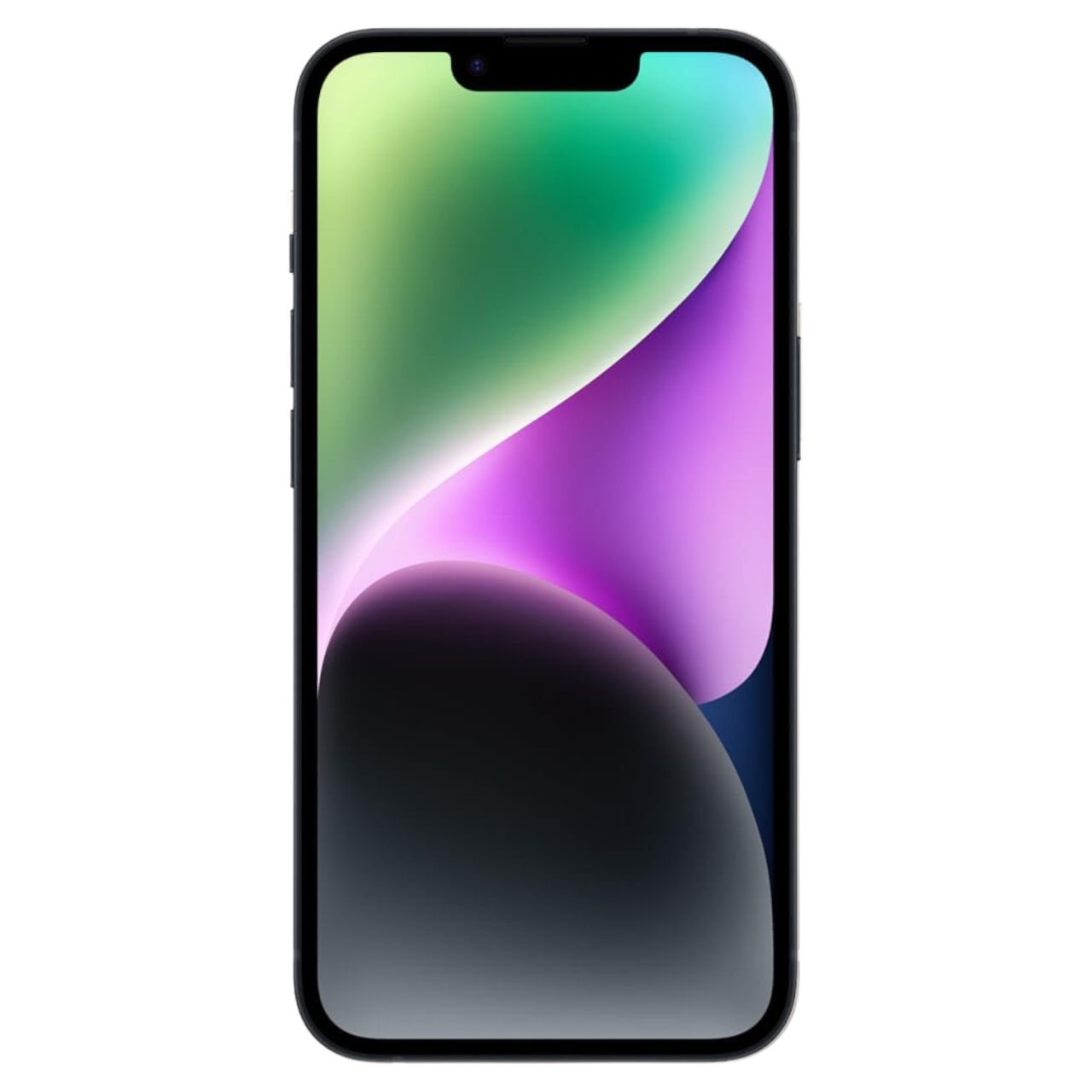
Real iPhone screens go almost all the way to the outer edge, whereas cheap screens have thick black borders around them.
- Turn the screen on and look closely at the bottom edge.
- You will notice that the black border at the bottom is much thicker than the borders on the sides.
- In addition, look at the screen colors, because a fake screen looks dull, faded, and unnatural rather than crisp and colorful.

Step 2: Test the Camera App and Sound
- Open the camera app and wave your hand in front of the lens.
- As you wave, watch for choppy, delayed video that lags behind your hand movement.
- Furthermore, snap a picture to listen to the sound, because a fake phone makes an unnaturally loud audio snap instead of Apple’s quiet click.

Step 3: Check the Metal Frame and Lenses
- Run your finger along the side metal band. You will feel that the fake metal is rough and scratchy compared to smooth, real titanium.
- Next, look directly into the camera glass on the back. Real camera lenses look deep black, whereas fake lenses often have a cheap blue shine inside the glass.
Phase 2: Opening the Display in a Fake iPhone Teardown (Screws & Glue)
During this fake iPhone teardown, you will notice that this phone has none of Apple’s tight water seals or high-end parts.
Step 1: Remove the Bottom Screws
- Place your star screwdriver into the two tiny screws by the charger port.
- Important Note: Turn the driver very gently, because these fake screws are made of cheap, soft metal that easily strips and rounds out if you push too hard.

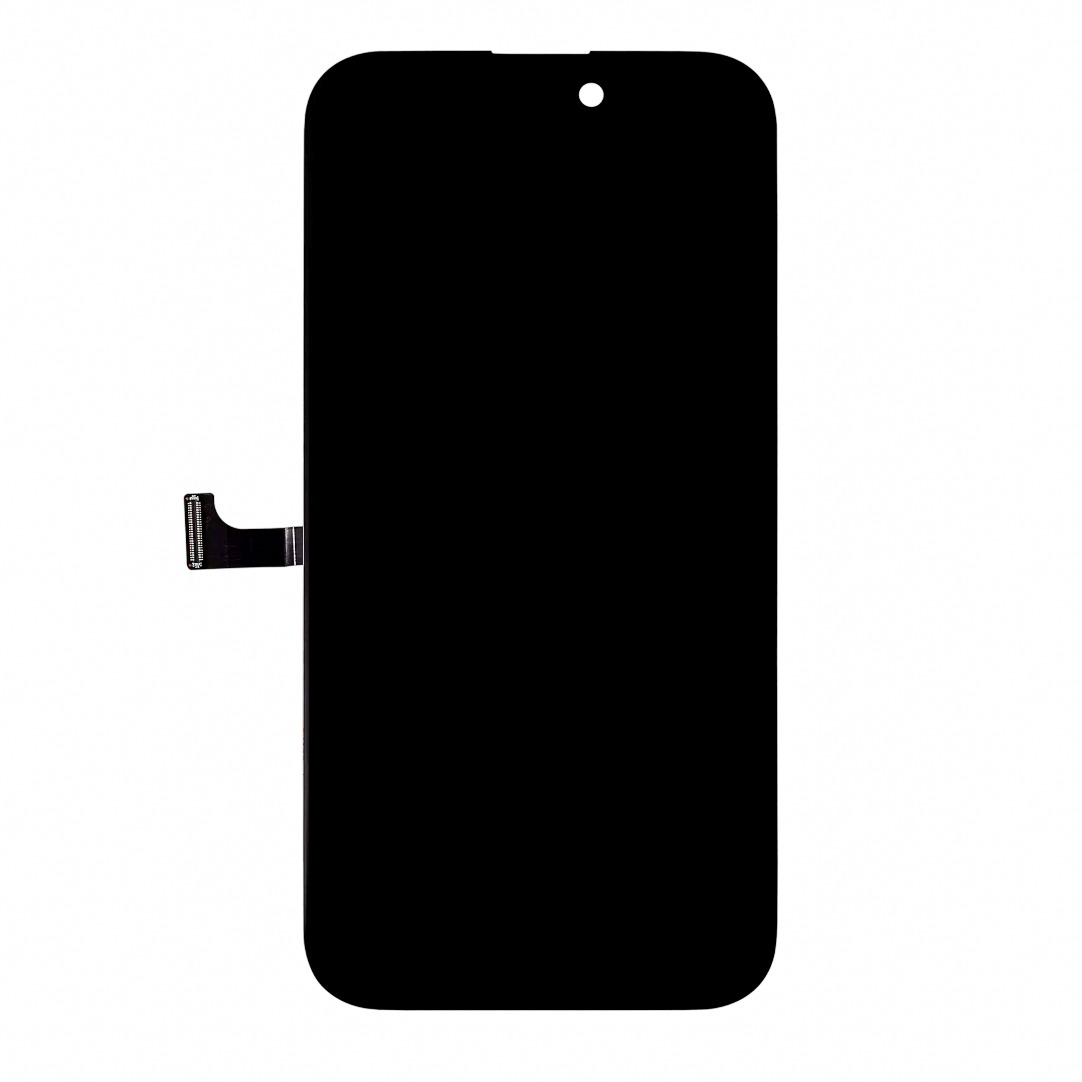
Step 2: Pop the Screen Open
Real iPhones need heat and special alcohol to loosen their waterproof seals; in contrast, fake phones pull open with almost no effort.
- Slide your thin plastic pry tool between the screen and the metal frame.
- Carefully lift the screen open like a book.
- As a result, you will see that the screen is held on only by thin, cheap tape instead of a strong rubber water seal.

Phase 3: Back Glass and Inside Tricks in a Fake iPhone Teardown
Inside the phone, the computer parts look nothing like a real Apple device. In fact, the back of the phone hides the biggest scam.
Step 1: Pry Off the Back Glass
- Push your plastic tool under the edge of the back glass.
- Slice through the thick factory glue holding the back panel to the frame.
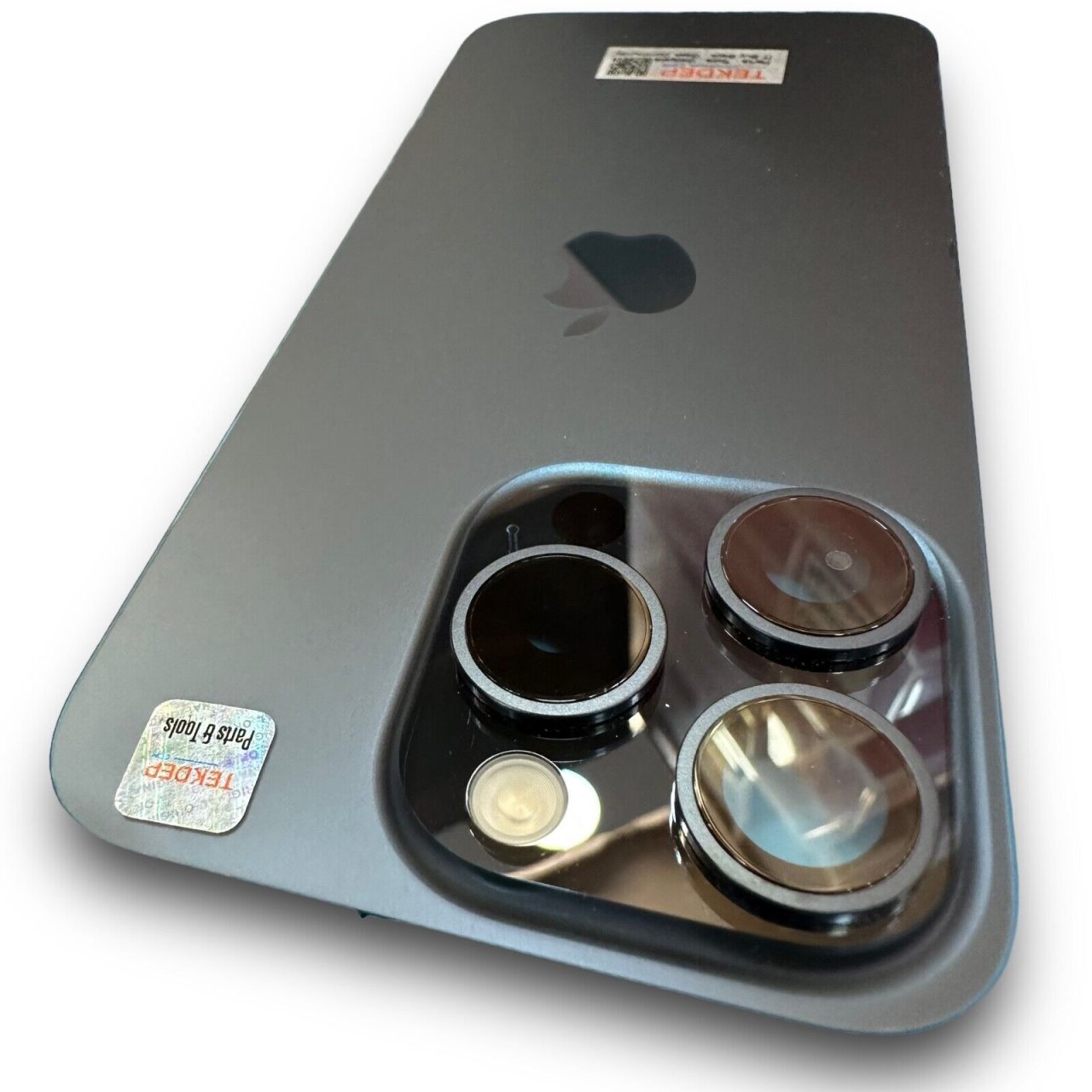
Expert Warning: Real iPhones use neat stretchy pull-tabs to hold parts down, but fake makers use permanent superglue. Therefore, taking off the back glass without cracking it is very difficult.
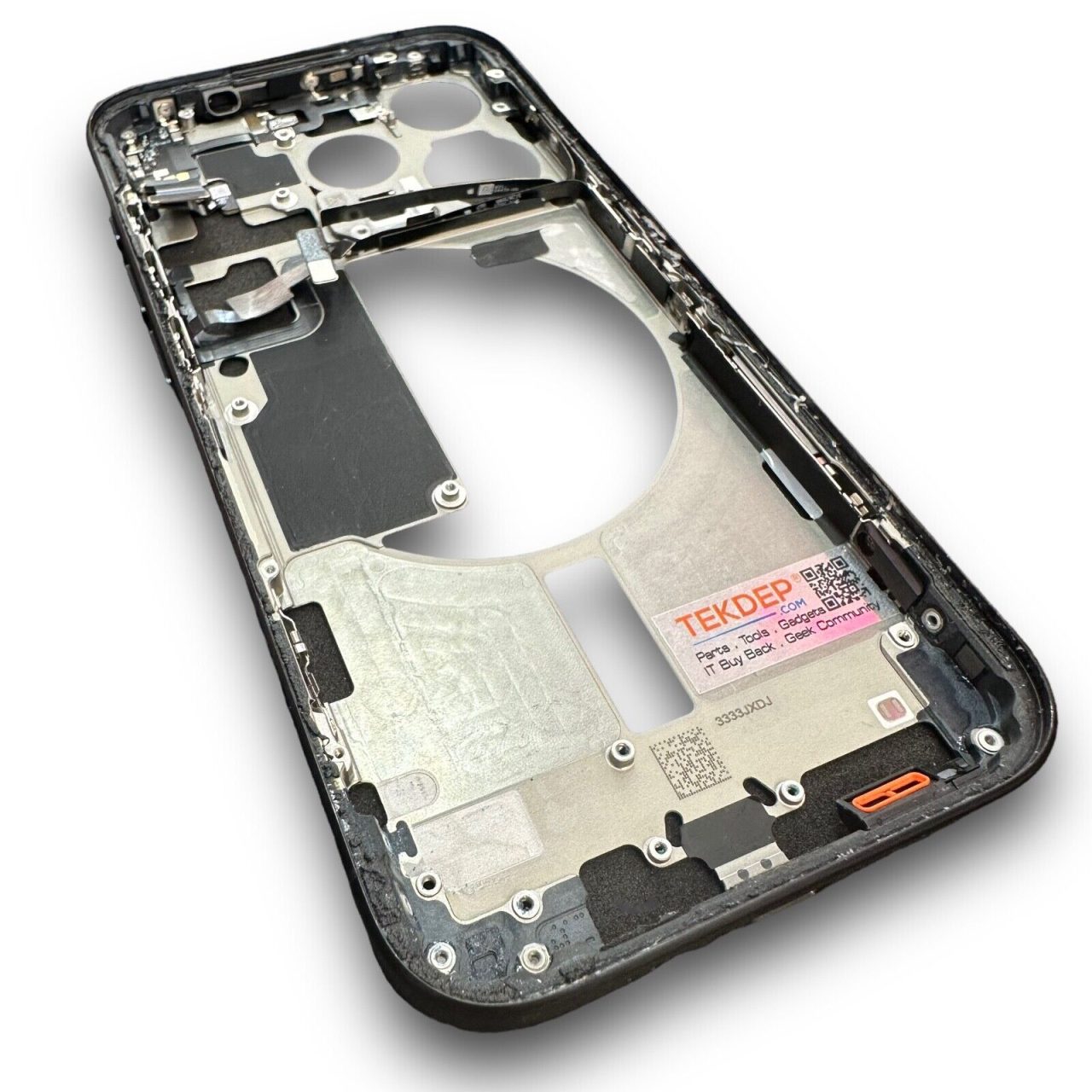
Step 2: Remove the Metal Shield Plates
- Find the small metal plates covering the camera area.
- Next, take out the tiny screws with your cross-head screwdriver. Real iPhones use special three-point Apple screws, not normal cross screws.
- Lift the metal plates away to see the cameras underneath.
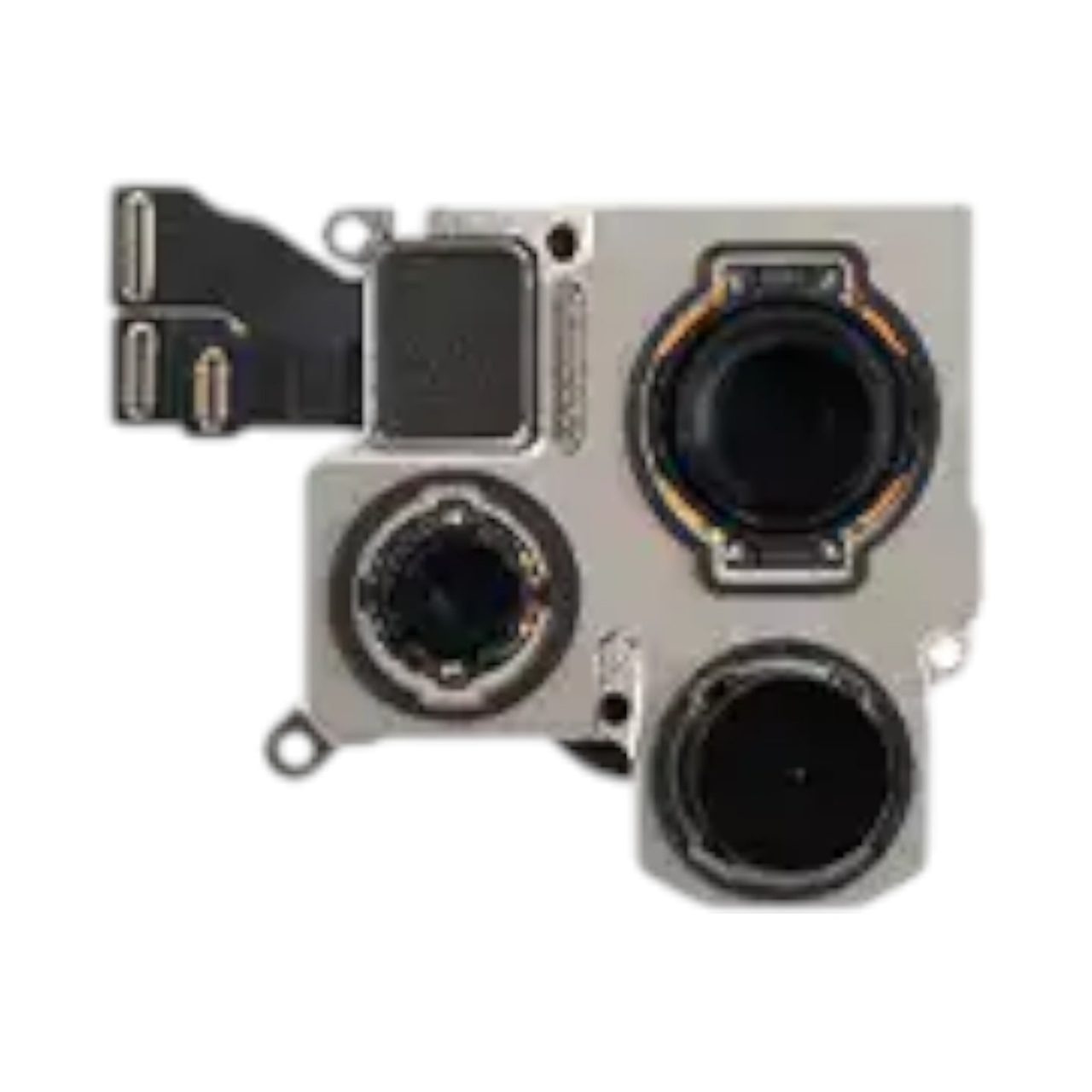
Step 3: Uncover the Fake Camera Module
- Pull the small camera unit out of the frame.
- Look closely at the parts: only one tiny, low-quality camera lens actually works.
- Meanwhile, the other two lenses are empty plastic circles, glued in just to look real from the outside.

Phase 4: Reassembly Notes & Testing After the Fake iPhone Teardown
Ultimately, a fake phone cannot be fixed or put back together with real parts.
Step 1: Function Test
Fake phones use cheap circuit boards that are permanently glued together in overseas factories. Consequently, there is no way to rebuild this phone or turn it back on once it has been taken apart.
Congratulations! You have successfully completed a fake iPhone teardown.
🛑 Not Comfortable Dealing With Stripped Screws and Industrial Glue? If reading about hidden dangers and counterfeit traps has you second-guessing your DIY skills, don’t worry. The TEKDEP experts are here to help.
We offer clean, professional, and affordable Mail-In repair services for the entire Apple iPhone lineup.
Frequently Asked Questions
How can you tell if an iPhone 15 Pro is fake?
Look closely at the bottom screen bezel and the rear camera. Fake units feature a thick bottom bezel on the display, a terribly low frame rate in the camera app, and a loud, cheap shutter sound when taking a photo.
Do genuine Apple parts fit inside a counterfeit device?
No, they will never fit. A fake iPhone 15 Pro teardown reveals completely different internal layouts, generic motherboards, and industrial glue instead of standard Apple brackets and modular connectors.
Why does the fake iPhone camera look real from the outside?
Counterfeiters add a blue tint to empty plastic lenses to mimic the ultra-wide and telephoto cameras. Inside, there is only one real, low-quality 1.3-megapixel lens, while the Android software is heavily coded to fake an optical zoom on the screen.
🛑 IMPORTANT: SAFETY & LIABILITY DISCLAIMER TEKDEP®️ TEKDEP.com assumes no liability for property damage or injury incurred as a result of any information in this blog post or associated videos. Dealing with internal computer components, specifically Lithium-Ion batteries, carries inherent risks including fire, toxic gas exposure, and irreversible device failure. Any injury, damage, or loss from improper use of tools, mishandling of components, or misinterpretation of this information is the sole responsibility of the user.