





















🎁 Exclusive Year-End Deal: Unbeatable pricing on the MacBook Pro 16-inch. | Shop Now
Sale!
2012 A1466 Display Assembly LCD LED Full for 13" Apple MacBook Air 661-6630

2012 A1466 Display Assembly LCD LED Screen Full for 13″ Apple MacBook Air 661-6630

Price range: $139.01 through $189.01

This replacement LCD for the A1466 MacBook Air model is perfect for restoring a damaged or broken screen to its original condition.
Brands:
Primary Category: Mid 2012 MacBook Air A1466

Shipping: 5-9 days

TEKDEP Guaranteed Safe Checkout

Free USA Shipping & Worldwide Delivery

Product Specifications

General

SKU
APG949, AG949, BG949
Part Number (s)
661-6630
Brand
Apple
Year
2012

Display

Touch Display
No
Screen Size
13.3"
Type of Display
LCD
Display Resolution
1440 x 900 HD+
Aspect Ratio
16:10
Refresh Rate
60 Hz

Additional Details

Compatibility
MacBook Air 13" A1466:
Mid 2012: MD231LL/A (1.8 GHz Core i5)
Mid 2012: MD232LL/A (1.8 GHz Core i5)
Mid 2012: MD232LL/A (2.0 GHz Core i7)
Mid 2012: MD846LL/A (2.0 GHz Core i7)
Whats in the box
LCD Display Assembly
Additional Features
Screen Finish: Glossy

Detail

2012 A1466 Display Assembly LCD LED Screen Full for 13″ Apple MacBook Air 661-6630


CONDITION:

Used 100% OEM Genuine Apple. Tested 100% Working,
Tested using latest industry hardware diagnostic software.
Fresh pull from fully Working nearly new unit.


ABOUT:

This assembly includes the LCD screen, backlight, and housing, providing a complete solution for replacing a damaged or faulty display. The LCD screen offers vibrant colors, sharp details, and wide viewing angles, ensuring an immersive visual experience for users. With its precise fit and compatibility, the A1932 LCD Display Assembly seamlessly integrates with the MacBook Air 13, restoring the device’s display functionality to its original state.


FOR DIYers:

These are the required tools for a 2012 A1466 Display Assembly on a 13″ MacBook Air Family Model:

Important Note: Before you begin, make sure to drain you laptop battery fully.  To do this, unplug your power adapter and just leave the laptop powered it on until it shuts down. Also, after it has been opened, disconnect the battery before performing any repairs.

Also, to help protect you and your device you should always wear safety glasses & anti-static nitrile gloves.

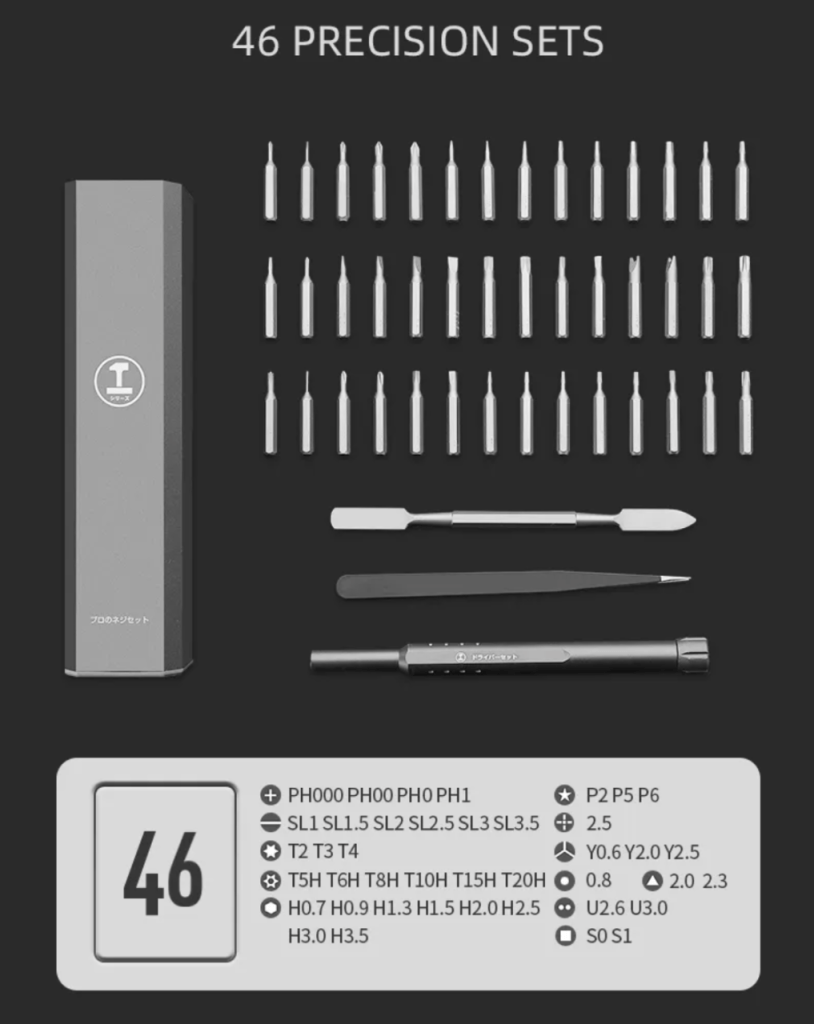
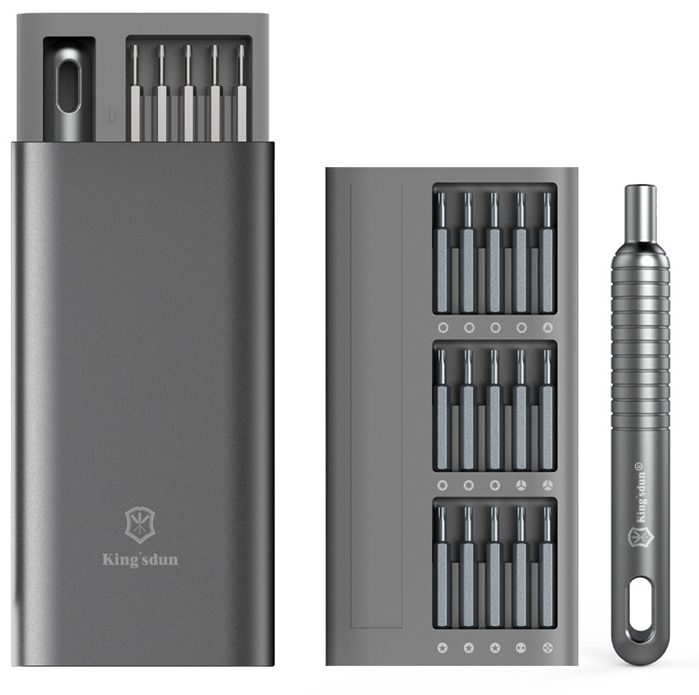
  1. Pentalobe screwdriver (P5): The bottom case uses a proprietary (Apple exclusive) type of screw called a Pentalobe screw.  This type of speciality screwdriver is required to remove the bottom case and begin the repair.
  2. Torx screwdriver (T4 & T5): Torx bits are needed to remove the screws that hold the MacBook components such as the I/O Board, MagSafe port, Audio Board, Fans, TrackpadBattery & more.
  3. Torx screwdriver (T8):  The T8 Torx screwdriver is also needed to remove the screws that hold the hinges of the  display assembly in place.
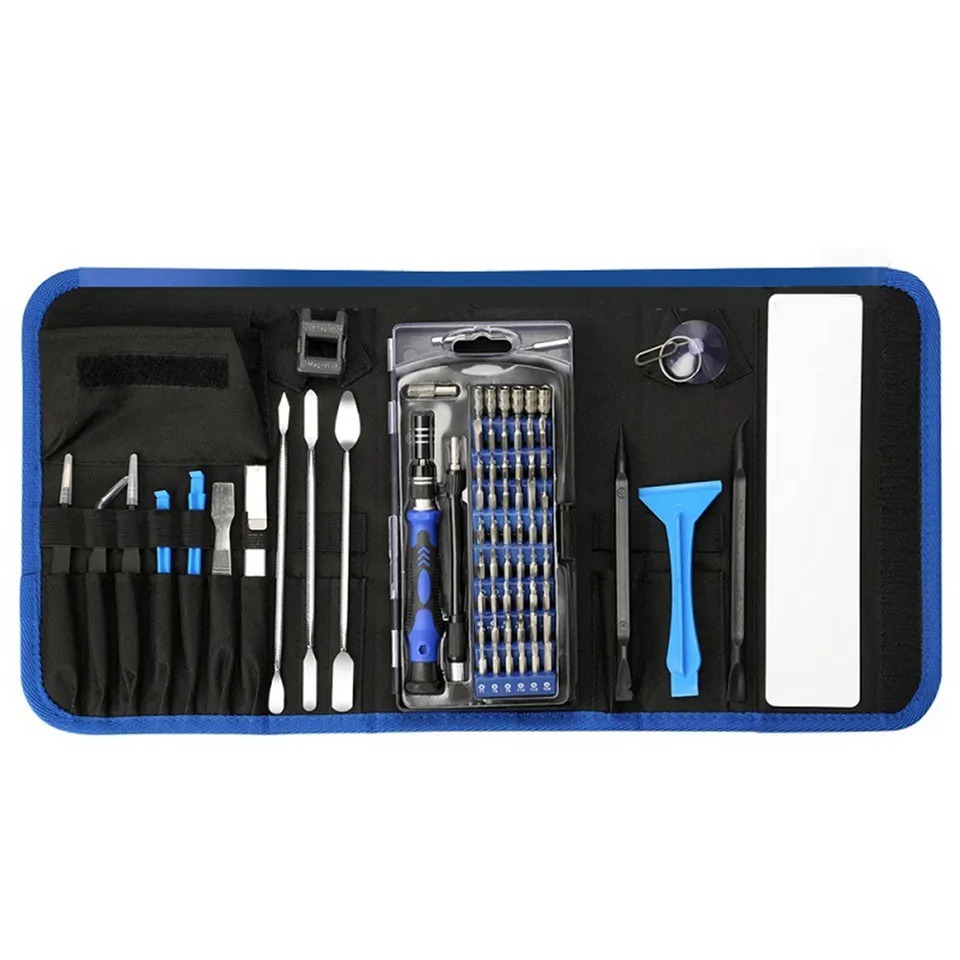
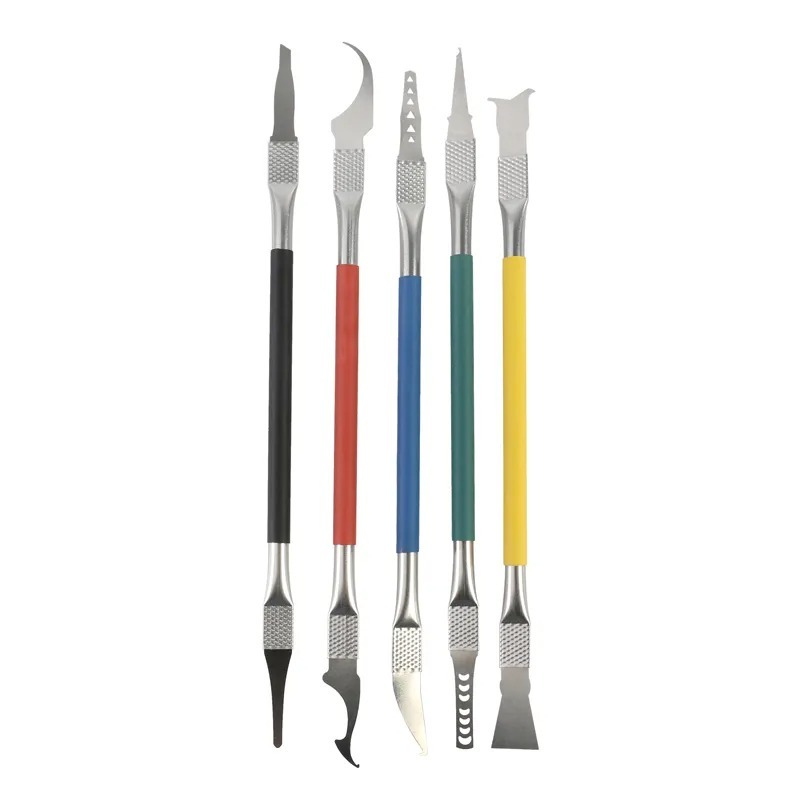
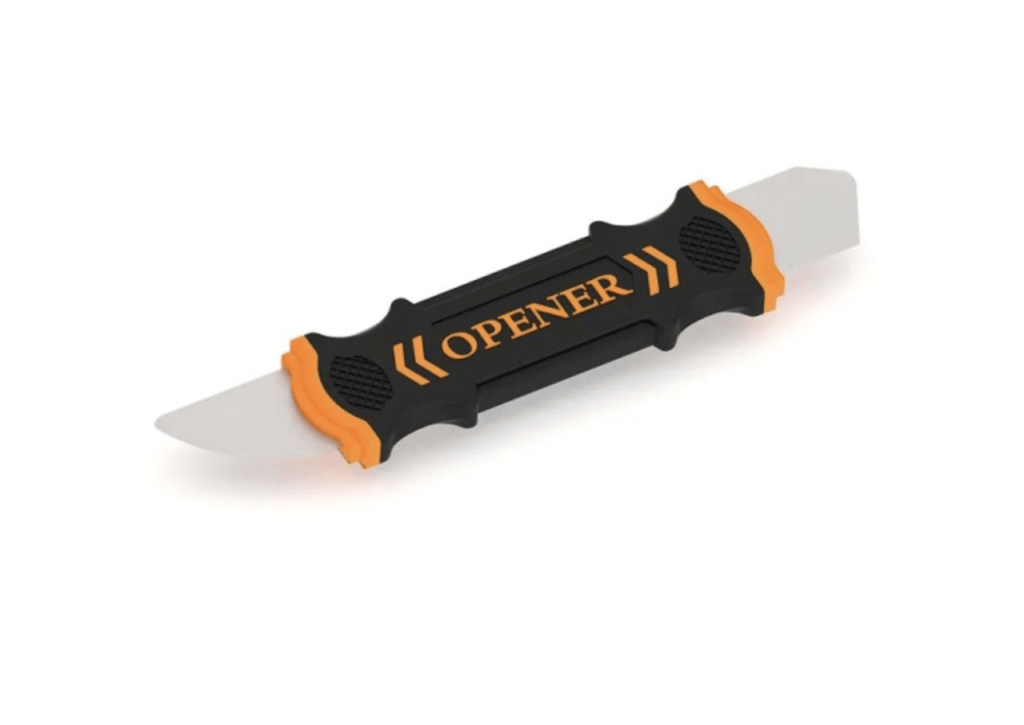
  4. Plastic Spudger:  A plastic spudger is a tool that helps get in between things and useful to pry apart components with less risk of damaging them.  Additionally, you’ll need a spudger or plastic pry tool  like one found in TekDep’s pro kit to disconnect some cables and connectors inside of your 13″ MacBook Air A1466.
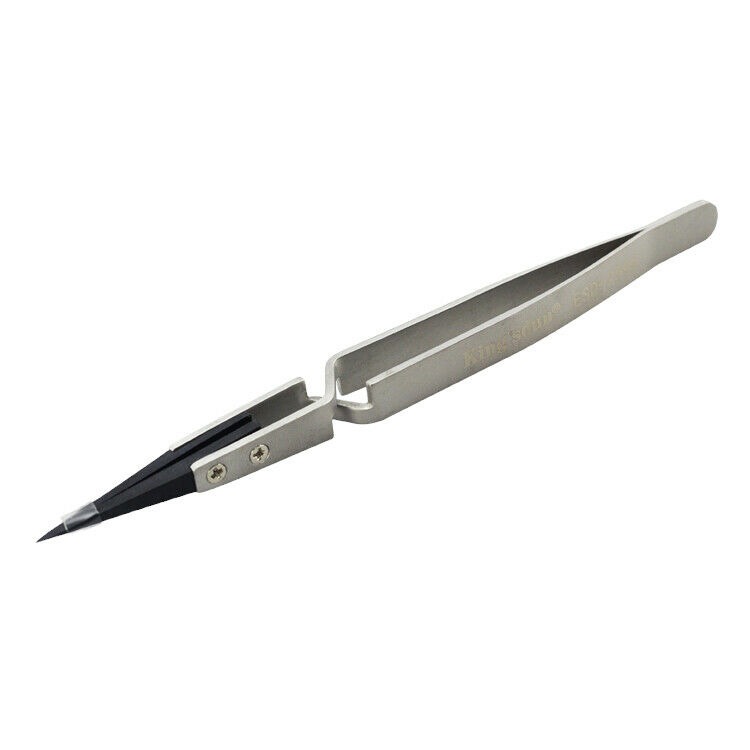
  5. Anti-Static Tweezers: With respect to the screws, some of the connectors & many of the internal brackets are very small.  For this reason you’ll need a good pair of tweezers to disconnect and reconnect things, pick them up. Just as well, they can be a useful tool to hold on to things as they are inserted back into place.
Note:

Sooner or later most electronics will require some maintenance or a repair of some kind and as time goes by there are more and more tutorials & videos available on the web that can help guide you through the process of doing it for yourself.

Additionally, if you haven’t done this kind of thing before or aren’t comfortable performing this type of repair, it is best to take your MacBook Air to a professional.   This can give you the best chance of success & the least risk of harm or damage.


Tutorial:

So you can see the process in action, we put together a video of the teardown for this model on YouTube. Check out the video below.


Fall Device Sale – Up to 30% OFF

Limited stock of refurbished Macs, PCs & phones. Don’t miss out.

recently viewed

Logic Board for 12.9 iPad Pro 5th Gen A2378 with 128GB WiFi and Face ID Component
Logic Board 12.9 iPad Pro 128GB WiFi 5th Gen + FACE ID A2378

Original price was: $629.00.Current price is: $589.00.

Product on Sales

top-and-bottom-view-of-a-replacement-keyboard-backlight-assembly-for-the-macbook-pro-16-inch-2021-model-a2485-showing-the-key-cutout-grid-on-the-front-and-the-dark-blue-backing-with-ribbon-cables-on-the-rear
A2485 MacBook Pro 16-inch (2021) Keyboard Backlight for M1 Pro / M1 Max (Aftermarket)

Original price was: $58.00.Current price is: $39.00.

A3520 Genuine New OLED Assembly for 2025 iPhone 17

Original price was: $559.00.Current price is: $449.00.

A2485 Genuine New Touch ID Power Button for 2021 MacBook Pro 16" M1 Pro / M1 Max
A2485 Genuine Touch ID Power Button for 2021 MacBook Pro 16″ M1 Pro / M1 Max

Original price was: $89.00.Current price is: $39.00.

People are also looking for

122 in 1 Tool Kit Bit Screwdriver Set for electronics and device repair
122 in 1 Tool Kit Bit Screwdriver Set

Original price was: $25.00.Current price is: $19.00.

130 in 1 Precision Screwdriver Set for electronics and gadgets repair
130 in 1 Professional Multi Bit Screwdriver Precision Tools Set For All Gadgets

Original price was: $42.00.Current price is: $29.00.

Mail-in Repair & Services

Need Help with Installation?

Worldwide, our ValetTek Mail-In Repair Service offers a smooth and efficient repair experience.

Lost Data?

TEKDEP offers top-notch data recovery to retrieve your valuable information. To Learn more about our comprehensive Data Recovery Solution.

Questions?

Contact us at Call Us (818) 456-4479, email [email protected], utilize our Live Chat feature.
Get Your repair by professional, Fast & Secure Without leaving home
Fill out the form to get started! 👉

Official TEKDEP Tutorials

Subscribe for expert tutorials, pro tech tips, and teardowns.