














🔥 Get our lowest price on the MacBook Pro 16-inch. | Shop Now

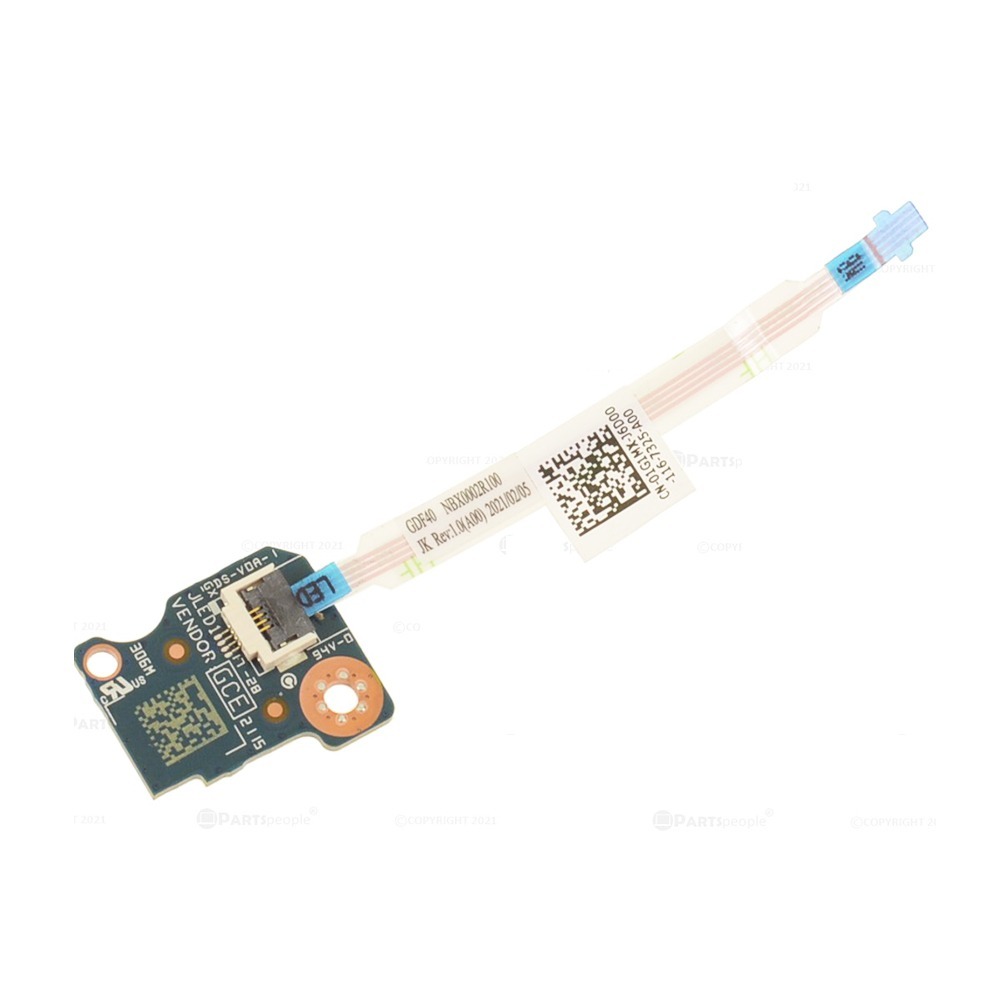
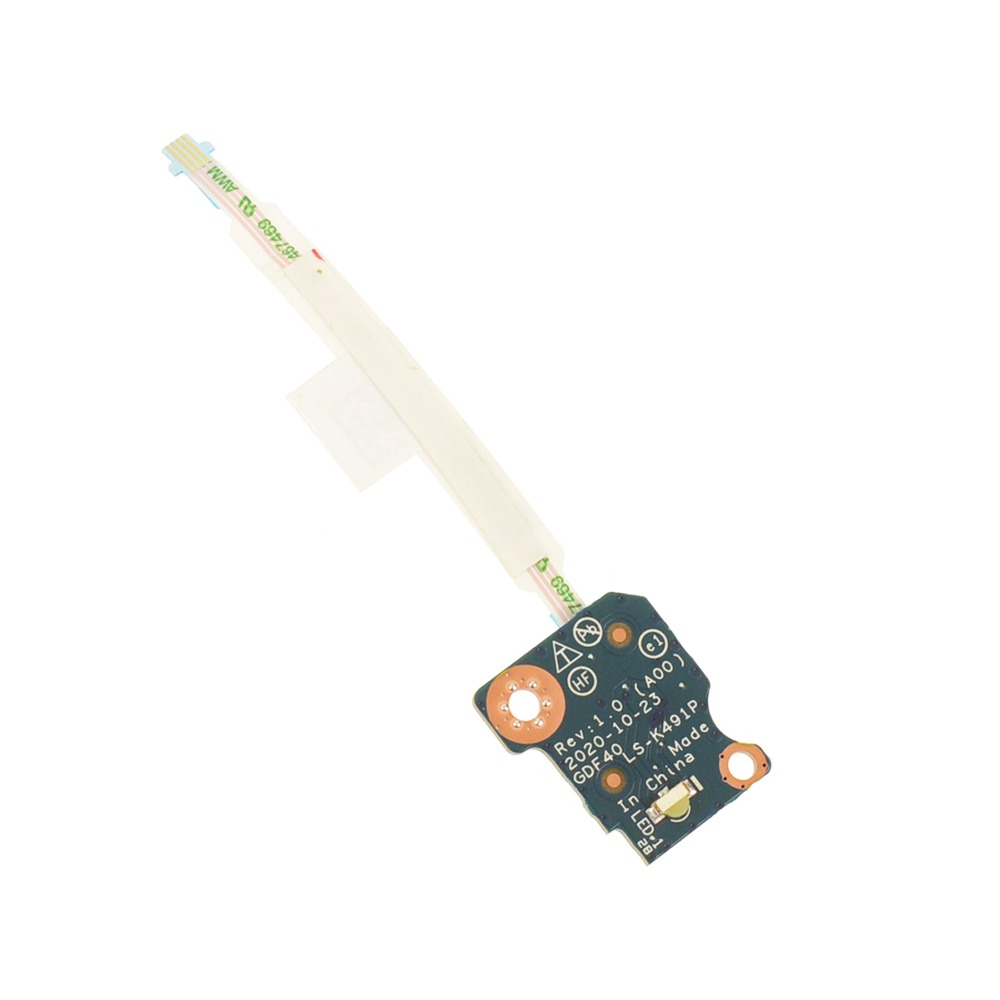
New H4YYK Status Indicator LED Circuit Board with Cable Replacement For Dell Latitude 5420 5430 14″

$27.01

This product is a replacement status indicator LED circuit board with a cable, specifically designed for Dell Latitude 5420 and 5430 laptops. It’s responsible for displaying the laptop’s power, battery, and hard drive status through a series of LEDs.
SKU: DL5420-CBH4-01
Primary Category: Dell Latitude 5420

Shipping: 5 - 9 days

TEKDEP Guaranteed Safe Checkout

Free USA Shipping & Worldwide Delivery

Online Exclusive: This product ships directly to your address. In-store pickup at our repair facilities is not available.

Description

New H4YYK Status Indicator LED Circuit Board with Cable Replacement For Dell Latitude 5420 5430 14″


CONDITION:

  • New: This item is brand-new, unused, unopened, and undamaged, in its original packaging.

INCLUDES:

  • Status Indicator LED Circuit Board with Cable

COMPATIBILITY:

  • Precision 3470
  • Latitude 5420
  • Latitude 5421
  • Latitude 5431
  • Latitude 5430

TECHNICAL SPECIFICATIONS:

  • Compatible Identifying Number: H4YYK, 0H4YYK

ABOUT:

It’s ideal for repairing damaged circuit boards, restoring LED functionality, and providing visual indicators for battery status, charging, and other system conditions.


VIDEO GUIDE:


Our Best 16" MacBook Price Ever

We’ve dropped prices on the MacBook Pro 2019.
Pro-level performance is now more affordable than ever.

recently viewed

Related Products

Mail-in Repair & Services

Need Help with Installation?

Worldwide, our ValetTek Mail-In Repair Service offers a smooth and efficient repair experience.

Lost Data?

TEKDEP offers top-notch data recovery to retrieve your valuable information. To Learn more about our comprehensive Data Recovery Solution.

Questions?

Contact us at Call Us (818) 456-4479, email support@tekdep.com, utilize our Live Chat feature.
Get Your repair by professional, Fast & Secure Without leaving home
Fill out the form to get started! 👉

Official TEKDEP Tutorials

Subscribe for expert tutorials, pro tech tips, and teardowns.

Configure Specs