




















Black Friday10% off everything15% off everythingLast day: 15% off everythingcomes off in your cart, up to $100 offEnds in See the deals
Categories
MacBook
Categories
Categories
NO DATA, NO CHARGE Data Recovery Service

Your data is not lost — it’s waiting to be rescued. Free evaluation, worldwide mail-in.

Start — Data Recovery Service In Los Angeles? Free drop-off evaluation at our Canoga Park lab
SALE

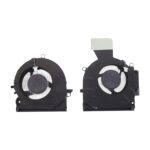
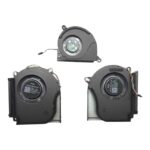
M75485-001 Replacement CPU and GPU Cooling Fan Compatible with HP Laptops (4-Pins, 5V)

Original price was: $75.00.Current price is: $62.88.
Black Friday −1015%comes off in your cart, no codeMax $100 off per order

Installing this M75485-001 CPU and GPU Cooling Fan swaps out a damaged unit and restores active cooling for both processors. A failed fan causes loud clicking, high heat, and sudden shutdowns; this replacement resolves those faults and restores quiet, reliable temperatures.
SKU: CFAN-223
Brand:
Primary Category: Laptop Cooling Fans

Shipping: 5 - 10 days

–

TEKDEP Guaranteed Safe Checkout

Free USA Shipping & Worldwide Delivery

Online Exclusive: This product ships directly to your address. In-store pickup at our repair facilities is not available.

Product Specifications

General

SKU
CFAN-223
Part Number (s)
FSHP16-B-12V-A
Brand
HP
Year
2021, 2022, 2023
Material
Combination of Materials

Technical Details

CPU Cooler
Yes

Additional Details

Compatibility
  • HP Omen 16-b0000
  • HP Omen 16-b1000
  • HP Omen 16-c0000
  • HP Omen 16-b0000TX
  • HP Omen 16-b0001TX
  • HP Omen 16-b0002TX
  • HP Omen 16-b0003TX
  • HP Omen 16-b0004TX
  • HP Omen 16-b0010TX
  • HP Omen 16-b0011TX
  • HP Omen 16-b0012TX
  • HP Omen 16-b0013TX
  • HP Omen 16-b0014TX
  • HP Omen 16-b0015TX
  • HP Omen 16-b0016TX
  • HP Omen 16-b0017TX
  • HP Omen 16-b0018TX
  • HP Omen 16-b0019TX
  • HP Omen 16-b0020TX
  • HP Omen 16-b0021TX
  • HP Omen 16-b0022TX
  • HP Omen 16-b0023TX
  • HP Omen 16-b0024TX
  • HP Omen 16-b0025TX
  • HP Omen 16-b0026TX
  • HP Omen 16-b0027TX
  • HP Omen 16-b0028TX
  • HP Omen 16-b0029TX
  • HP Omen 16-b0030TX
  • HP Omen 16-b0031TX
  • HP Omen 16-b0032TX
  • HP Omen 16-b0033TX
  • HP Omen 16-b0034TX
  • HP Omen 16-b0035TX
  • HP Omen 16-b0036TX
  • HP Omen 16-c0001DX

NOTE: Please verify your device's model number to ensure that this part is compatible.
Whats in the box
CPU and GPU Cooling Fan
Additional Features
  • 4-pin wire-to-board connector
  • 5V DC operation

Description

A laptop’s cooling fan blows air across the heat sinks to keep the processor and graphics chip from running too hot. When the fan wears out, the machine heats up quickly, makes a loud whirring noise, and can shut down during use. Replacing the degraded unit with this M75485-001 CPU and GPU Cooling Fan restores steady airflow.

The 4-pin, 5V fan runs quietly and keeps temperatures safe, so the laptop works without sudden stops.

Key Benefits:

  • Connects with a 4-pin wire-to-board plug for a simple, secure fit.
  • Blows air across the CPU and GPU heat sinks to stop overheating.
  • Fixes loud clicking or grinding noises from a worn fan motor.
  • Prevents heat-related shutdowns during heavy tasks or long sessions.
  • Brings back quiet, cool operation for daily work and gaming.

INSIDE OUR BUSINESS:

Reviews (0)

Reviews

There are no reviews yet.

Only logged in customers who have purchased this product may leave a review.

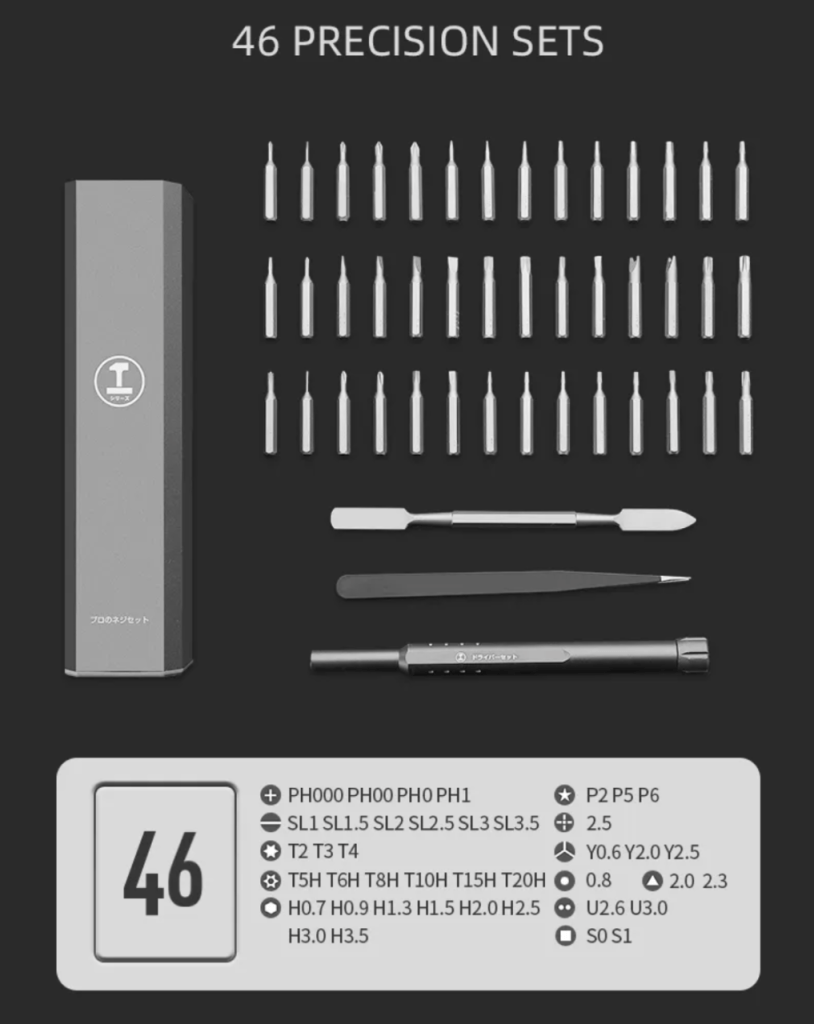
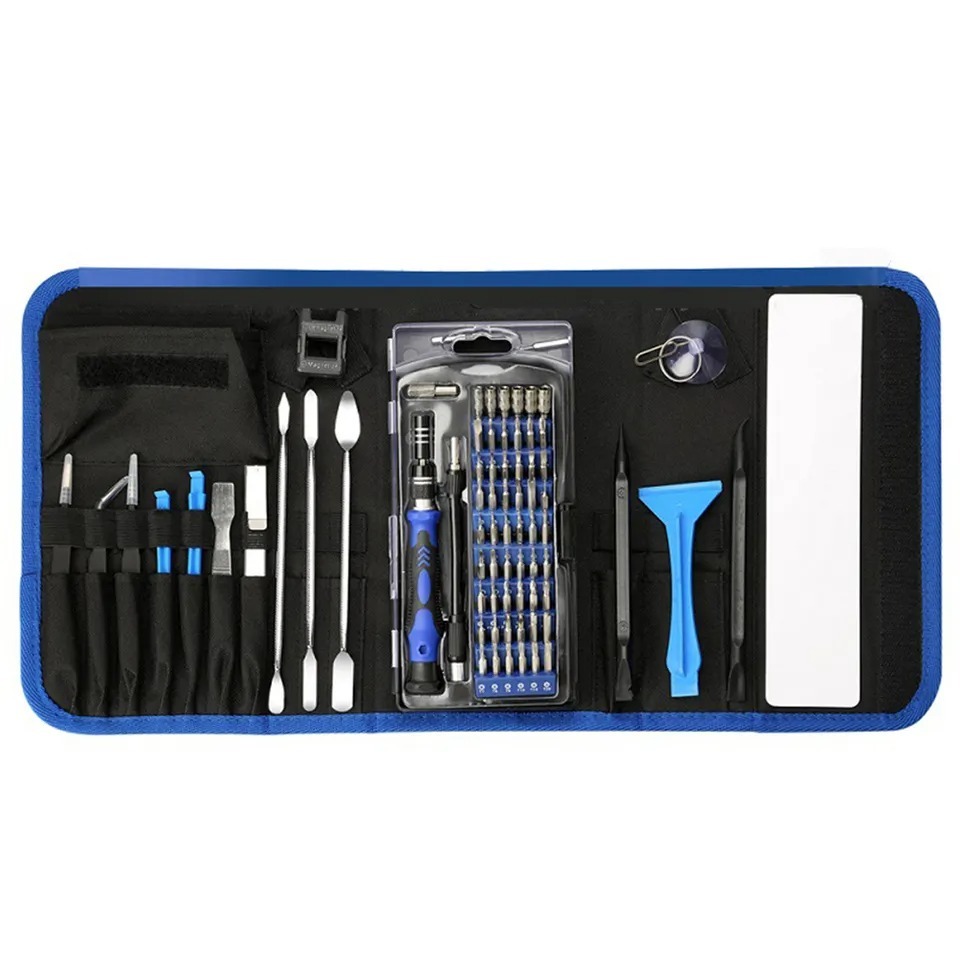
Master Your Repairs with the TEKDEP
Elite 145-in-1 Precision Set

Fix with precision, tackle iPhones, MacBooks, and gaming
laptops with ease using pro-grade magnetic control

recently viewed

Related Products

Mail-in Repair & Services

Need Help with Installation?

Worldwide, our ValetTek Mail-In Repair Service offers a smooth and efficient repair experience.

Lost Data?

TEKDEP offers top-notch data recovery to retrieve your valuable information. To Learn more about our comprehensive Data Recovery Solution.

Questions?

Contact us at Call Us (818) 456-4479, email support@tekdep.com, utilize our Live Chat feature.
Get Your repair by professional, Fast & Secure Without leaving home
Fill out the form to get started! 👉

Official TEKDEP Tutorials

Subscribe for expert tutorials, pro tech tips, and teardowns.

Configure Specs