

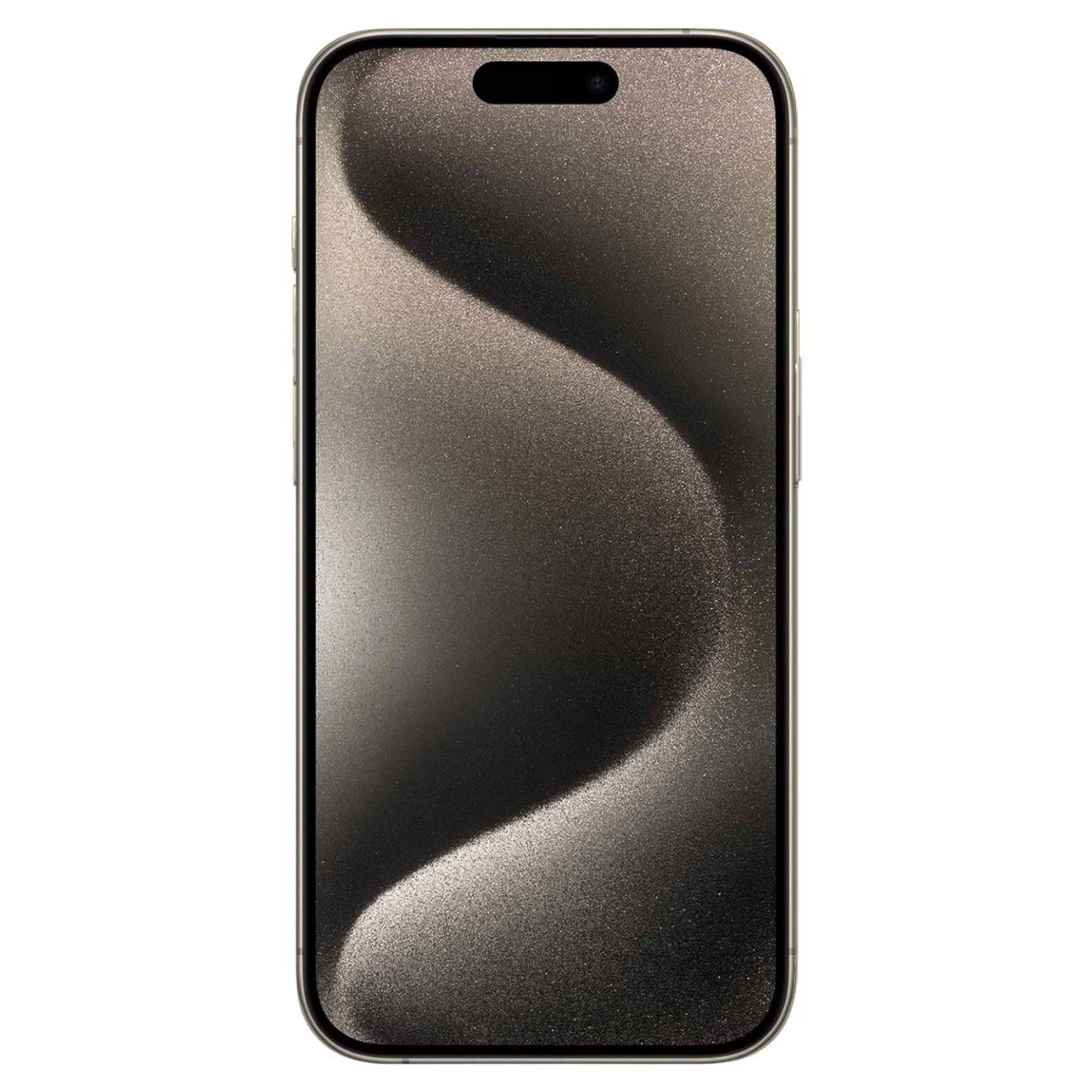





























Fake iPhone 15 Pro Max Disassembled & EXPOSED – Real vs Fake Comparison by Professional Technicians
OVERVIEW:
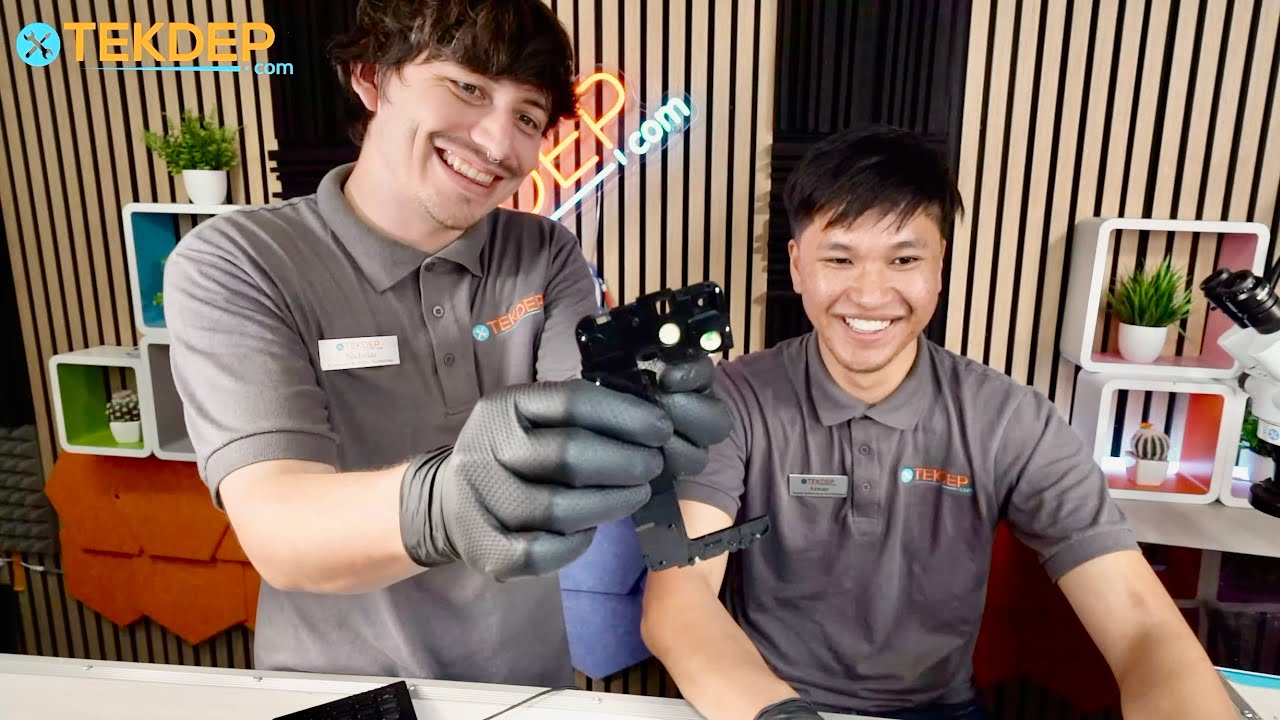
Used iPhones can be a great deal—but only if you’re able to spot the fakes. In this teardown tutorial, we dive into a hands-on comparison between a genuine iPhone 15 Pro Max and a convincing counterfeit. The team at TekDep dissects visual differences, hardware quality, and internal components to show you what scammers are selling—and how not to fall for it. Whether you’re buying from Craigslist, Facebook Marketplace, or a friend, this guide will help protect your investment and make sure you’re getting what you paid for.
See the official Apple specs for this model
REPAIR TIME & SKILL LEVEL:
This teardown is estimated to take about 1.5 to 2 HOURS to complete and is of ADVANCED difficulty, requiring careful handling of delicate components, recognition of counterfeit internal layouts, and experience with iPhone disassembly procedures.

STEPS:
Tools You Need
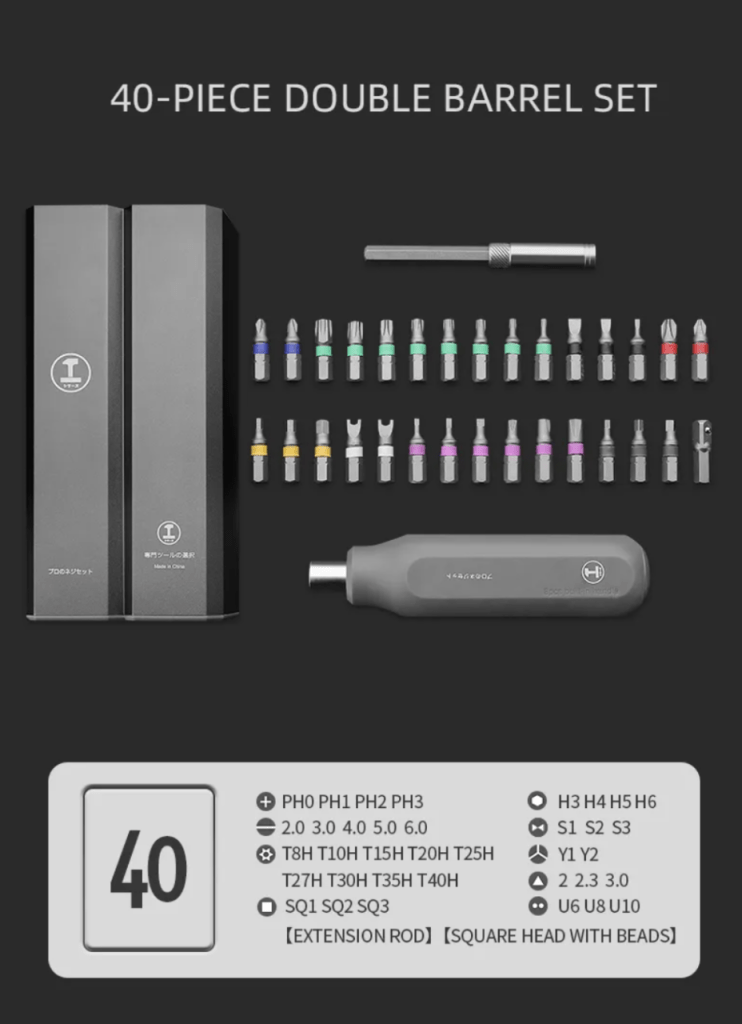
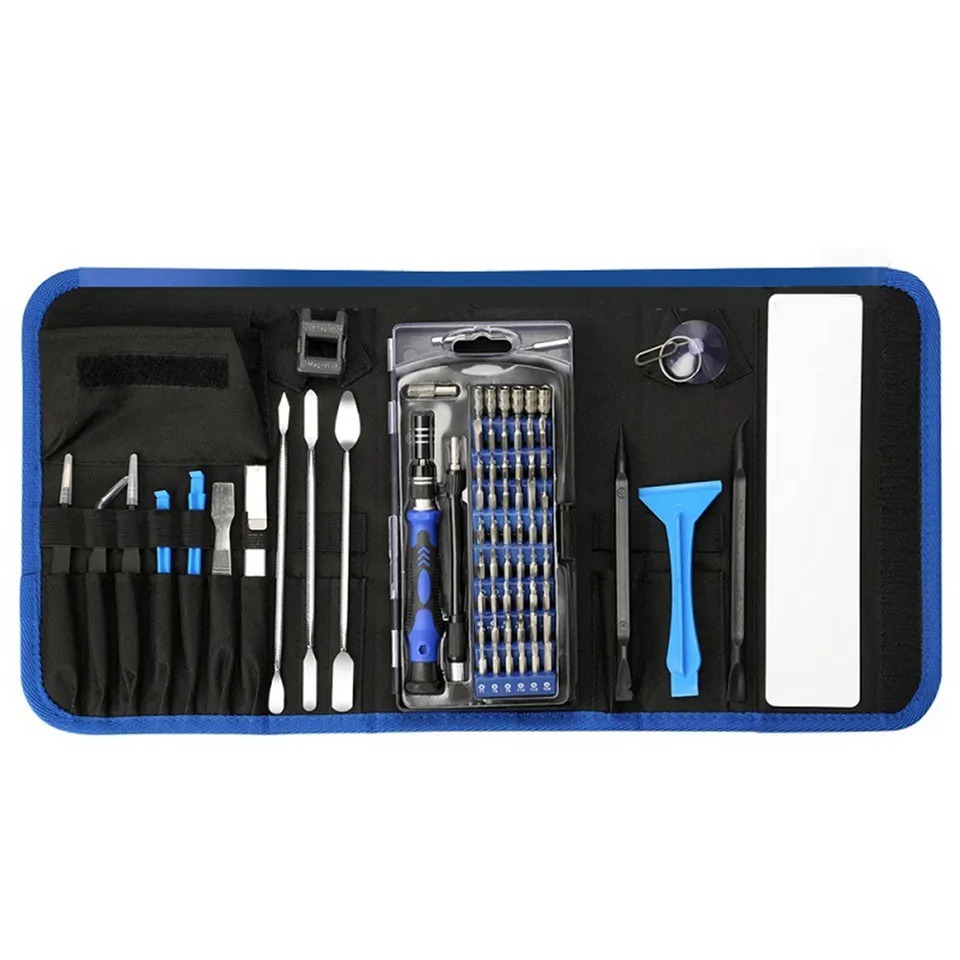
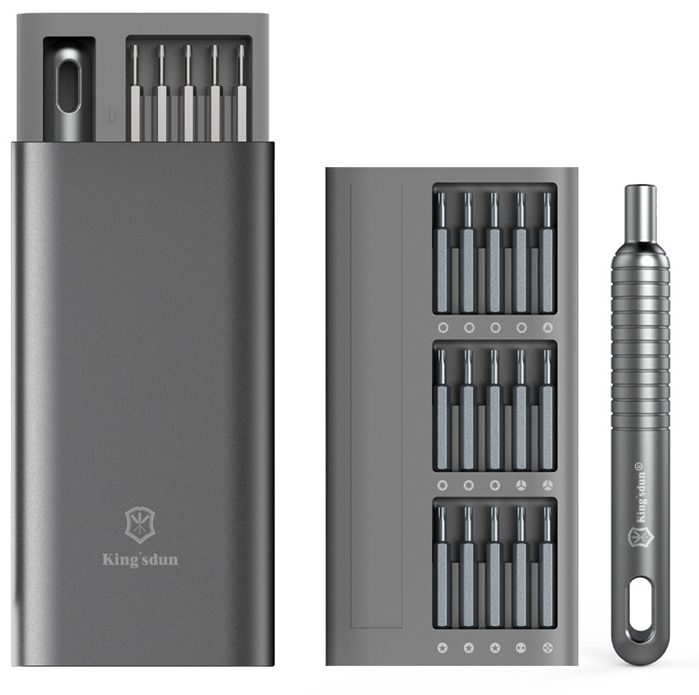
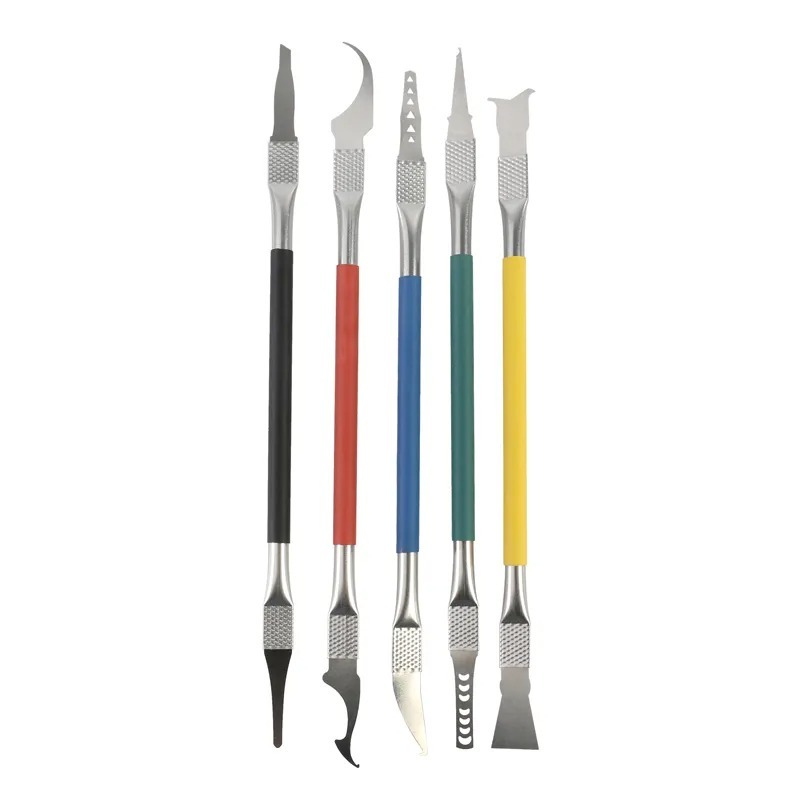
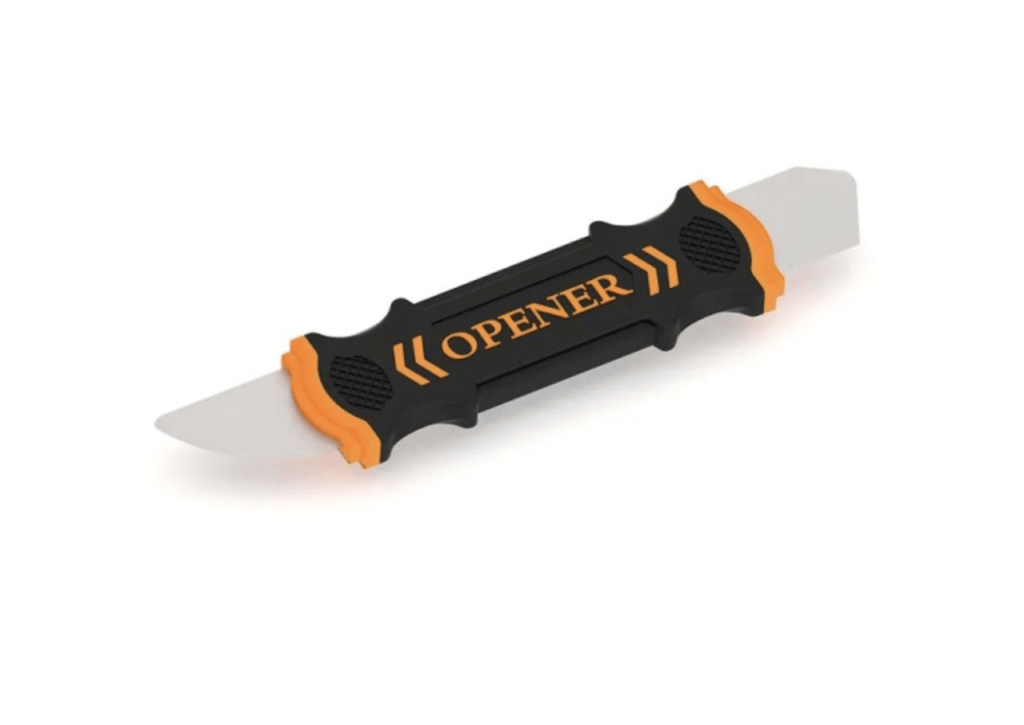
To open the fake iPhone, the technician used a pentalobe screwdriver (though it stripped quickly), a Phillips screwdriver (more compatible with the fake unit), and standard prying tools. Industrial glue, instead of regular iPhone adhesive, made disassembly tougher, showing how inconsistent internals are in counterfeit models. No heat or alcohol was required due to the poor adhesive quality on the screen.
-

6 in 1 Steel Bit Precision Magnetic Screwdriver Tool Set with Case for Phone PC Electronics
$8.00 -
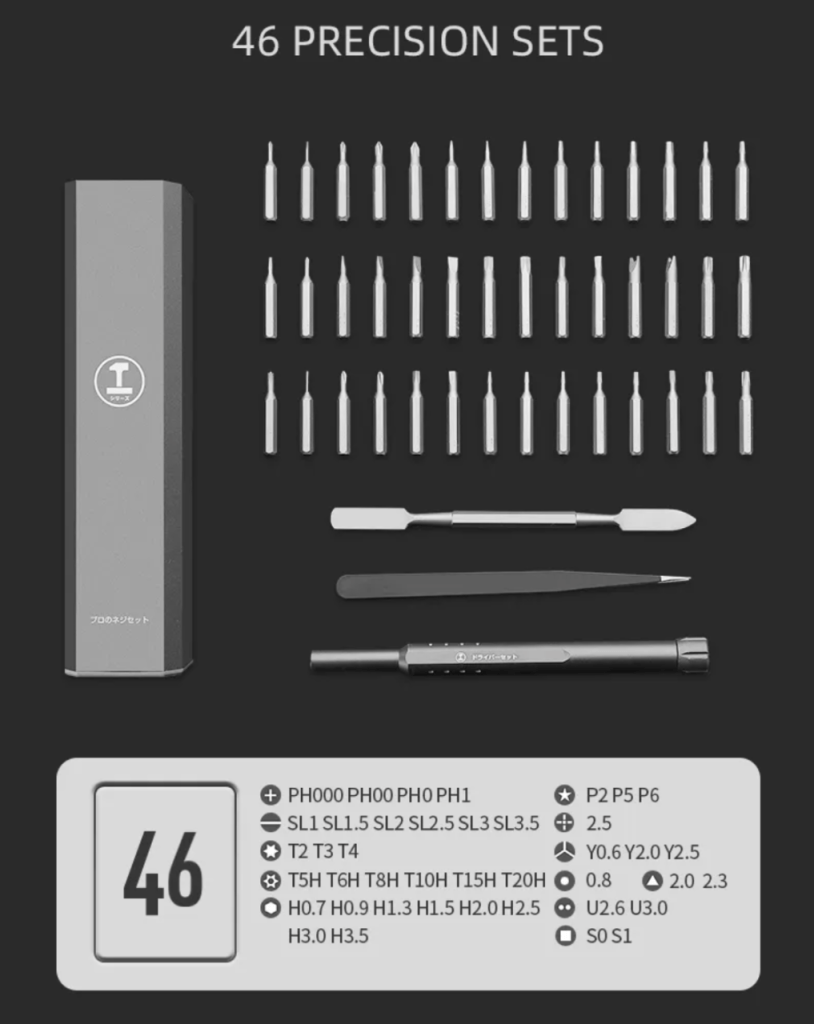
46 in 1 Steel Bit Precision Magnetic Screwdriver Tool Set with Case for Phone PC Electronics
$17.00 -

Curved LCD Screen Spudger – Pry Tool for Mobile Devices & Electronics
$8.00 -

9 in 1 Disassemble Multi Opening Repair Tools Kit Metal Pry Bar
$9.00 -
130 in 1 Professional Multi Bit Screwdriver Precision Tools Set For All Gadgets
-31% $29.00Was:$42.00
Check the Display Brightness and Clarity
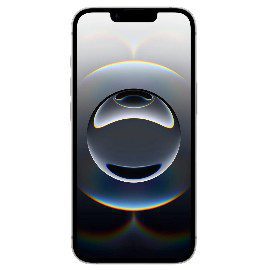
- The fake iPhone had an LCD with dull colors and poor brightness, unlike the OLED panel on the genuine 15 Pro Max.
- Saturation and white balance were noticeably off, especially with white backgrounds.
- Brightness couldn’t match the true iPhone screen, even at maximum settings.

Inspect Bezel Thickness
- Bezel on the fake was clearly thicker, especially along the bottom edge.
- While the shape mimicked the original, the execution was slightly off.
- A direct side-by-side comparison helped reveal the bezel inconsistency.
Compare Frame Finish and Texture
- The real iPhone had a smooth, uniform titanium finish, while the fake felt slightly coarse.
- Coloring on the fake was close but lacked the high-end polish Apple is known for.
- Precision in machining and edges was noticeably lower on the fake.
Open the Camera App
- The fake had major camera lag and very low resolution output.
- Despite showing a triple-lens UI, only one functional lens existed inside.
- Features like night mode and smooth zooming were poorly replicated.

Examine the Zoom Functionality
- Software mimicked 0.5x, 1x, and 2x zoom but all routed through a single lens.
- There was no lens switching sound or optical transition.
- Zoom quality was digital and grainy, unlike optical zoom on the real iPhone.
Listen to Camera Shutter Sound
- The fake had an exaggerated shutter sound with no subtlety or realism.
- Audio seemed artificial and unrefined—far from Apple’s quiet shutter tone.
- Another strong giveaway of a non-genuine camera module.
Compare Weight and Feel in Hand
- Surprisingly, both devices felt nearly identical in weight.
- Balance and size were very well copied in the fake.
- However, real titanium felt slightly colder and denser.
Attempt to Remove the Screen
- No heat or alcohol was needed—the screen came off easily with a pick.
- Adhesive quality was extremely poor and inconsistent, unlike Apple’s waterproof seals.
- Flex cables were visible from outside, another sign of sloppy assembly.
Examine the Pentalobe Screws
- The pentalobe screws stripped immediately due to poor threading.
- A Phillips screwdriver ended up being more effective—revealing incorrect fastener use.
- This is a strong internal clue that the phone isn’t an authentic Apple product.

Pop Off the Back Glass
- The fake’s back glass popped off without cracking, unlike real iPhones that often break.
- Industrial-strength glue held the back, not Apple’s patterned adhesive.
- The removal didn’t require laser or heat, making teardown easier but unauthentic.

Discover Internal Layout Differences
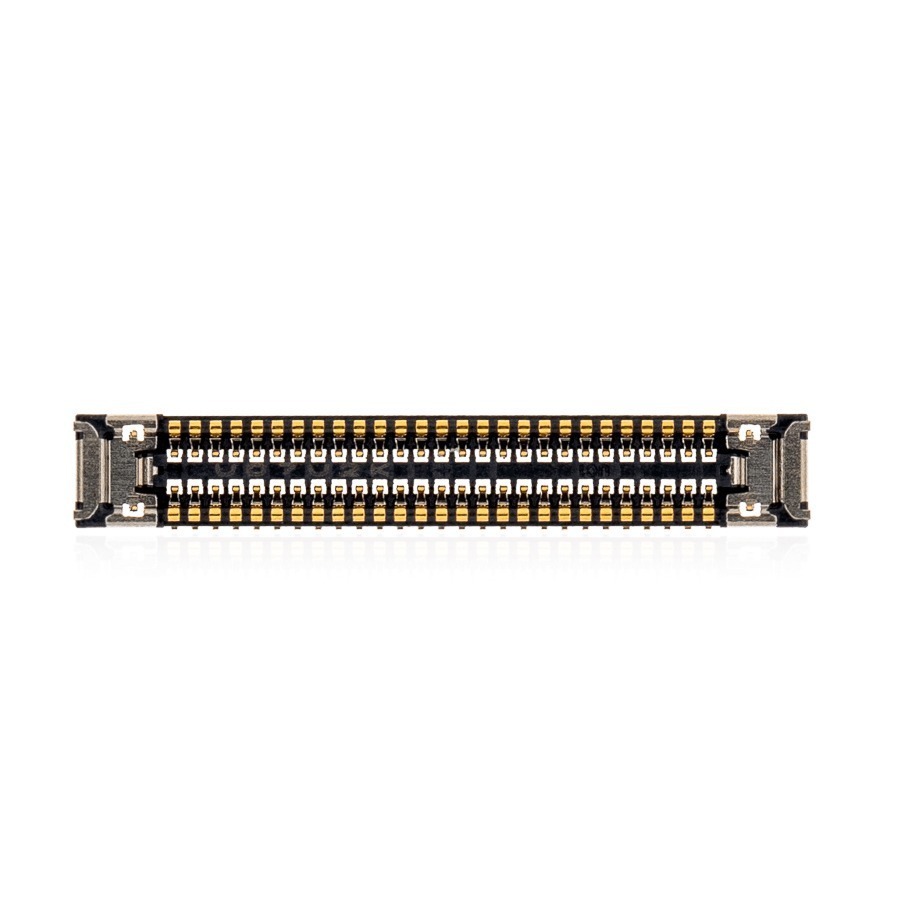
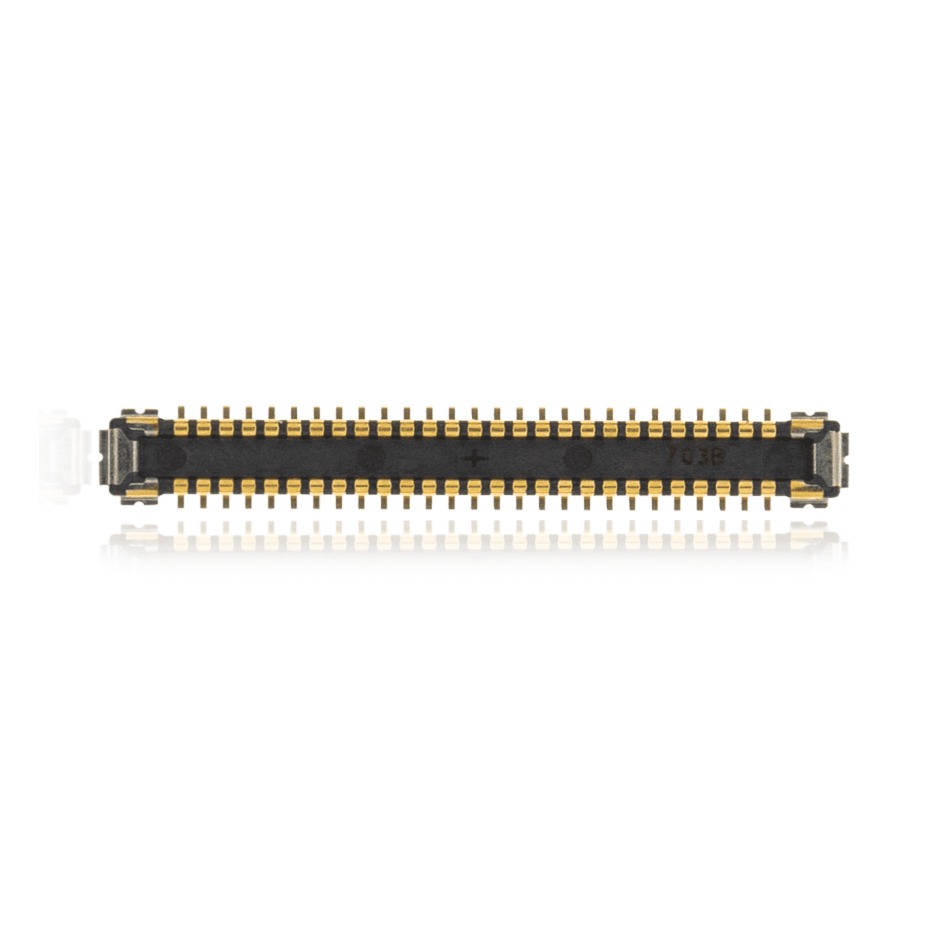
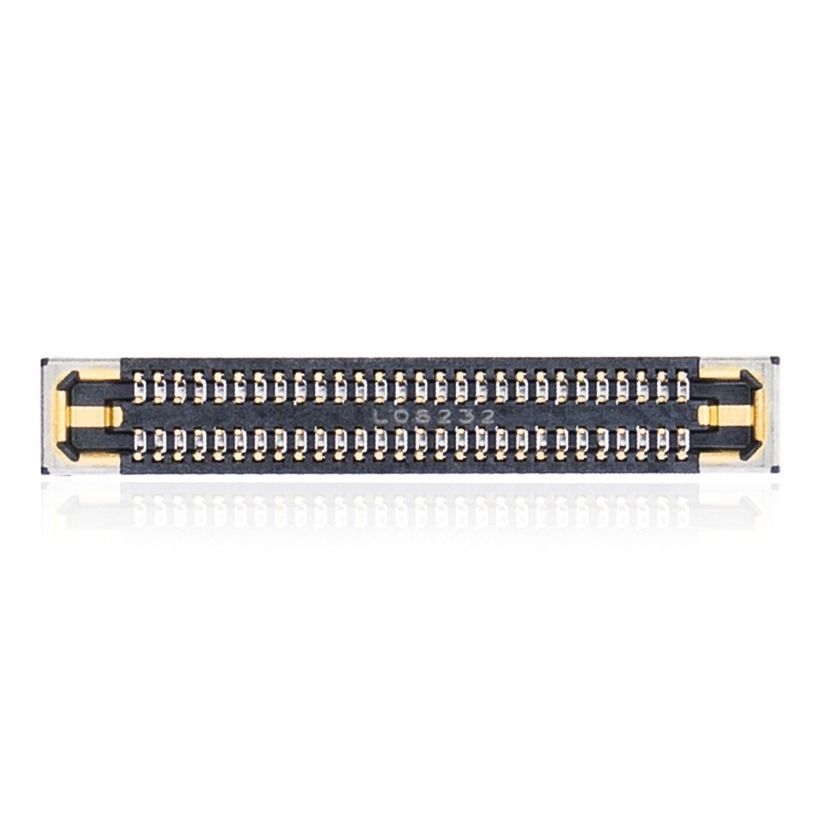
- Internal connectors were misaligned and messy, unlike Apple’s precise layout.
- Ribbon cables looked cheap, and there were no Apple markings anywhere.
- The whole board was completely generic and lacked branded components.
Identify the Camera Count
- There was only one actual rear camera inside the device.
- Camera interface faked triple-lens switching, but it all funneled through the single module.
- The sensor looked like an old 1.3 MP camera from the early 2000s.
Check Screw Types on Motherboard
- Phillips screws were used throughout, unlike Apple’s mix of tri-wing and pentalobe.
- This matched Samsung’s design practices, not Apple’s.
- It proved this was an entirely separate design, not a modified Apple part.
Observe the Charging Coil Area
- No sign of a MagSafe coil or magnets—despite having the visual ring on the back.
- Missing MagSafe wiring confirmed the device lacked wireless charging.
- Important hardware features were just for show, not functionality.
Evaluate the Front Camera Flex Cable
- A single flex cable led to a low-res front camera module.
- Quality and positioning of the selfie camera were way off compared to a real iPhone.
- Internal layout proved the device was manufactured from scratch, not rebuilt.
Note the Operating System Behavior
- Although the UI looked similar to iOS, the animations and transitions were laggy.
- Multitasking, app launching, and control center behavior felt completely off.
- Likely an Android OS skinned to resemble iOS.
Confirm It’s Not a Reassembled Device
- Board design didn’t match any known Apple logic board.
- No reused or salvaged parts—everything appeared manufactured specifically for the knockoff.
- Entire phone was custom-built as a counterfeit from the ground up.
CONCLUSION:
Spotting a fake iPhone 15 Pro Max can be tricky—but not if you know what to look for. Differences in screen sharpness, camera quality, and build finish are all strong giveaways. Even if the housing feels legit, tear it down and the truth becomes obvious. The lesson: always verify before buying used, especially when shopping outside certified retailers.
VIDEO TUTORIAL:
Looking for a more in-depth tutorial? Check out our complete teardown video for a detailed step-by-step walkthrough.
MAIL-IN REPAIR SERVICE:
Scammed or stuck with a fake? Our expert techs at TekDep.com offer mail-in diagnostic and repair services—fast, reliable, and secure.
SHOP PARTS:

iPhone Replacement Parts
Looking for high-quality iPhone parts? Our vast inventory includes everything from LCD screens and batteries to back glass and more. Whether you’re a DIY enthusiast or a professional repair shop, we’ve got the iPhone replacement parts you need. Shop our selection today and enjoy fast, reliable global shipping. iPhone parts near me? We’ve got you covered. iPhone parts supplier? We’re your trusted source. iPhone screen replacement, iPhone battery replacement, iPhone back glass replacement – we help you do it all. iPhone parts list? We have it. iPhone parts store? We’re your one-stop shop.
SHOP TOOLS:
Need the right tools for your own teardown? Get pro-grade toolkits, screwdrivers, and openers from our online store.

REPAIR TOOLS
Discover an extensive range of tools, including screwdrivers, tweezers, pry tools, and more, essential for all your repair and maintenance needs.
HAVE QUESTIONS?
Ask us anything in the comments on YouTube or reach out through TekDep.com. We love to help with iPhone buying tips, repairs, and general tech advice.
- Phone: 818-456-4479
- Email: [email protected]



