



























How to Replace the Back Glass – iPhone 14 Pro Max Edition
OVERVIEW:
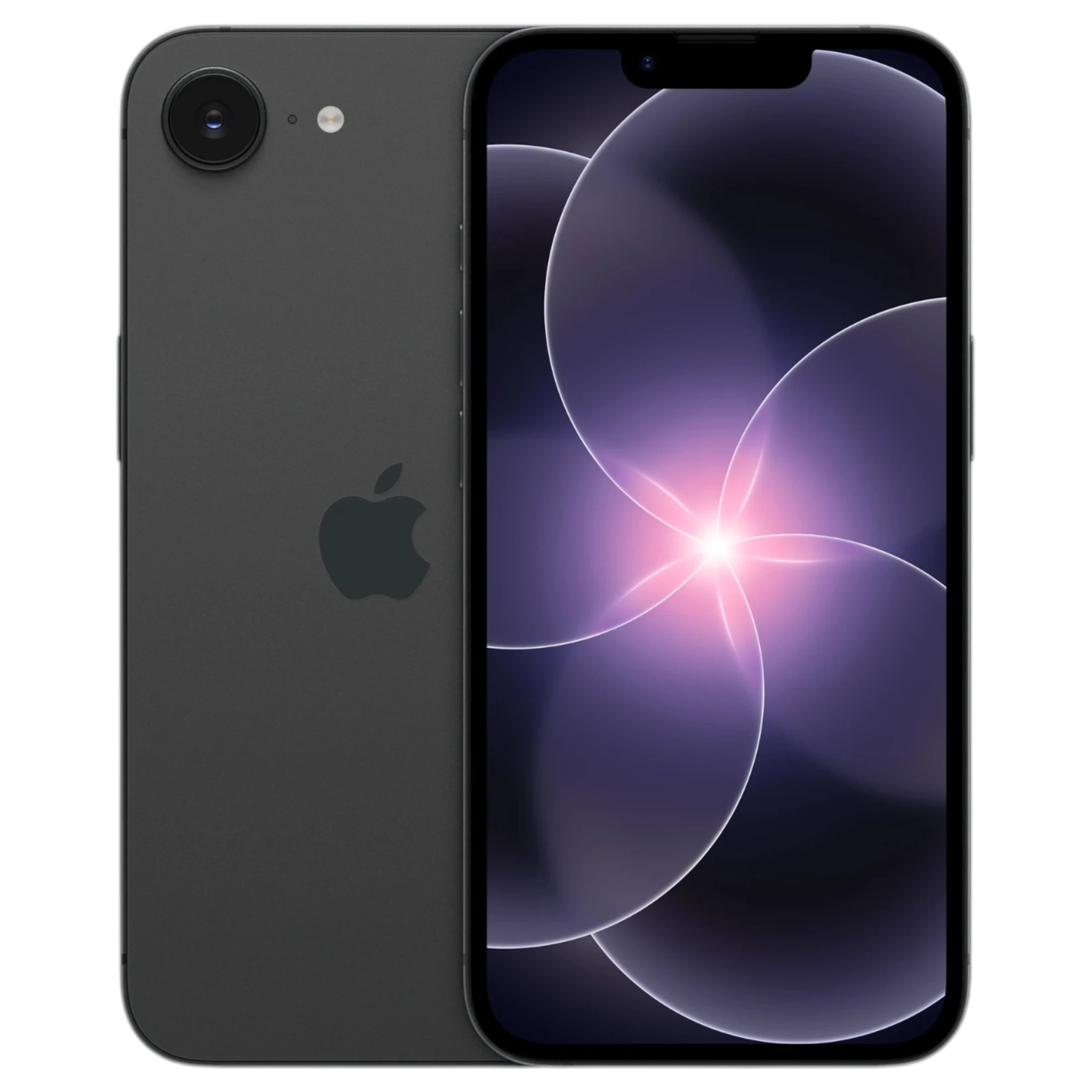
In this detailed guide, we walk you through how to replace the back glass panel on the iPhone 14 Pro Max. This repair involves breaking the old glass, cleaning the surface thoroughly, and installing a new back panel using specialized tools. We emphasize caution during key steps to avoid damaging internal components, especially near the camera lenses and MagSafe magnets. The use of a laser machine and careful adhesive application are also essential. Follow along for a complete step-by-step breakdown using only the techniques shown in the video.
REPAIR TIME & SKILL LEVEL:
This repair is estimated to take about 1 HOUR to complete and is of INTERMEDIATE difficulty, requiring careful handling of glass components and precision tool usage around delicate parts.

STEPS:
Tools You Need
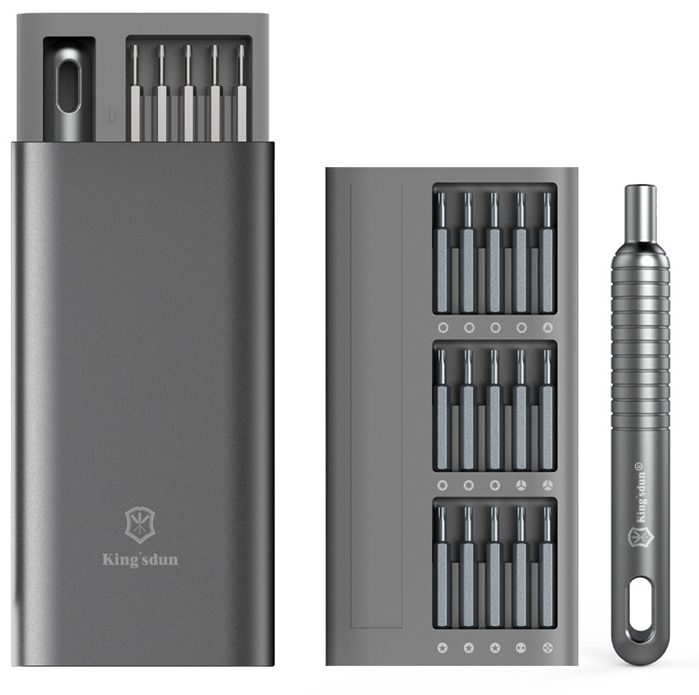
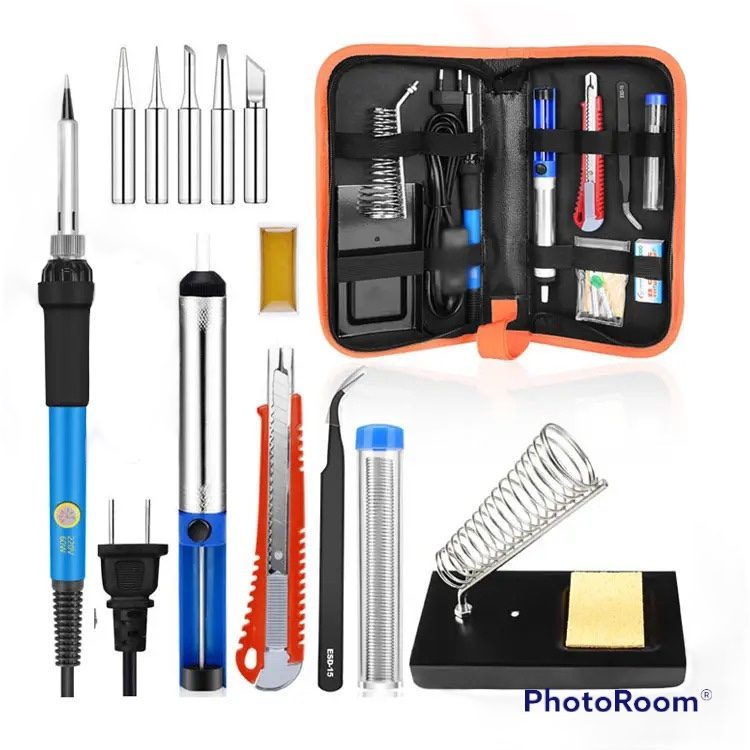
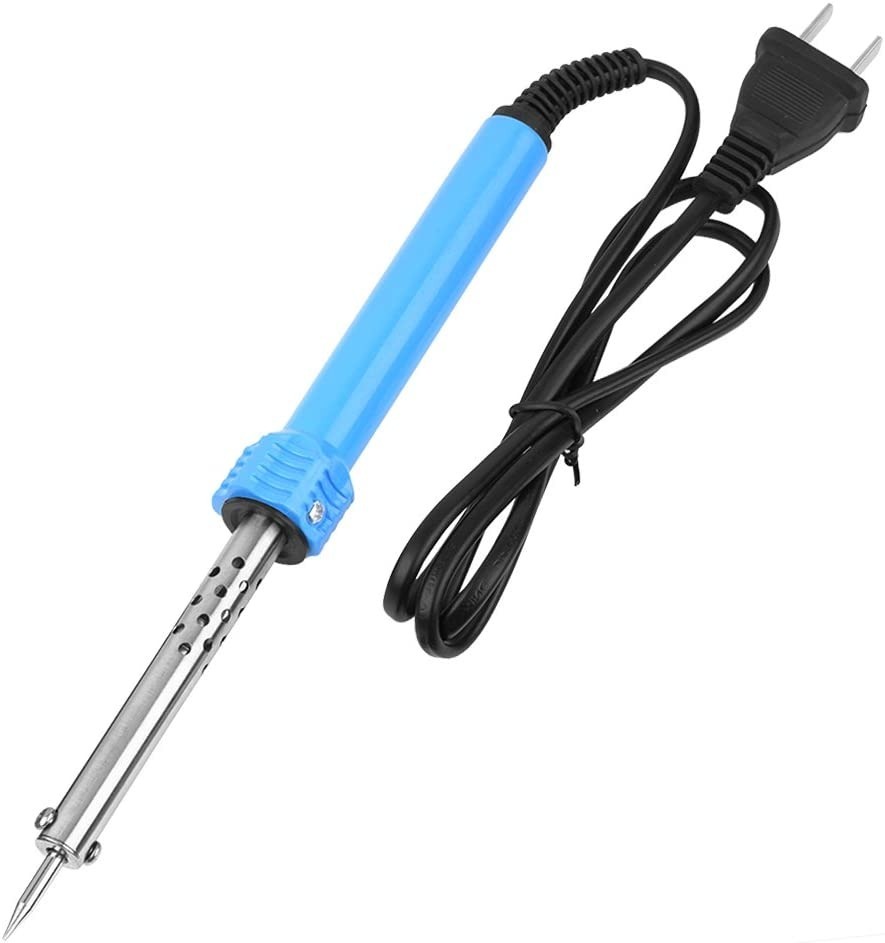
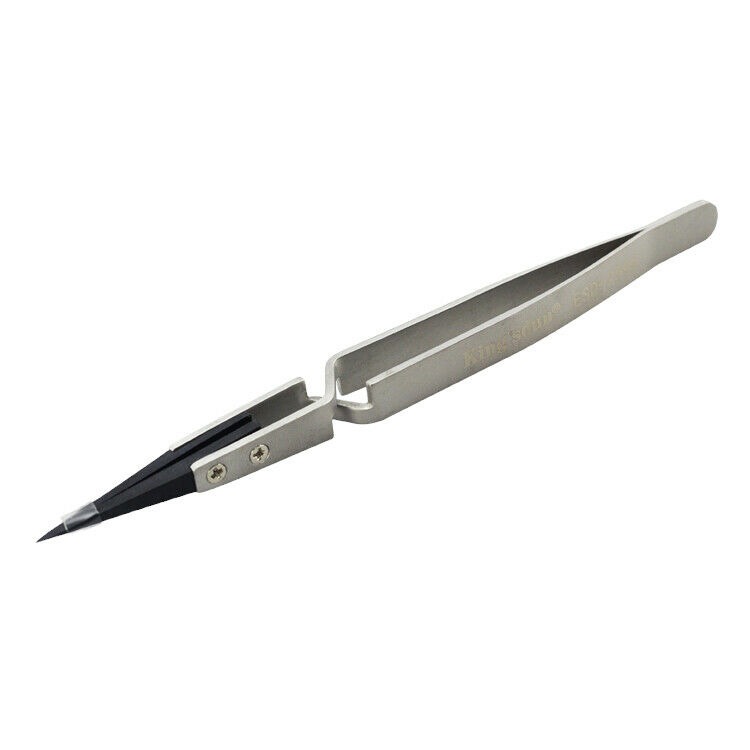
For this repair, you will need a glass breaker, glue remover, Goof Off for polishing, a steel wire brush, X-Acto knife (#18) with extra blades, a laser machine for precision cutting, an ESD-safe heat machine set between 150–170°C, a steel pen tool, a dropper for applying glue remover, a plastic spudger, tweezers, clamps, and B7000 adhesive or pre-installed adhesive if available.
-

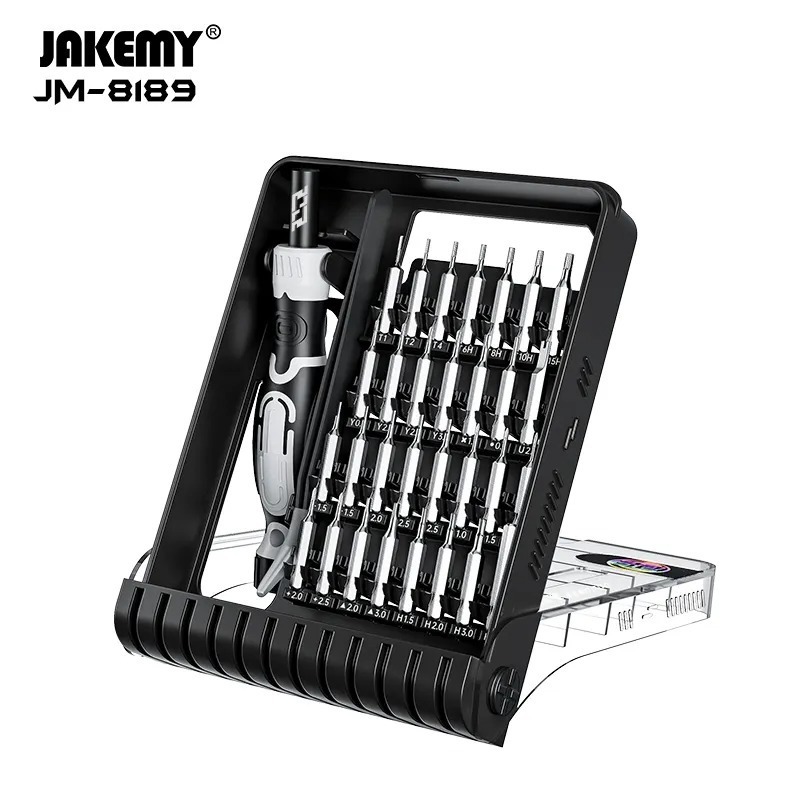
140 in 1 Steel Bit Precision Magnetic Screwdriver Tool Set with Case for Phone PC Electronics
$70.99 -
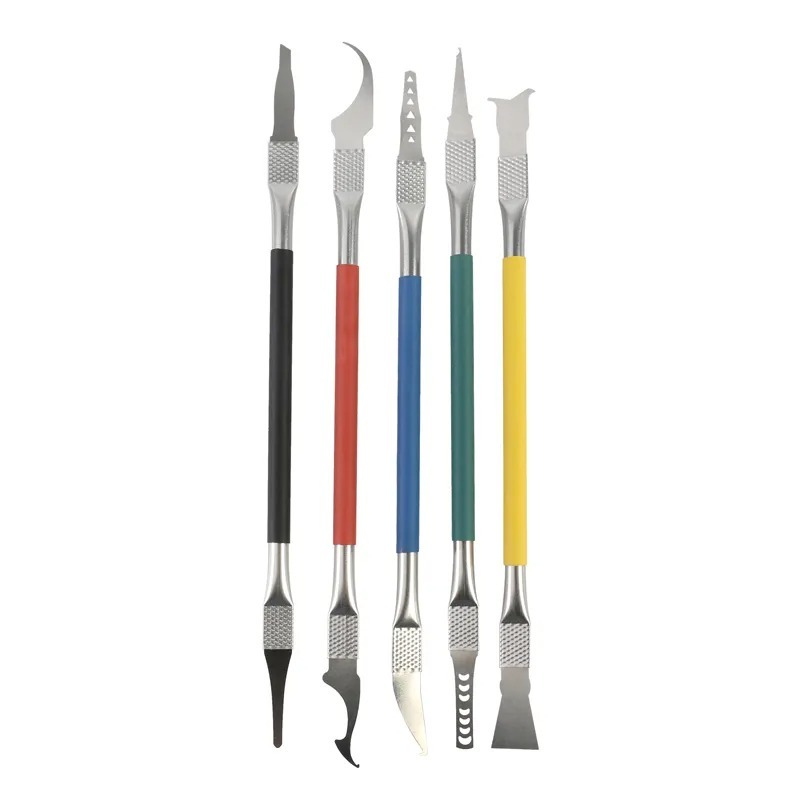
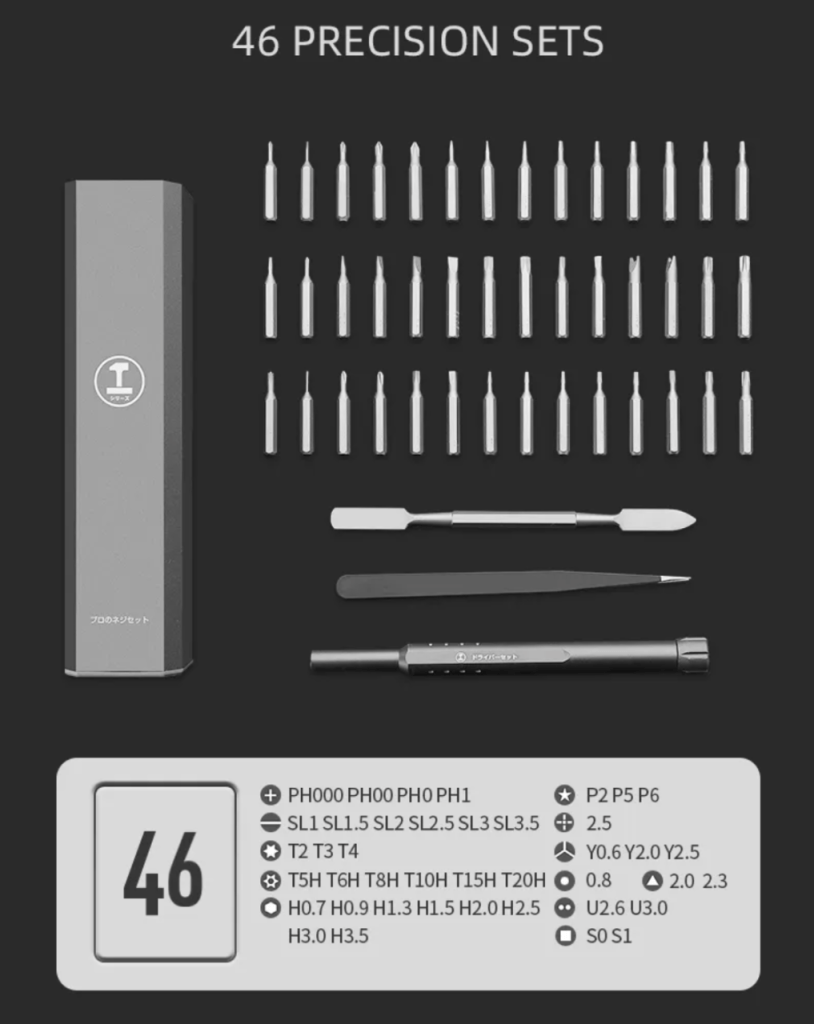
5 in 1 Chip Repair Thin Blade Remover Knife Disassemble Phone PC Rework Processor Tools
$28.99 -
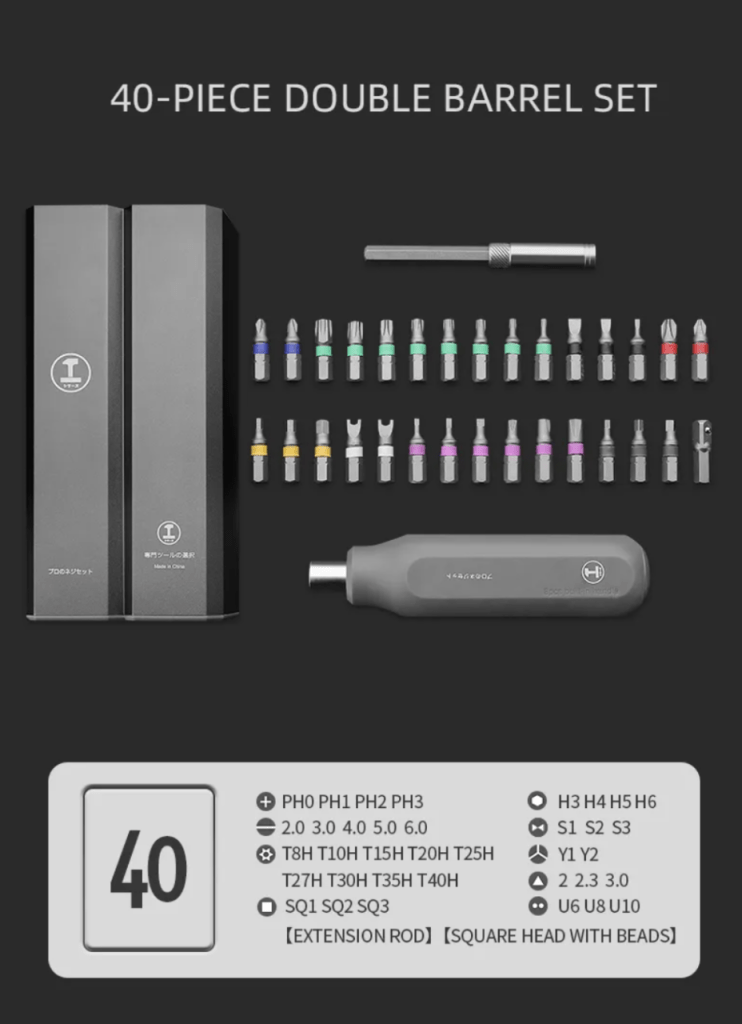
6 in 1 Steel Bit Precision Magnetic Screwdriver Tool Set with Case for Phone PC Electronics
-26% $23.66Was:$32.00 -

Curved LCD Screen Spudger – Pry Tool for Mobile Devices & Electronics
$27.99 -
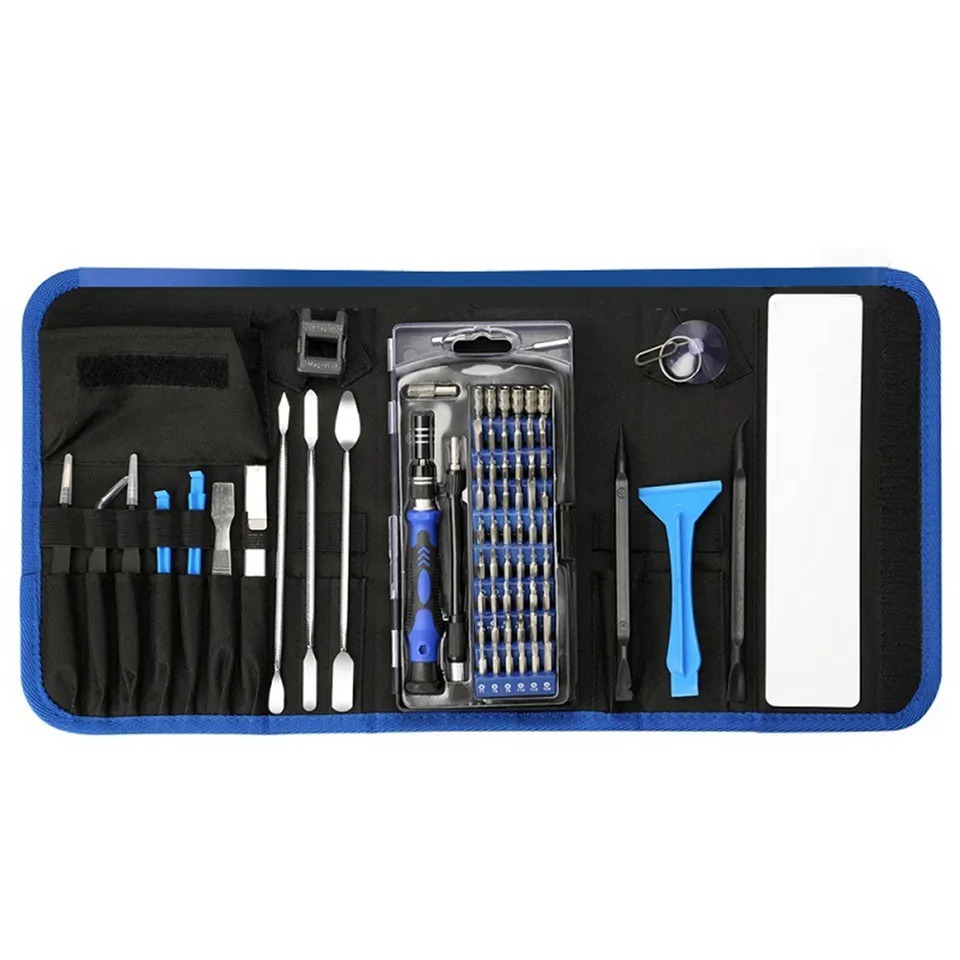
9 in 1 Disassemble Multi Opening Repair Tools Kit Metal Pry Bar
-30% $33.66Was:$48.00
Use the Glass Breaker to Create Entry Points
- Begin by using the glass breaker to make controlled entry points across the back glass.
- Avoid applying excessive pressure to prevent damaging the internal metal panel.
- Focus especially on the area around the camera, as it is the toughest part and should be saved for last.

Apply Glue Remover Regularly
- Use a dropper to apply glue remover generously every 15–20 seconds throughout the process.
- This helps lift the glass more easily and reduces the risk of cracking other areas.
- Start from a spot with easy access to begin loosening the back glass panel.

Work with a Demo Housing for Visibility
- In this video, a rear housing without internal components is used for better visibility.
- Identify safe zones for using tools, as shown by your laser machine’s guidance.
- Avoid placing pressure on blank spots that contain sensitive areas.


Handle the Camera Area with Extra Care
- Even though the camera area may not have much glue, it is recessed under the mid-frame.
- Instead of breaking the glass here, find a strategic angle and pull gently.
- Reposition the housing as needed to find the best access angle for removal.

Use Plastic Spudger and Tweezers for Delicate Sections
- Use a plastic spudger to support and lift around the flash component area.
- As pieces loosen, use tweezers to remove stubborn bits of broken glass.
- Patience is key—take your time to avoid scratches or component damage.

Break and Remove Remaining Glass Pieces
- Some parts of the glass may be stubborn and require breaking into smaller pieces.
- Gently crack the section in half if it’s stuck and work outward from there.
- Continue applying glue remover as needed to make the removal smoother.

Polish the Surface Thoroughly
- Use Goof Off with a steel wire brush to clean up remaining residue.
- Remove all leftover adhesive, dirt, and debris to prep the surface for bonding.
- Replace the X-Acto knife blade if it becomes dull during this phase.

Apply MagSafe and Adhesive
- Install MagSafe magnets if your replacement panel doesn’t come with them pre-attached.
- If your back glass lacks pre-installed adhesive, apply B7000 glue, especially in the corners.
- Avoid using glue between the lenses to prevent smearing or interference.

Set the Glass and Use Clamps
- Carefully align and place the back glass on the phone’s frame.
- Add clamps at the top left and other corners to ensure a tight fit.
- Let the glue cure for around 20 minutes to secure the glass in place.


Final Inspection
- After clamping, inspect all corners and edges to ensure the glass sits perfectly.
- Apply light pressure if necessary to adjust alignment during the curing process.
- Once cured, remove the clamps and confirm a secure, clean fit before use.

CONCLUSION:
Replacing the back glass of an iPhone 14 Pro Max requires precision, patience, and the right tools. By following each step carefully, you can complete the repair efficiently without damaging internal components. Be especially cautious near the camera and MagSafe zones. Polishing and prepping the surface correctly ensures a strong adhesive bond. Once finished, allow enough time for the adhesive to set properly. Your iPhone will be as good as new.
VIDEO TUTORIAL:
Looking for a more in-depth tutorial? Check out our complete teardown video for a detailed step-by-step walkthrough.
MAIL-IN REPAIR SERVICE:
We offer professional screen replacement services. If you’re unsure about doing this repair yourself, send your device to our expert technicians for fast and reliable repair.
SHOP PARTS:

iPhone 14 Pro Max A2651
iPhone 14 Pro Max A2651 OEM &AM plus parts
SHOP TOOLS:
Using precision tools ensures a safe and efficient repair. Always use the right tools to prevent damage to delicate components. Investing in proper equipment can significantly improve your repair results.

REPAIR TOOLS
Discover an extensive range of tools, including screwdrivers, tweezers, pry tools, and more, essential for all your repair and maintenance needs.
HAVE QUESTIONS?
We’re here to help! Contact us:
- Phone: 818-456-4479
- Email: support@tekdep.com