




















































Is It Cheaper to Repair or Replace a Computer?
A Technical Dive into the Decision-Making Process
When your computer starts showing signs of trouble—whether it’s sluggish performance, hardware failures, or software errors—you’re faced with a crucial question: is it cheaper to repair or replace? The answer isn’t always straightforward. It depends on factors like the nature of the problem, the age of the device, and the costs involved. Let’s break down the technical and financial considerations to help you make the right choice.
Understanding the Problem: Diagnose Before Deciding
The first step in evaluating whether to repair or replace a computer is identifying the issue. Common problems fall into two categories: hardware-related and software-related.
- Hardware Failures
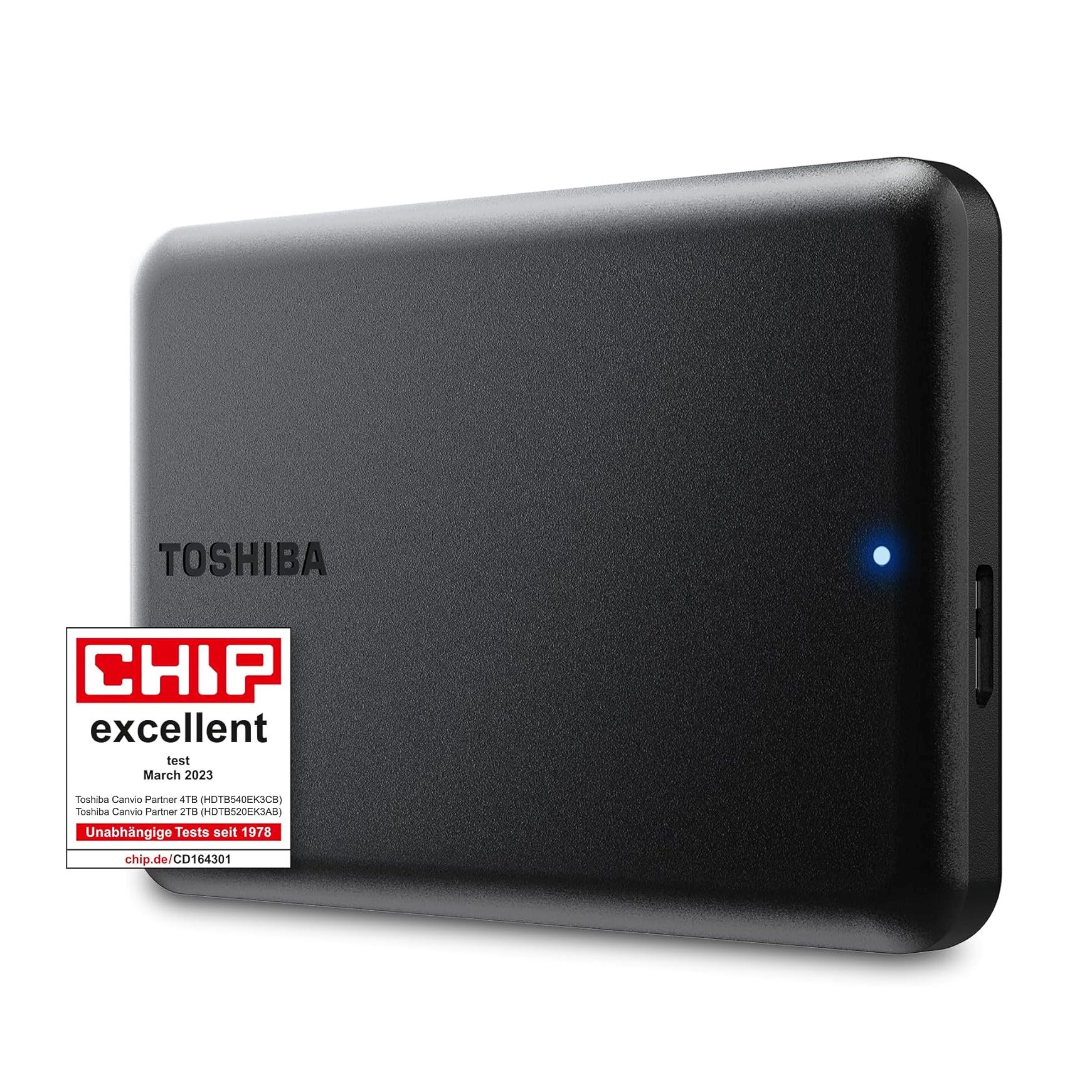
- Hard Drive Issues: If your computer suffers from a failing hard drive, replacement is often a cost-effective solution. Upgrading to an SSD can also provide a significant performance boost.
- Motherboard Failures: Motherboards are often one of the costliest components to replace, particularly in older machines. Compatibility and availability can also complicate repairs.
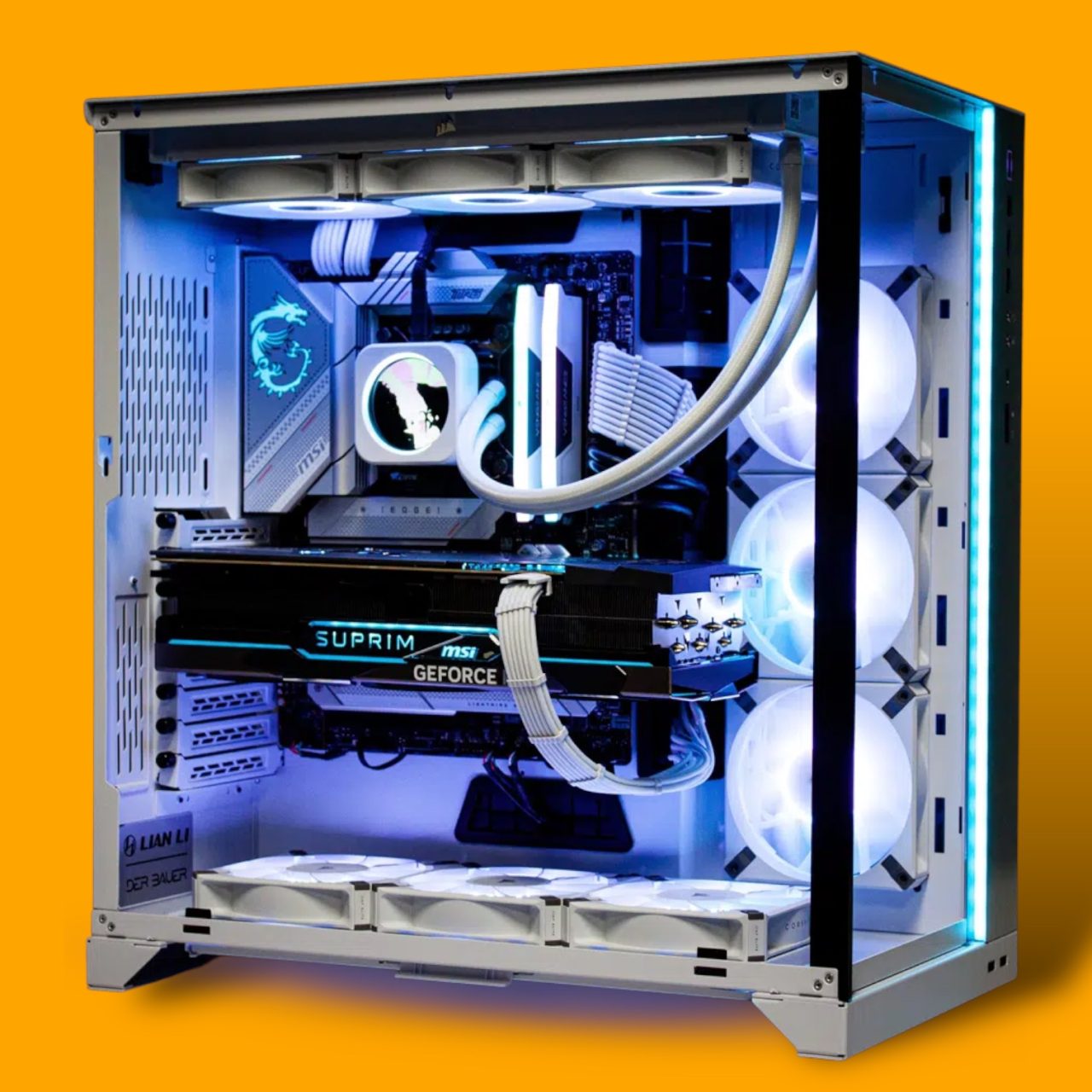
- Power Supply or GPU Failures: These are replaceable, but for older systems, sourcing compatible parts might not justify the expense.
- Software Issues
- Operating System Corruption: Reinstalling the OS or repairing system files is relatively inexpensive and quick.
- Virus or Malware Attacks: Most of these issues can be resolved without needing hardware changes, provided your data is intact.
Tip: A professional diagnostic service, like those offered by TEKDEP, can help pinpoint the root cause and provide a clear picture of repair feasibility.
Cost Analysis: Repair vs. Replacement
Now that you’ve identified the issue, it’s time to analyze costs. Here’s a breakdown:
- Repair Costs
Repairs are usually cheaper than replacements if the issue involves:- Easily replaceable components like hard drives, RAM, or batteries. Software fixes or virus removal.
- The cost of a single component approaches or exceeds 50% of the device’s replacement cost.
- Replacement parts are obsolete or hard to source.
- Replacement Costs
Replacement might be the better choice when:- The device is over 5–7 years old, as newer computers offer better performance and energy efficiency.
- Multiple components are failing, making repairs disproportionately expensive.
- You need advanced features like better graphics for gaming, faster processors for multitasking, or modern connectivity options.
Example Scenario: Replacing a failed GPU in a 6-year-old desktop could cost $300–$500, while an entirely new system might cost $800–$1,000. If the repair doesn’t extend the machine’s life significantly, replacement may be the better investment.
Key Considerations Beyond Cost
Cost alone shouldn’t dictate your decision. Consider these factors:
- Performance Gains
Replacing an older machine may offer better speed, storage, and energy efficiency. On the other hand, repairing a device might only restore it to its previous state without noticeable upgrades. - Environmental Impact
Repairing extends the life of your computer and reduces e-waste, making it the more eco-friendly option. - Data and Software
Replacing a device means reinstalling programs and transferring data, which can be time-consuming and complex. Repairing your existing system avoids this hassle. - Warranty and Future-Proofing
A new computer comes with a warranty, whereas repaired parts may not. However, upgrading components like RAM or SSDs in an existing computer can future-proof it without requiring full replacement.
Repair, Replace, or Upgrade?
There’s no one-size-fits-all answer to whether it’s cheaper to repair or replace a computer. Evaluate the type of issue, cost of parts, and potential benefits of upgrading versus starting fresh. A trusted repair partner like TEKDEP can guide you through the process, ensuring you make an informed, cost-effective decision.
So, the next time your computer acts up, don’t panic—analyze, consult, and choose wisely. Whether it’s restoring a reliable old machine or embracing the future with a new one, the power is in your hands.

The TEKDEP Advantage: Helping You Decide
At TEKDEP, we understand how important it is to make the right choice between repairing and replacing your computer. That’s why we offer:
- Comprehensive Diagnostics: Accurate identification of issues so you know exactly what needs fixing.
- Transparent Cost Estimates: We’ll provide a detailed breakdown of repair costs versus replacement options.
- Upgrade vs. Repair Consultation: Advice on whether upgrading specific components (like RAM or SSDs) could extend the life of your device.
- Eco-Friendly Solutions: We prioritize repairs and sustainable practices whenever possible.



