













What is iCloud and How Does It Work?
An In-Depth Technical Guide
In today’s digital ecosystem, seamless synchronization and secure storage are vital for maintaining productivity and safeguarding data. Apple’s iCloud has emerged as a cornerstone of its ecosystem, offering users a comprehensive cloud storage and synchronization service. But what exactly is iCloud, and how does it function on a technical level? Let’s dive deep into the inner workings of iCloud and explore its capabilities.
What Is iCloud?
Launched in 2011, iCloud is Apple’s proprietary cloud storage and synchronization platform. It provides users with a unified way to store, access, and share data across their Apple devices, including iPhones, iPads, Macs, and even Windows PCs. iCloud is more than just a storage service—it’s the glue that holds Apple’s ecosystem together. From photos and files to app data and backups, iCloud ensures your digital life is always accessible, synchronized, and secure.
The Core Features of iCloud
- iCloud Drive: A cloud-based file storage system that lets users save documents, spreadsheets, presentations, and more.
- iCloud Photos: Automatically syncs your photo and video library across all devices.
- iCloud Backup: Enables effortless backup of device settings, app data, and media for restoration on demand.
- Find My: Helps locate lost devices or share your location securely with friends and family.
- iCloud Keychain: Stores and synchronizes passwords, credit card information, and other secure data.
- Mail, Contacts, and Calendar: Keeps your communications and schedules synced in real-time.
How Does iCloud Work?
1. Data Synchronization: The Backbone of iCloud
iCloud’s primary function is synchronization—ensuring your data is consistent across devices. This is achieved using Apple ID authentication to link devices, and delta updates to efficiently transfer only the data that has changed, reducing bandwidth and latency.
Data is stored in Apple’s secure data centers, distributed globally for redundancy and performance optimization. The service relies on push notifications to instantly update devices whenever a change is made. For example, take a photo on your iPhone, and iCloud Photos immediately uploads it to Apple’s servers and syncs it to your Mac and iPad.
2. File Management with iCloud Drive
iCloud Drive operates as a file storage service similar to Google Drive or Dropbox but is tightly integrated into macOS, iOS, and iPadOS. Files stored in iCloud Drive are accessible via the Finder app on macOS, the Files app on iOS, and even through iCloud.com on any browser. iCloud Drive uses hierarchical storage management, meaning it keeps frequently accessed files locally while offloading older files to the cloud, optimizing local storage usage.
3. Security and Encryption
Apple prioritizes security with iCloud by employing end-to-end encryption for sensitive data such as passwords, health records, and HomeKit data. This means only the user’s devices can decrypt the information—Apple cannot access it, even under legal compulsion.
For data like photos, emails, and backups, AES-128 encryption is applied during transit and at rest. Additionally, two-factor authentication (2FA) ensures that only authorized users can access iCloud accounts.
4. iCloud Backup and Recovery
iCloud automatically backs up essential device data every 24 hours when the device is connected to Wi-Fi and charging. This includes app data, device settings, home screen layouts, and health data. In the event of a lost or damaged device, users can restore their data effortlessly onto a new device by signing into iCloud.
The incremental backup system ensures efficiency by uploading only the new or changed files since the last backup.
5. Collaborative Tools
With features like shared albums, shared iCloud Drive folders, and collaborative apps like Pages, Keynote, and Numbers, iCloud facilitates real-time collaboration. Changes are synchronized across all devices instantly, ensuring productivity and teamwork.
The Infrastructure Behind iCloud
iCloud’s robust functionality is powered by a combination of Apple’s own servers and third-party cloud providers such as Amazon Web Services (AWS) and Google Cloud Platform (GCP). This hybrid cloud infrastructure enables scalability, reliability, and low-latency access to data.
Apple’s use of Content Delivery Networks (CDNs) ensures fast data retrieval by caching frequently accessed files in data centers close to the user’s location. Additionally, Apple uses advanced storage technologies like RAID configurations and data deduplication to optimize space and ensure data redundancy.
Challenges and Limitations
Despite its impressive features, iCloud isn’t without challenges:
- Storage Limitations: Free storage is capped at 5GB, which can fill up quickly. Paid plans are necessary for heavy users.
- Platform Lock-In: iCloud works best within the Apple ecosystem, with limited functionality for non-Apple devices.
- Sync Delays: Occasionally, synchronization delays can occur due to network or server issues.
Why iCloud Matters
In an era where data spans multiple devices, iCloud bridges the gap by keeping everything in sync. Its intuitive integration and focus on security make it a vital tool for millions of users. Whether you’re preserving memories through iCloud Photos or safeguarding data with iCloud Backup, this service ensures your digital life stays connected.

Why Choose TEKDEP for Your Mac and MacBook Needs?
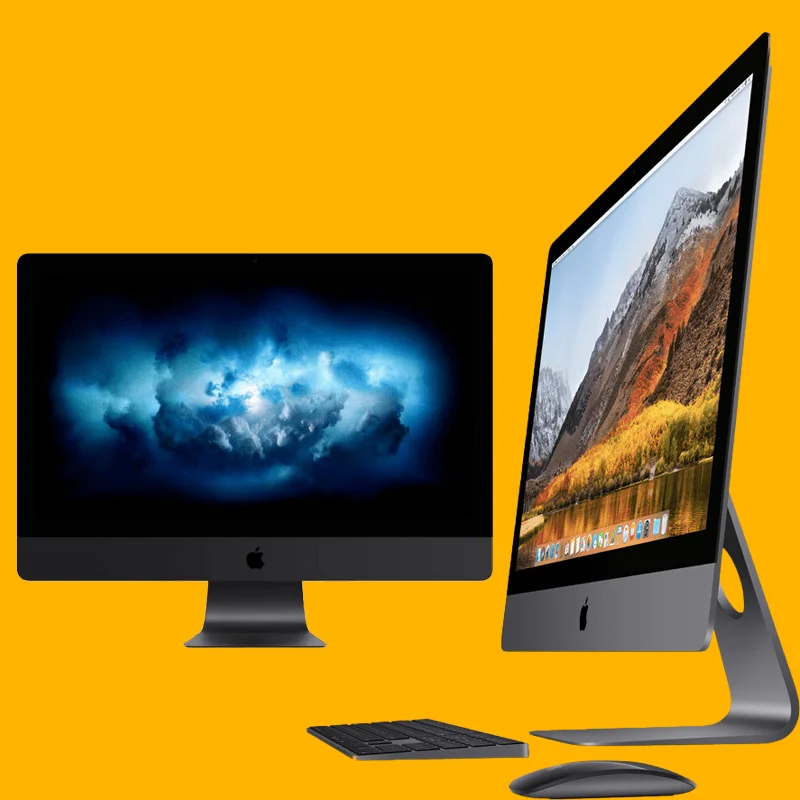
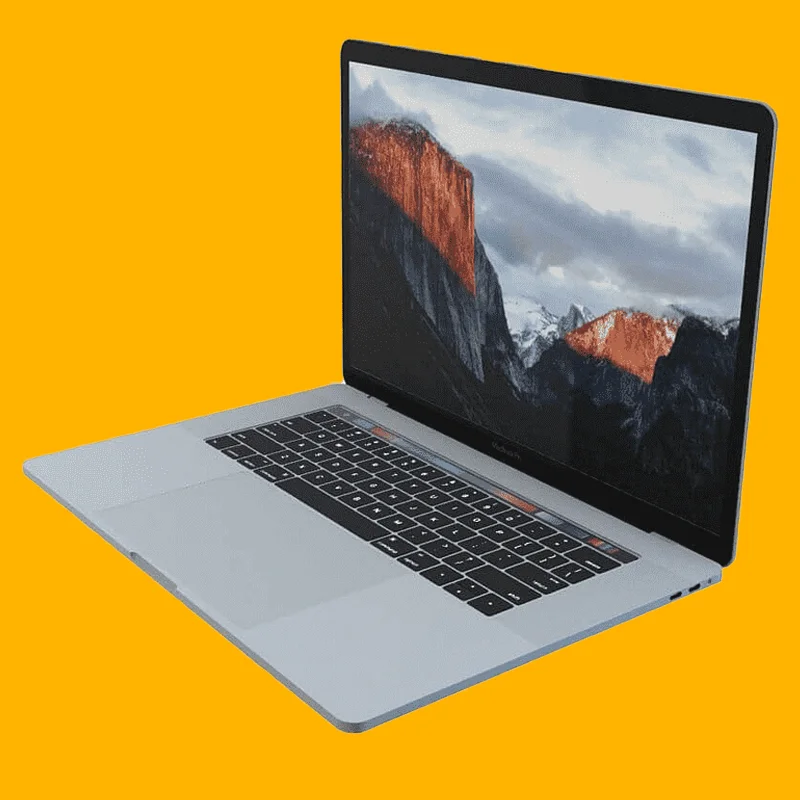
At TEKDEP, we don’t just help you understand and utilize tools like iCloud; we also provide the hardware that powers your digital world. Whether you’re looking for a sleek MacBook Pro for professional tasks or a reliable Mac desktop for your home office, we’ve got you covered.
Here’s why buying your next Mac or MacBook from TEKDEP is the smart choice:
- Refurbished Excellence: Our Mac and MacBook inventory includes expertly refurbished devices that offer the power and performance of a new machine at a fraction of the cost. Every device undergoes a meticulous inspection and testing process to ensure it meets Apple’s high standards.
- Affordable Pricing: Why pay full price when you can get premium Apple products at competitive prices? Our refurbished Macs deliver value without compromising on quality.
- Warranty and Support: When you buy from TEKDEP, you’re backed by our warranty and support services, so you can shop with confidence. Need assistance after your purchase? Our team of skilled technicians is just a call away.
- Eco-Friendly Option: Choosing a refurbished Mac isn’t just good for your wallet—it’s good for the planet. Reduce e-waste and enjoy the satisfaction of making an environmentally responsible choice.
- Expert Advice: Our team is made up of Apple enthusiasts and technical experts who can guide you to the perfect Mac or MacBook for your needs, whether you’re a creative professional, a student, or a business owner.
Pair your Mac with the power of iCloud, and you’ll have a seamless, connected experience that empowers your productivity and creativity. Choose TEKDEP today to find the right Mac for you and take the next step toward your tech goals!



